



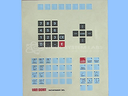
Repair
Repair Price: $ 3,660.00
Purchase
CSL Part Number: 71468
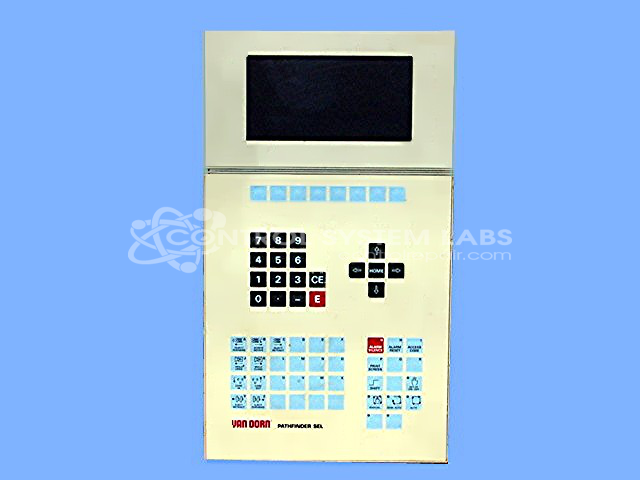
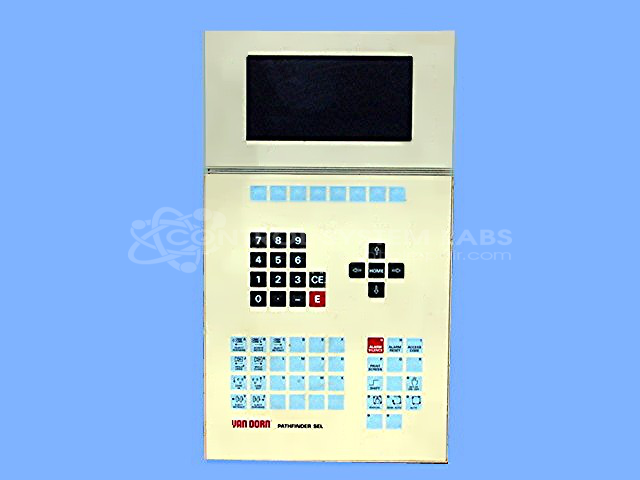
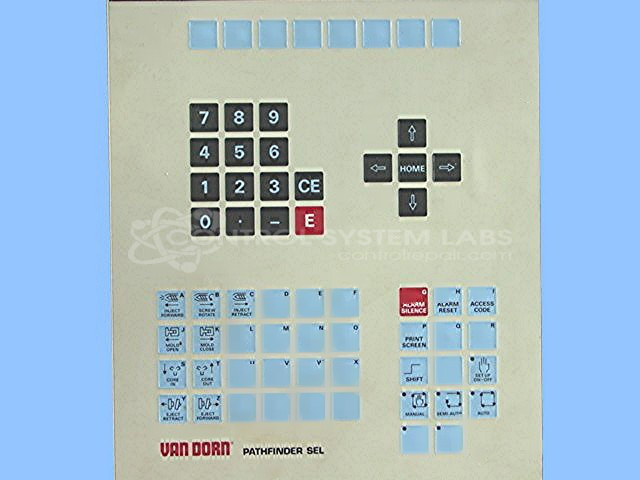
Product Overview: An operator interface workstation combining control electronics with an integrated display panel for machine monitoring and user input. Used on industrial equipment such as Van Dorn injection molding machines. Features an onboard power supply, memory decoder section, and shock-mounted chassis for durability.
Category: Operator / Monitor Workstation
Manufacturer: Siemens
Alternate Manufacturer Names: OP398K VAN DORN #
Manufacturer Part Number: 6ES5398-0KB11
Series: Pathfinder Operator Station
Also Known As(AKA): OP398K VAN DORN #
Other Synonyms: OP398K VAN DORN #
Display repairs will be quoted after evaluation.
Common Failures
Units received for evaluation frequently exhibit power supply concerns, intermittent screen behavior, and chassis assembly damage. Other symptoms observed include heat-related stress in the display section and memory decoder section irregularities.
Repair Approach
Repairs may involve component replacement within the power supply and memory decoder section, depending on evaluation findings. Electrolytic capacitors and certain heat-stressed components in the display section are typically replaced as needed. Physical damage to the chassis assembly or shock mount studs on the back plate may also be addressed during the repair process.
Testing & Quality
Repaired units undergo operational testing and extended bench testing to verify functionality prior to return shipment.
Service and repair your broken Siemens part
We can repair your Siemens model 6ES5398-0KB11 in our facility. Let our skilled technicians get your Siemens back in operation quickly.
Step 1 - Click the green 'Repair Now' button above to add the part and then complete the RMA.
Step 2 - The RMA form will be sent to you via email. Print the RMA form and put it in a box with the item(s) for repair.
Step 3 - Ship or mail the box to the address listed on the RMA.
Once the user has seen at least one product this snippet will be visible.