





Repair
Repair Price: $ 3,660.00
Purchase
CSL Part Number: 48955
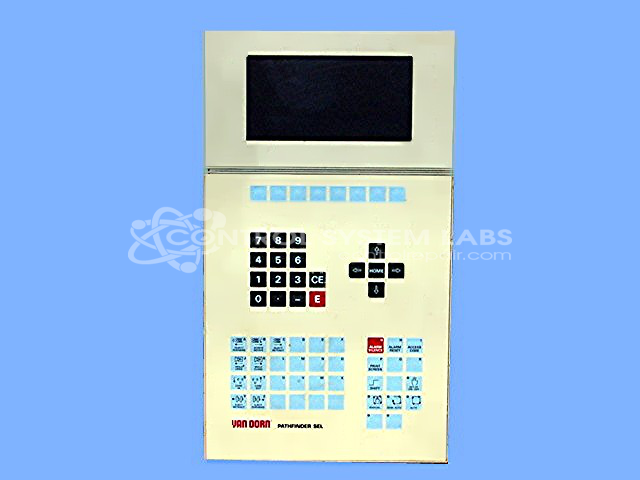
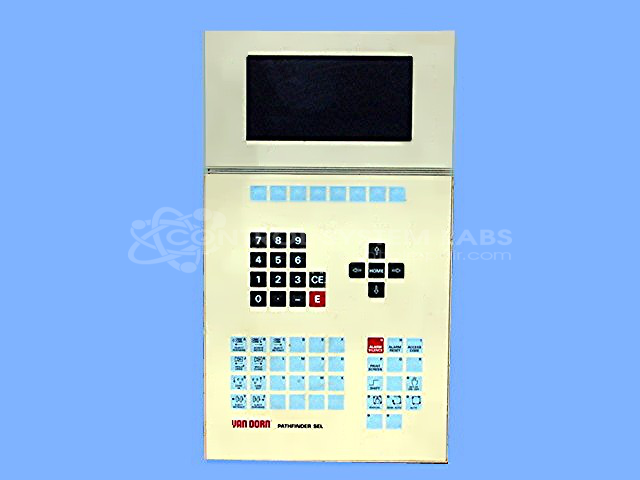
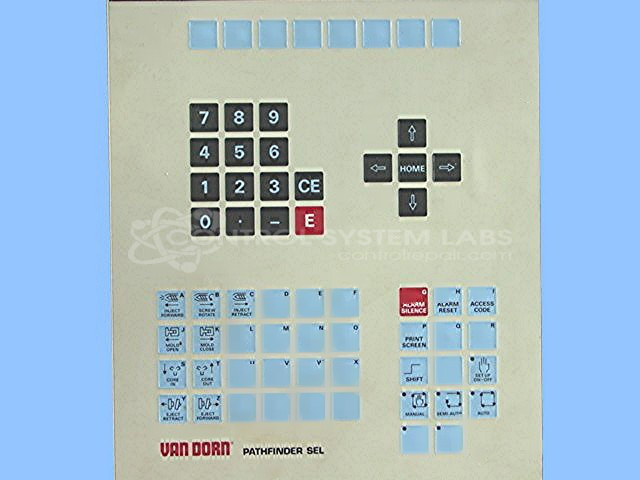
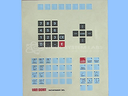
Product Overview: An operator station combining a display screen and membrane keypad, used as the human-machine interface on injection molding machines. It controls and monitors functions such as clamp, mold close, screw, and die-height operations. Features EEPROM/EPROM program storage, a memory cartridge, and an internal 24VDC-to-15VDC converter.
Category: Operator / Monitor Workstation
Manufacturer: Siemens
Manufacturer Part Number: 6ES5398-0KB12VR
Series: Pathfinder Operator Station
Also Known As(AKA): OP398K VAN DORN #
Display repairs will be quoted after evaluation.
Common Failures
Units have been received with non-functional displays and keypads, stuck buttons, alarm warnings that do not clear, and other operational issues. In some cases, units have been received with missing displays or non-operational components due to various hardware failures.
Repair Approach
The repair process has included installing replacement displays, replacing faulty keypads, copying critical program data, and replacing hardware components such as DC/DC converters, electrolytic capacitors, and keyboard interfaces. Structural repairs, such as addressing broken frames and stand-offs, have also been performed when necessary.
Testing & Quality
Repaired units undergo comprehensive testing, including verifying key functionalities such as display and keypad operations, as well as checking power supply levels. Final test procedures often include extended burn-in tests to confirm reliability before the units are returned.
Service and repair your broken Siemens part
We can repair your Siemens model 6ES5398-0KB12VR in our facility. Let our skilled technicians get your Siemens back in operation quickly.
Step 1 - Click the green 'Repair Now' button above to add the part and then complete the RMA.
Step 2 - The RMA form will be sent to you via email. Print the RMA form and put it in a box with the item(s) for repair.
Step 3 - Ship or mail the box to the address listed on the RMA.
Once the user has seen at least one product this snippet will be visible.