



Repair
Repair Price: $ 584.00
Purchase
CSL Part Number: 84964
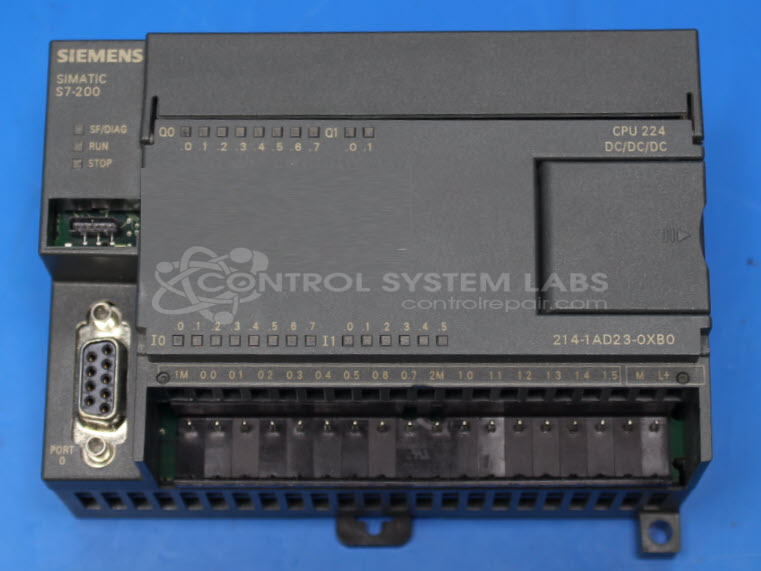
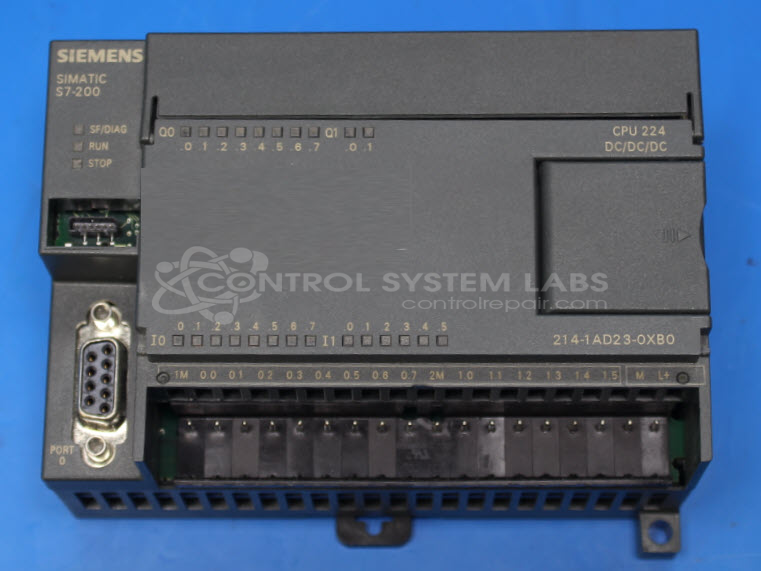
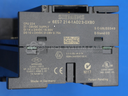
Product Overview: The Simatic S7-200 CPU 224 is a compact programmable logic controller designed for small to mid-scale automation applications. It features 14 digital inputs, 10 digital outputs, and 2 analog inputs, with expandable I/O capabilities. Common applications include packaging machines, material handling systems, and process control equipment in manufacturing environments. Programming is done via Siemens Step 7 Micro/WIN software, and it supports multiple communication protocols including PPI, MPI, and Profibus.
Category: PLC
Manufacturer: Siemens
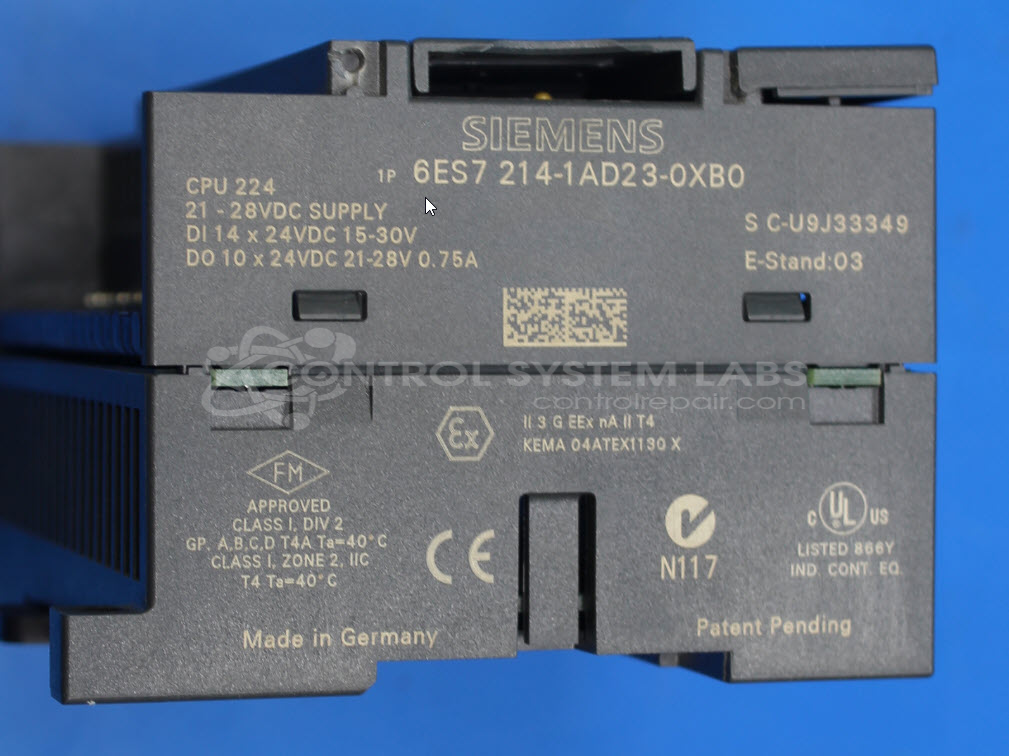
Manufacturer Part Number: 6ES7 214-1AD23-0XB0
Also Known As(AKA): CPU 224
Common Failures
One known issue with this product is that the process relay fails to activate. This can lead to a situation where the unit becomes unresponsive to control commands.
Repair Approach
We would be glad to review the item. Once the unit is received and reviewed, we can provide a quotation before charges are incurred. Repair approaches may involve software updates, configurations, or component-level work depending on the evaluation findings. In some cases, a unit may be determined to be Beyond Economic Repair.
Testing & Quality
Our evaluation process includes thorough testing to confirm function and identify any issues. We will update you once we have completed the evaluation and can provide repair options or recommendations.
Service and repair your broken Siemens part
We can repair your Siemens model 6ES7 214-1AD23-0XB0 in our facility. Let our skilled technicians get your Siemens back in operation quickly.
Step 1 - Click the green 'Repair Now' button above to add the part and then complete the RMA.
Step 2 - The RMA form will be sent to you via email. Print the RMA form and put it in a box with the item(s) for repair.
Step 3 - Ship or mail the box to the address listed on the RMA.
Once the user has seen at least one product this snippet will be visible.