



Repair
Repair Price: $ 972.00
Purchase
CSL Part Number: 82144
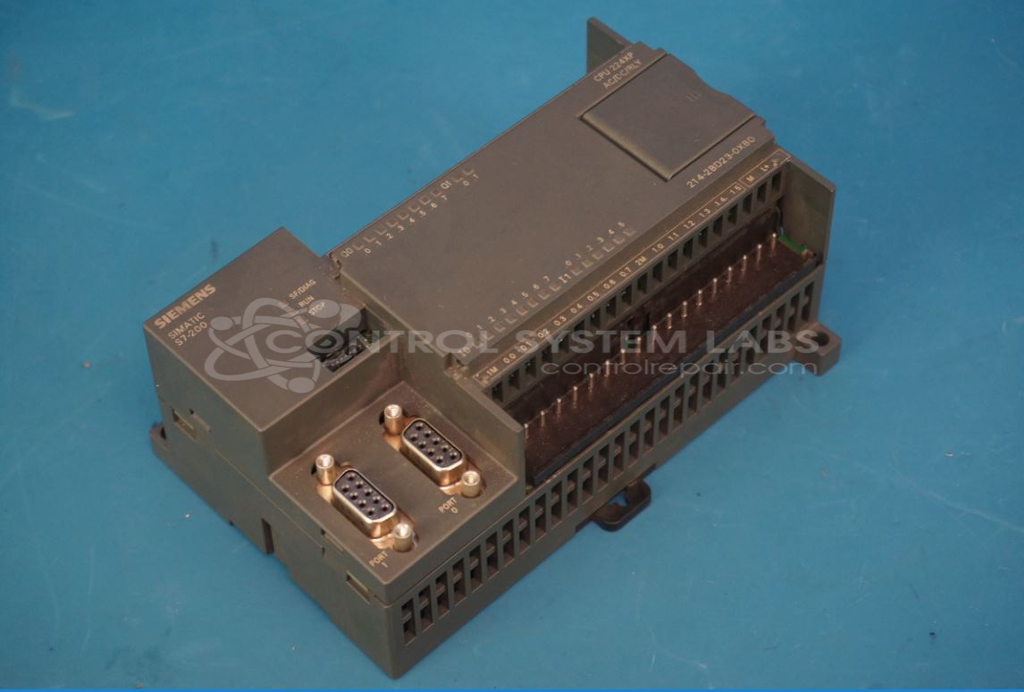
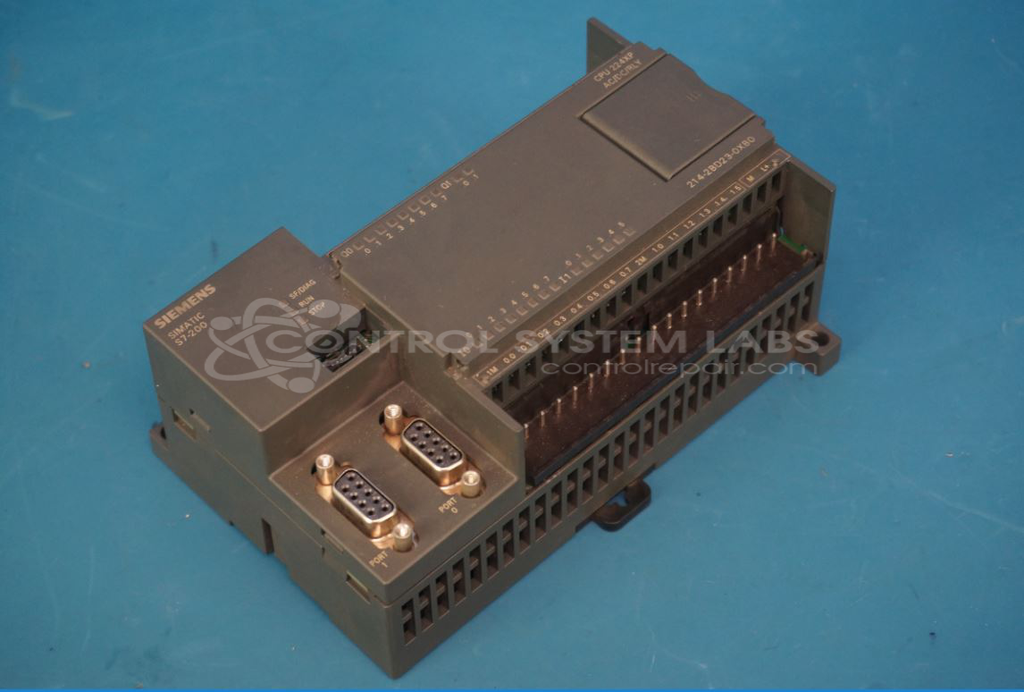
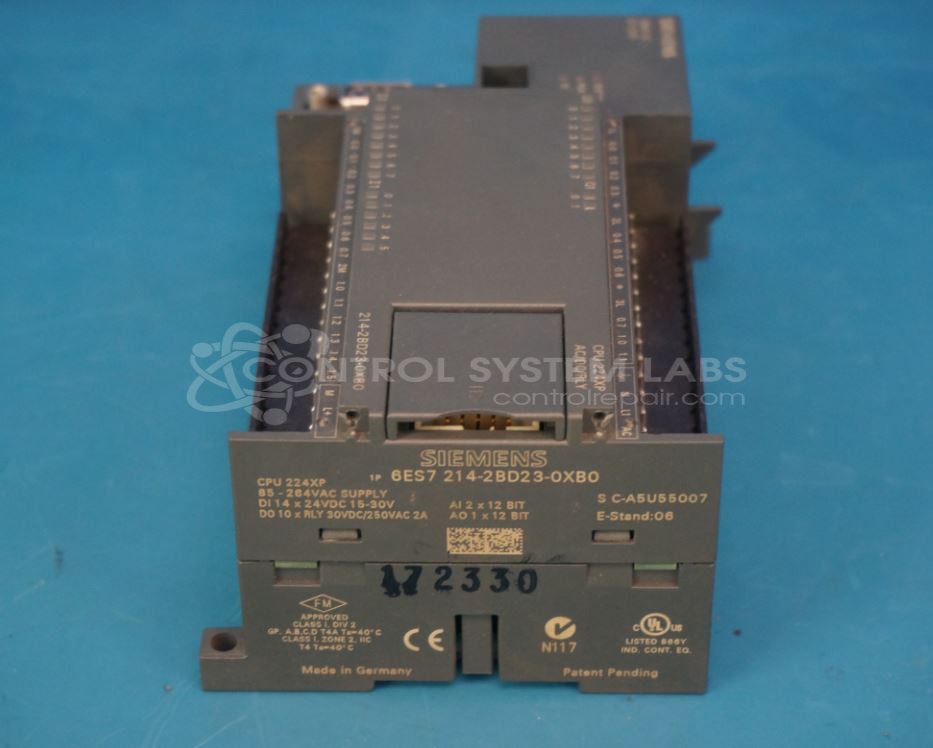
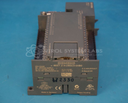
Product Overview: The Simatic CPU 214 (also known as CPU 224XP) is a compact programmable logic controller from Siemens' S7-200 series. It features an integrated AC power supply, 14 digital inputs, 10 relay digital outputs, 2 analog inputs, 1 analog output, and 12/16 KB program memory with 10 KB data memory. The unit includes two PPI/user-programmable communication interfaces for networking and HMI connectivity. It is commonly used in small to mid-scale automation applications including packaging machinery, material handling systems, and manufacturing equipment where space-efficient control with integrated I/O is required.
Category: PLC
Manufacturer: Siemens
Manufacturer Part Number: 6es7 214-2bd23-0xb0
Series: SIMATIC S7 PLC
/10 KB data, 2 PPI/user-programmable interface
Common Failures
The unit was received with reported power supply issues. Evaluation identified defective components in the power supply circuitry that contributed to the malfunction.
Repair Approach
The repair process included replacement of failed components within the power supply, including capacitors and voltage reference components. The AC to DC switching converter section was also addressed as part of the repair.
Testing & Quality
Following repair, the unit was tested to verify proper operation. The device completed available functional testing. Some input/output tests could not be performed due to password protection on the unit.
Service and repair your broken Siemens part
We can repair your Siemens model 6es7 214-2bd23-0xb0 in our facility. Let our skilled technicians get your Siemens back in operation quickly.
Step 1 - Click the green 'Repair Now' button above to add the part and then complete the RMA.
Step 2 - The RMA form will be sent to you via email. Print the RMA form and put it in a box with the item(s) for repair.
Step 3 - Ship or mail the box to the address listed on the RMA.
Once the user has seen at least one product this snippet will be visible.