



Repair
Repair Price: $ 3,484.00
Purchase
CSL Part Number: 7401
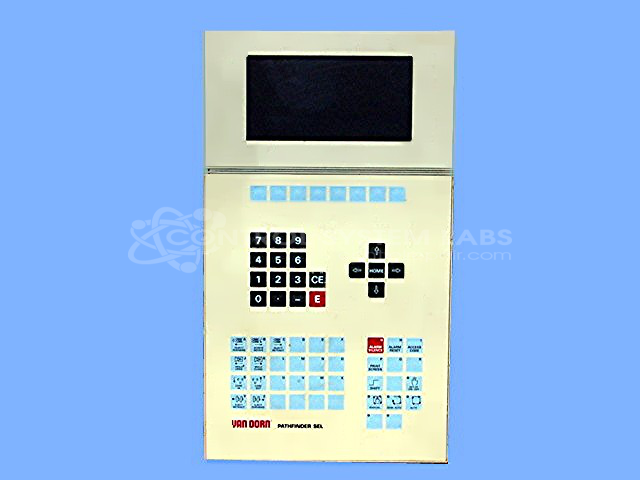
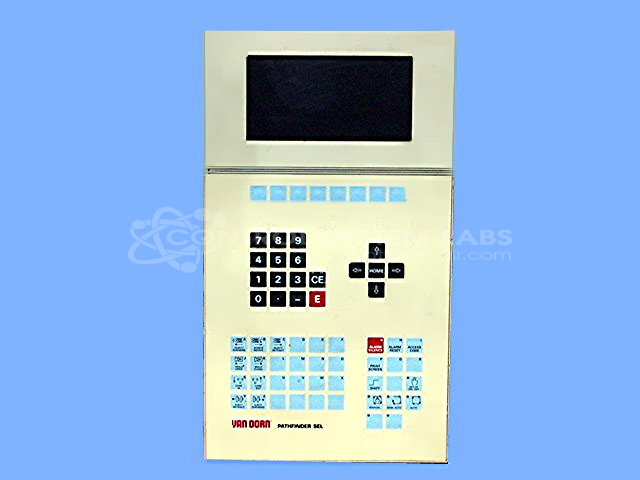
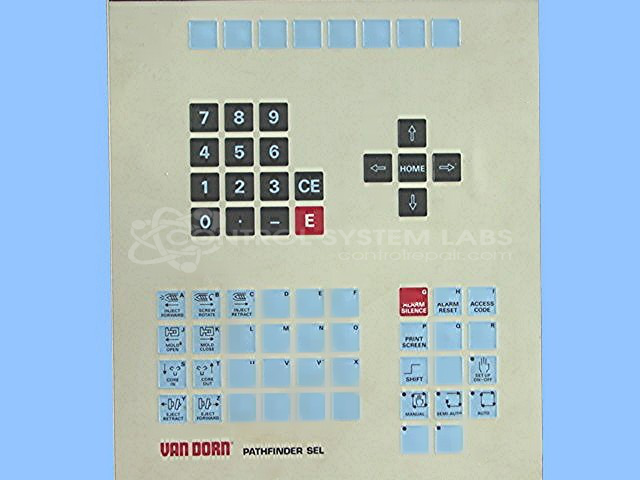
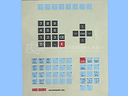
Product Overview: Industrial operator interface panel designed for machine control and monitoring applications. Features integrated display screen and membrane keypad for parameter entry and status viewing. Commonly used in plastics processing equipment, packaging machinery, and automated production systems. Operates on 24VDC power with internal battery backup for memory retention. Part of the Pathfinder operator station product line for distributed control systems.
Category: Operator / Monitor Workstation
Manufacturer: Siemens
Alternate Manufacturer Names: VAN DORN
Manufacturer Part Number: PATHFINDER OP398K
Series: Pathfinder Operator Station
Other Synonyms: VAN DORN
Display repairs will be quoted after evaluation.
Common Failures
Customers have reported screen readability issues where the display goes blank. Additionally, there are cases where buttons become non-functional or lead to unintended reboots.
Repair Approach
Our team evaluates power-related issues, which may include replacing the internal battery and electrolytic capacitors when needed. Addressing these components can often resolve screen and button problems.
Testing & Quality
Following repair, we perform power and keyboard functionality checks to confirm that the unit boots without errors and that all buttons operate correctly without causing reboots.
Service and repair your broken Siemens part
We can repair your Siemens model PATHFINDER OP398K in our facility. Let our skilled technicians get your Siemens back in operation quickly.
Step 1 - Click the green 'Repair Now' button above to add the part and then complete the RMA.
Step 2 - The RMA form will be sent to you via email. Print the RMA form and put it in a box with the item(s) for repair.
Step 3 - Ship or mail the box to the address listed on the RMA.
Once the user has seen at least one product this snippet will be visible.