



Repair
Repair Price: $ 620.00
Purchase
CSL Part Number: 85036
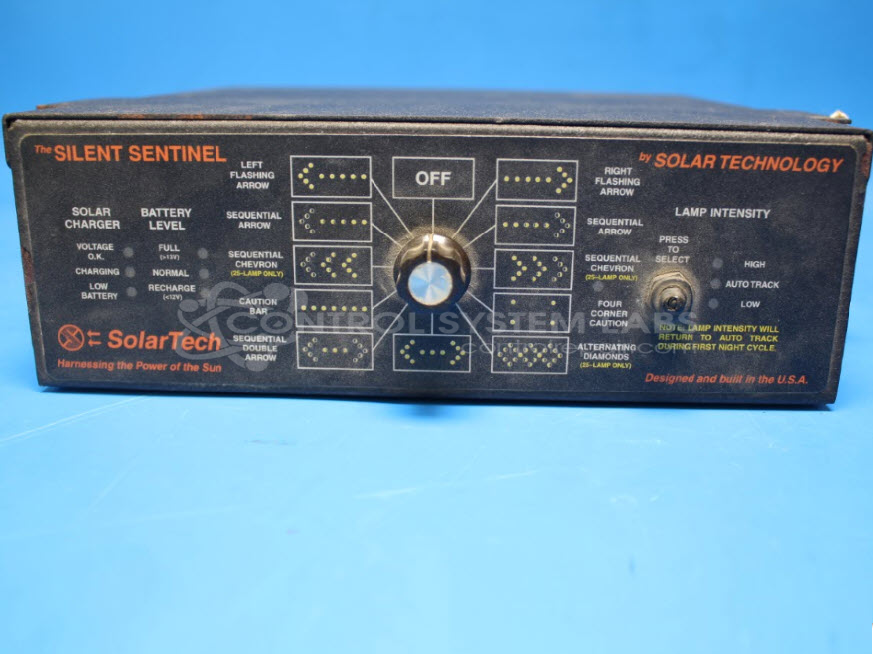
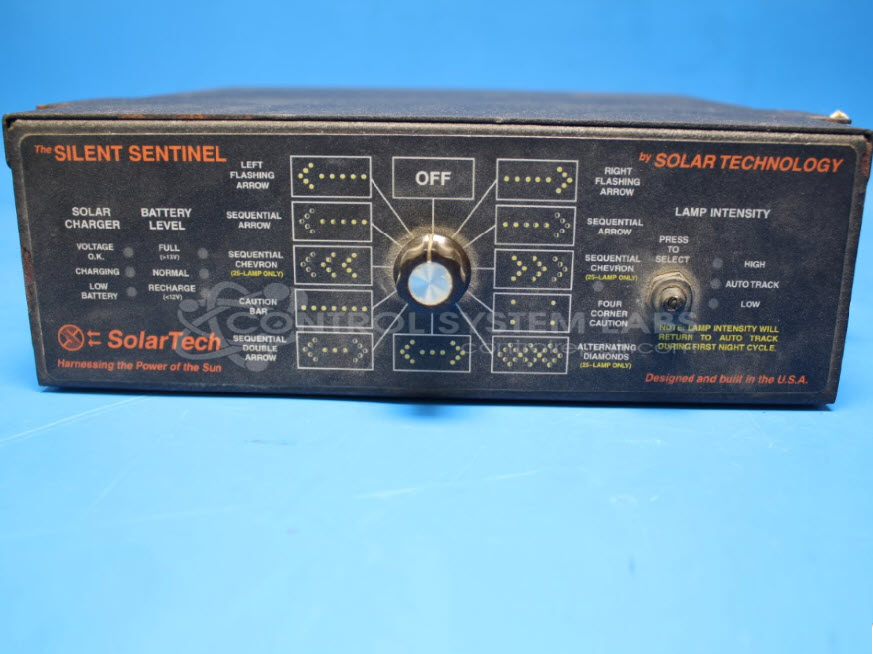
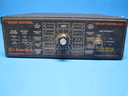
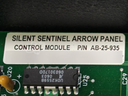
Product Overview: The Silent Sentinel Arrow Panel Control Module is a traffic control device used to operate directional arrow boards on construction zones, highway work sites, and roadway safety applications. Manufactured by Solar Technology as model AB-25-935, it controls arrow pattern sequences and manages power distribution between solar and battery sources. The module features pushbutton switches for pattern selection and supports multiple display modes for traffic management equipment.
Category: Arrow Signal Controls
Manufacturer: Solar Technology
Manufacturer Synonyms: SolarTech
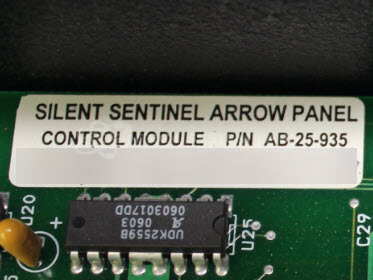
Manufacturer Part Number: AB-25-935
Also Known As(AKA): 780-025-002
Common Failures
Units may experience power issues or failures in signal transmission. Common contributing factors include defective push button switches, boot seals, and corrosion, particularly in the output section.
Repair Approach
Repairs typically involve replacing malfunctioning push button switches and boot seals. Additional cleaning may be required to address corrosion. In some cases, trace repair and component replacement may be necessary.
Testing & Quality
After repairs, units undergo comprehensive testing, including burn-in tests with load to verify functionality across all ranges and power sources. Units are tested to CSL standards before return.
Service and repair your broken Solar Technology part
We can repair your Solar Technology model AB-25-935 in our facility. Let our skilled technicians get your Solar Technology back in operation quickly.
Step 1 - Click the green 'Repair Now' button above to add the part and then complete the RMA.
Step 2 - The RMA form will be sent to you via email. Print the RMA form and put it in a box with the item(s) for repair.
Step 3 - Ship or mail the box to the address listed on the RMA.
Once the user has seen at least one product this snippet will be visible.