



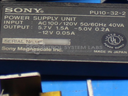
Repair
Repair Price: $ 660.00
Purchase
CSL Part Number: 26833
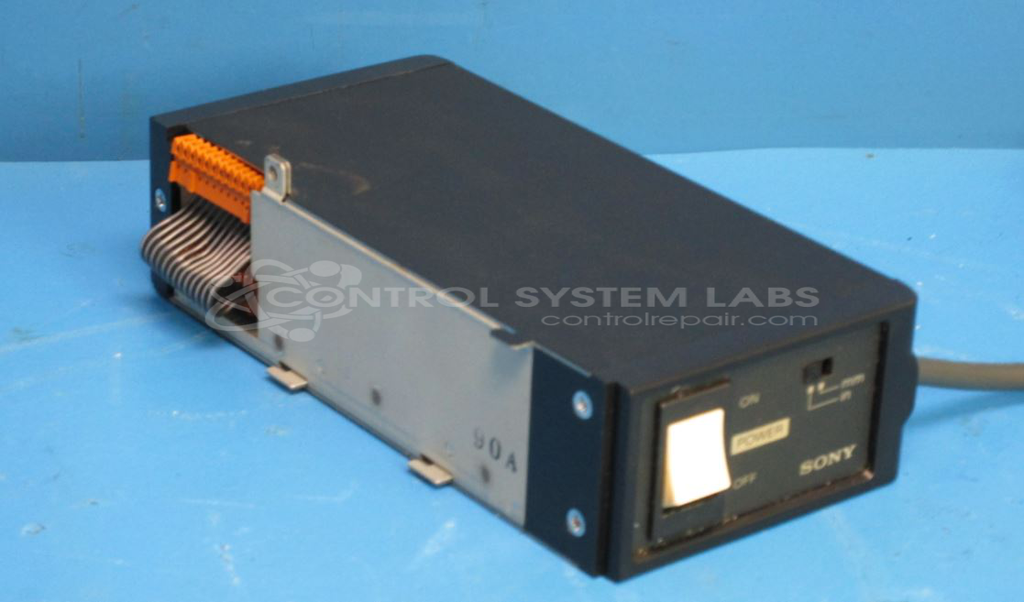
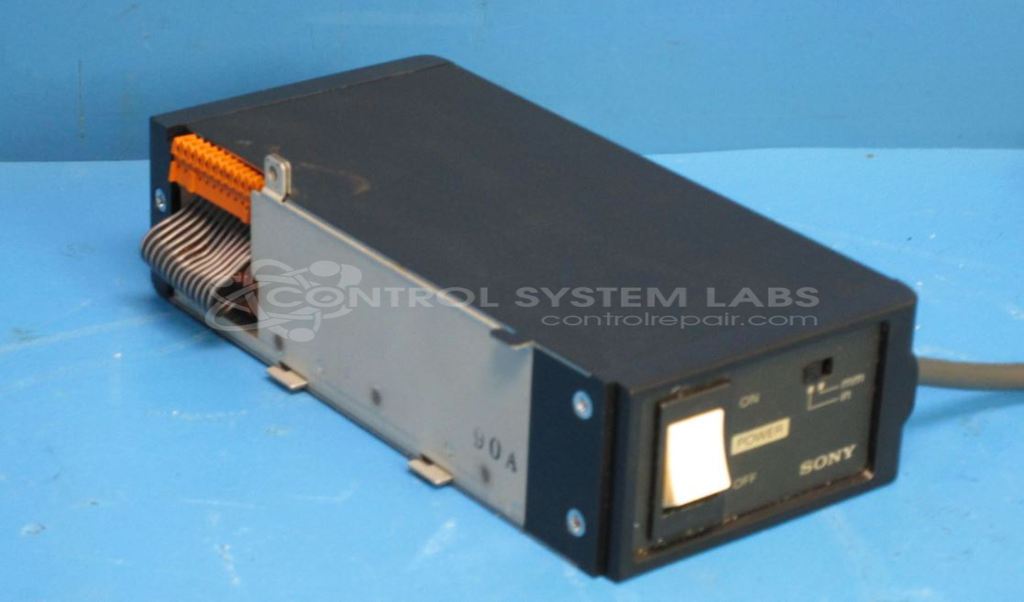
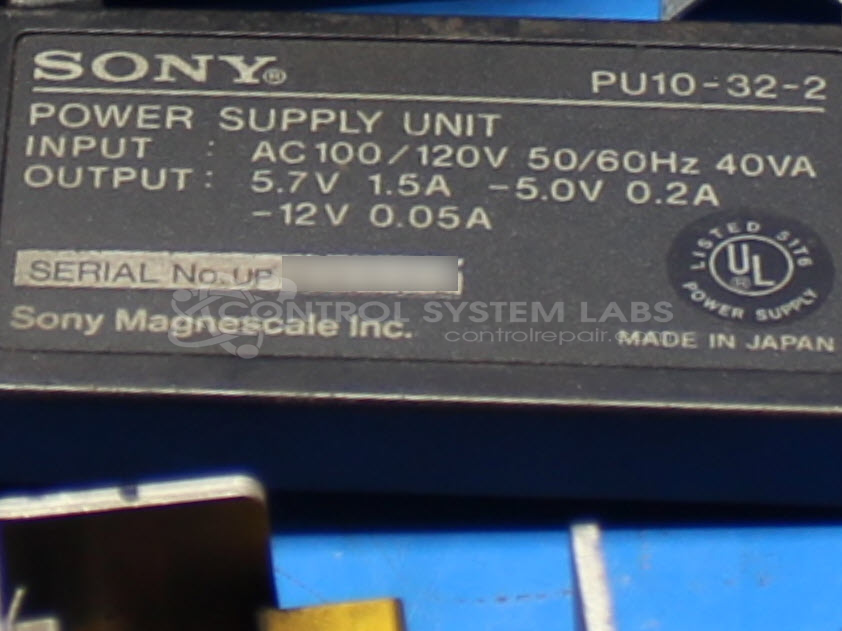
Product Overview: The Sony PU10-32-2 is a multi-output enclosed switching power supply from the PU10 series. It provides three DC output voltages: +5.7VDC, -5VDC, and -12VDC from a 120VAC input. This compact supply is commonly used in paper handling equipment and industrial control systems requiring multiple regulated voltages. The unit features an integrated power switch and removable power cord for easy installation and servicing in enclosed panel applications.
Category: Power Supply
Manufacturer: SONY
Manufacturer Part Number: PU10-32-2
Series: PU10 Power Supply
Power supplies are tested with a minimum 4-hour burn-in, under load.
Common Failures
Units received for evaluation have included those that do not function, as well as units with digital controls that do not receive power. Issues diagnosed have included defective electrolytic capacitors resulting in no output voltage, and intermittent issues with power switches.
Repair Approach
Typical repairs involve replacing defective components, such as electrolytic capacitors and faulty power switches. For non-functioning units, multiple electrolytic capacitors may be replaced as part of the repair process. New power cords are sometimes installed when requested by the customer.
Testing & Quality
After repair, each unit undergoes diagnostic testing to verify functionality. This includes powering up the unit and subjecting it to active load conditions on all outputs. A burn-in test under load conditions is also conducted, typically over a four-hour period, to verify performance. Units are tested prior to return shipment.
Service and repair your broken SONY part
We can repair your SONY model PU10-32-2 in our facility. Let our skilled technicians get your SONY back in operation quickly.
Step 1 - Click the green 'Repair Now' button above to add the part and then complete the RMA.
Step 2 - The RMA form will be sent to you via email. Print the RMA form and put it in a box with the item(s) for repair.
Step 3 - Ship or mail the box to the address listed on the RMA.
Once the user has seen at least one product this snippet will be visible.