



Repair
Repair Price: $ 1,104.00
Purchase
CSL Part Number: 70777
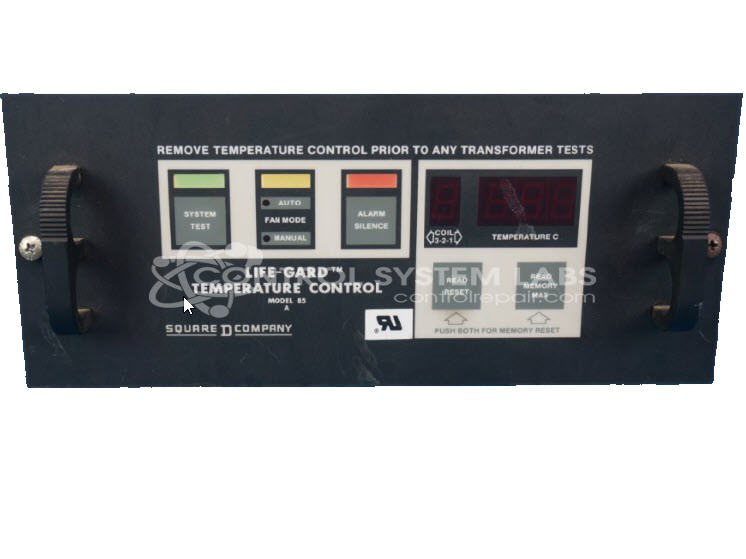
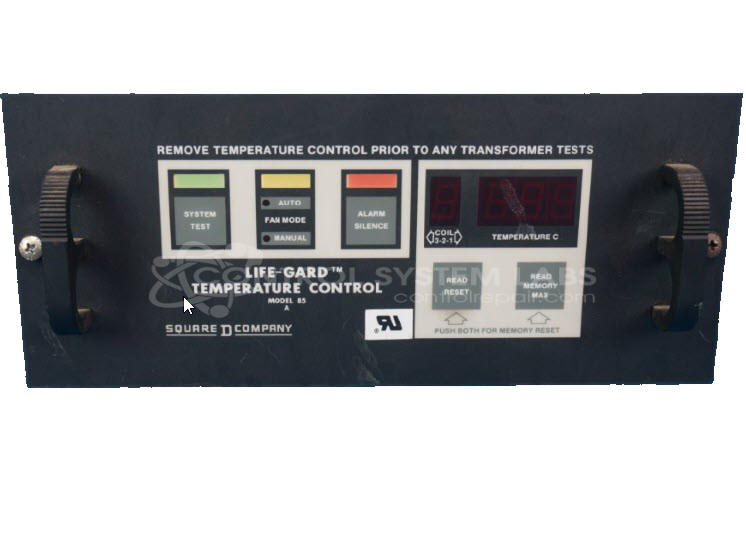
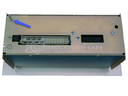
Product Overview: The Life-Gard Model 85A Transformer Fan Control is a temperature monitoring and control device designed to protect power transformers. It monitors transformer temperature via thermistor input and automatically activates cooling fans at a preset temperature threshold while triggering an alarm if temperatures exceed critical limits. This controller is commonly used in electrical distribution and power transmission equipment. The H115 configuration activates fans at 145°C and alarm at 160°C, with automatic shutoff as temperatures decrease, providing critical overheating protection for transformer systems.
Category: Temperature Control
Manufacturer: Square D
Alternate Manufacturer Names: Life-Guard, lifegard, Schneider Electric
Manufacturer Part Number: 85A / H115
Series: Model 85A Transformer Fan Control
Brand: Life-Gard
Other Synonyms: Life-Guard, lifegard, Schneider Electric
Why replace your Life-Gard Fan Control System? Repair it at 1/4 the cost!
Common Failures
Common issues include units that do not power up, worn buttons, and damage to internal components. Defective voltage regulator ICs, solder joint concerns, and relay contact issues have also been observed in units submitted for evaluation.
Repair Approach
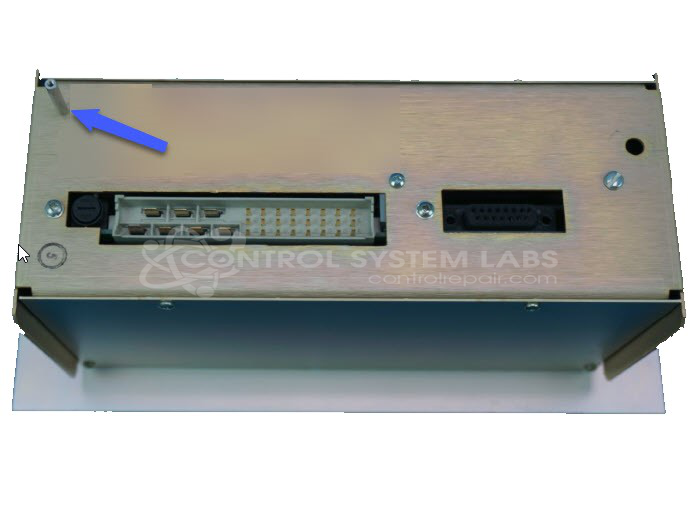
Repairs may involve replacing defective components such as voltage regulators, capacitors, and tactile switches. Solder joints and relay contacts are cleaned and re-soldered as needed. Preventative component replacements may be performed to support reliability. Physical repairs can include replacing faceplates and securing internal components.
Testing & Quality
After repairs, testing is conducted to verify function, which may include calibration checks, burn-in tests with load, and confirmation that operational parameters align with expected settings.
Service and repair your broken Square D part
We can repair your Square D model 85A / H115 in our facility. Let our skilled technicians get your Square D back in operation quickly.
Step 1 - Click the green 'Repair Now' button above to add the part and then complete the RMA.
Step 2 - The RMA form will be sent to you via email. Print the RMA form and put it in a box with the item(s) for repair.
Step 3 - Ship or mail the box to the address listed on the RMA.
Once the user has seen at least one product this snippet will be visible.