



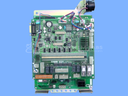
Repair
Repair Price: $ 1,736.00
Purchase
CSL Part Number: 36603
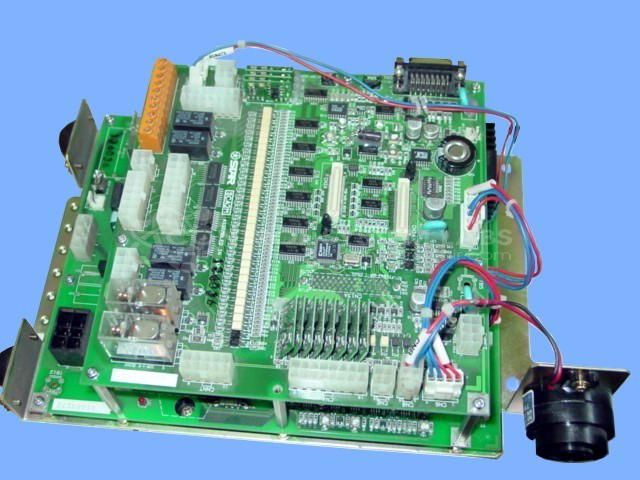
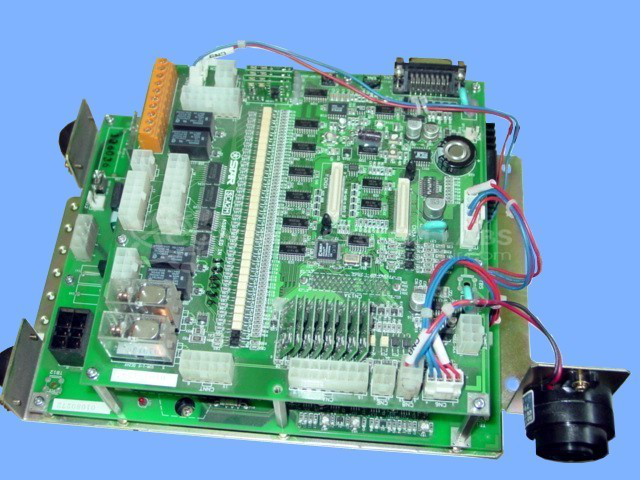
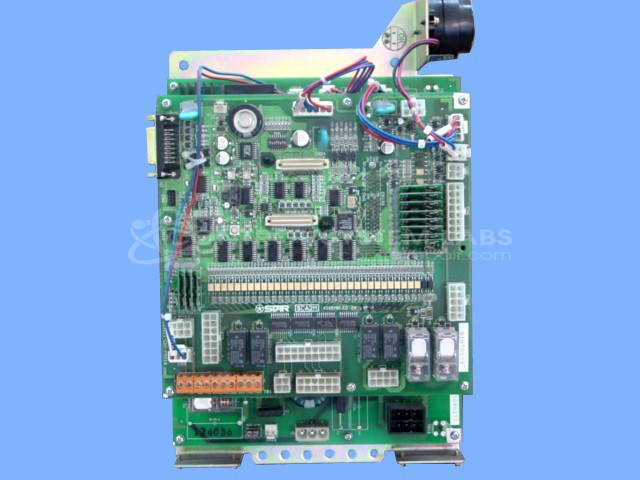
Product Overview: Star Seiki SCA2D and SCA2M are robotic program and power boards used to control servo motor drives in industrial automation systems. These boards manage motor movement, process limit switch inputs, and handle communication between the robot controller and drive components. They incorporate intelligent power modules (IPMs) with IGBT technology to regulate power delivery to traverse drives and other robotic axes. Commonly found in Star Seiki robotic systems used in manufacturing and material handling applications.
Category: Robotic
Manufacturer: Star Seiki
Manufacturer Synonyms: Star Automation
Manufacturer Part Number: SCA2D & SCA2M
Also Known As(AKA): 121947 P/N
Please send with system wiring diagram and pendant.
Common Failures
The primary issue reported is a traverse drive output failure which results in no motor movement and triggers an SPC alarm 16.
Repair Approach
The repair process involved replacing defective components identified during evaluation. Our technicians addressed the specific behavior observed in this unit.
Testing & Quality
After component replacement, the unit passed our internal testing protocol, which included checks on communication, limit switches, and output functions. Motor and encoder tests were not performed as part of our bench testing. We recommend that the customer perform operational testing in the application environment upon installation.
Service and repair your broken Star Seiki part
We can repair your Star Seiki model SCA2D & SCA2M in our facility. Let our skilled technicians get your Star Seiki back in operation quickly.
Step 1 - Click the green 'Repair Now' button above to add the part and then complete the RMA.
Step 2 - The RMA form will be sent to you via email. Print the RMA form and put it in a box with the item(s) for repair.
Step 3 - Ship or mail the box to the address listed on the RMA.
Once the user has seen at least one product this snippet will be visible.