



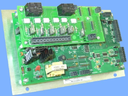
Repair
Repair Price: $ 584.00
Purchase
CSL Part Number: 60746
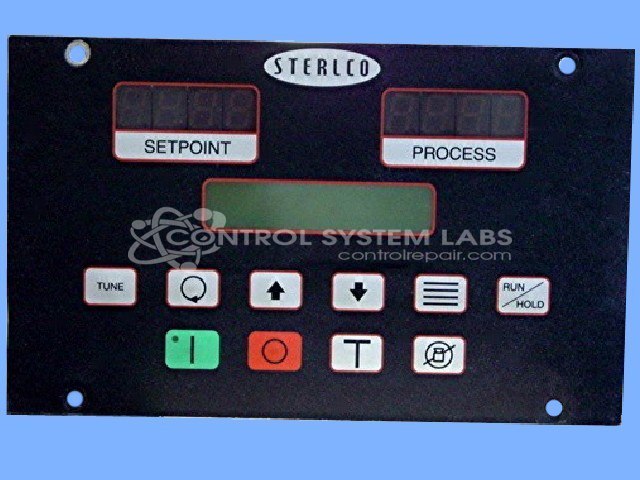
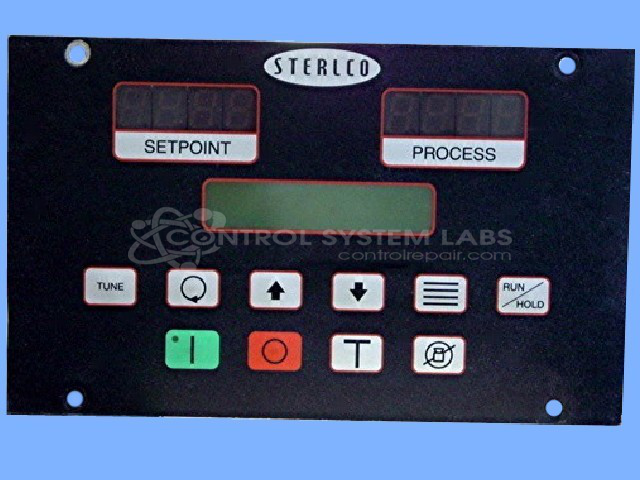
Product Overview: The Sterling M2B+ is a digital temperature controller designed for chiller systems. It monitors and regulates fluid temperatures across a wide range from -30°F to 650°F, making it suitable for industrial cooling applications including process chillers, HVAC systems, and manufacturing equipment requiring precise thermal management. The controller features relay or triac outputs for heating and cooling control, digital display, and user-configurable setpoints and alarms to maintain optimal operating temperatures in diverse industrial environments.
Category: Chiller Controls
Manufacturer: Sterling Inc.
Manufacturer Synonyms: Sterlco, Sterl-Tronic
Manufacturer Part Number: M2B+
Series: M2B+, M2B Plus Temperature Control
Also Known As(AKA): 601.00522.02
Keypad replacement if required is additional and will be quoted after evaluation
Common Failures
Customers frequently report pump failure displayed on the screen. This issue is often linked to internal component wear.
Repair Approach
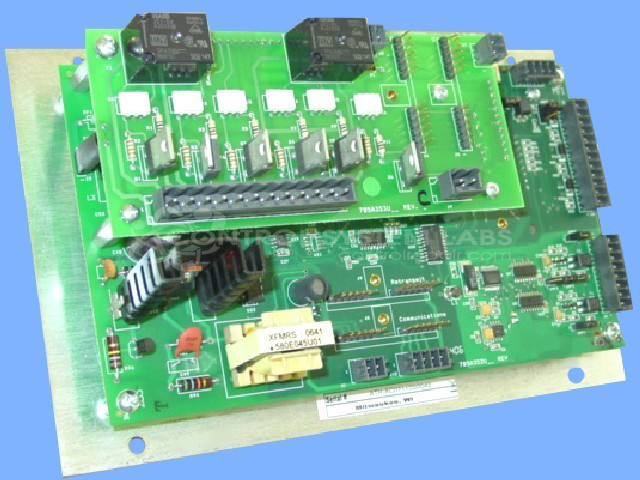
Our typical approach involves diagnostic testing and component-level repair. Calibration is verified to ensure proper operational temperature range from 0 to 250 degrees Fahrenheit.
Testing & Quality
Repaired units undergo comprehensive burn-in testing with load to verify functionality. Quality assurance includes thorough final inspections to confirm proper calibration settings before the product is shipped.
Service and repair your broken Sterling Inc. part
We can repair your Sterling Inc. model M2B+ in our facility. Let our skilled technicians get your Sterling Inc. back in operation quickly.
Step 1 - Click the green 'Repair Now' button above to add the part and then complete the RMA.
Step 2 - The RMA form will be sent to you via email. Print the RMA form and put it in a box with the item(s) for repair.
Step 3 - Ship or mail the box to the address listed on the RMA.
Once the user has seen at least one product this snippet will be visible.