



Repair
Repair Price: $ 895.00
Purchase
CSL Part Number: 87948
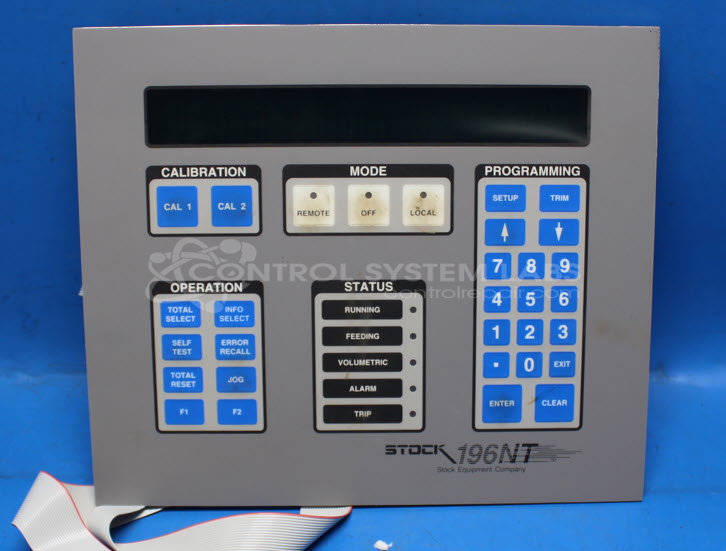
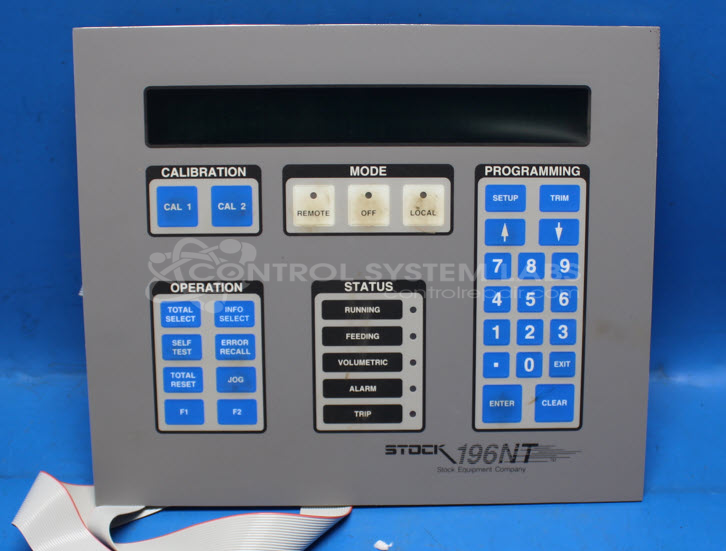
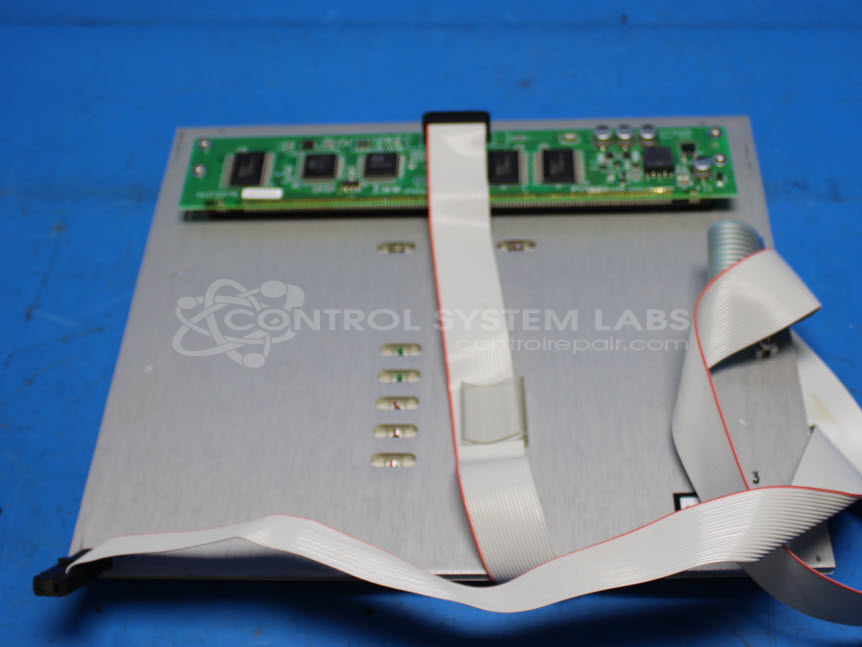
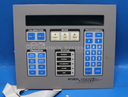
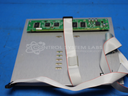
Product Overview: The Stock Equipment Company D28753-1 (also known as 196NT) is an operator interface panel combining a keypad and vacuum fluorescent display (VFD). It provides user input and visual feedback for industrial control systems, commonly used in paper processing and material handling equipment. The unit features membrane keypad switches with LED indicators and a multi-character VFD readout with protective green filter, operating on low-voltage DC power with internal fuse protection.
Category: Operator Interface
Manufacturer: Stock Equipment Company
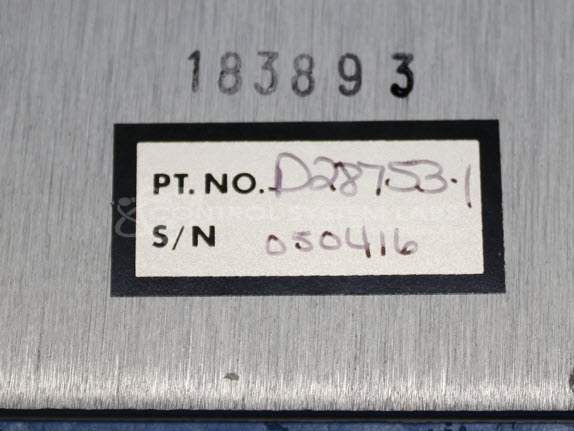
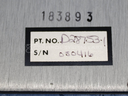
Manufacturer Part Number: D28753-1
Also Known As(AKA): 196NT
Common Failures
Some units have experienced failures related to the display and keypad boards, specifically presenting as a lack of display on the readout. This issue can be associated with defective components such as capacitors and fuses, and can result in dim displays.
Repair Approach
Repairs typically involve replacing faulty components such as capacitors and fuses to restore functionality. Testing of the keypad and LED indicators is performed to verify that components are working correctly. Displays and keypads are inspected and, if necessary, cleaned to improve visibility and performance.
Testing & Quality
Repaired units undergo comprehensive testing to verify that all functions are operating as intended. Quality checks are performed by qualified personnel to confirm repairs and uphold performance standards.
Repair your broken Stock Equipment Company part
We can repair your Stock Equipment Company model D28753-1 .
Please note: our repair turnaround time may be longer than our standard lead times for this item.
Step 1 -
Click the green button above, "Repair Now," and add to your RMA.
Step 2 -
Print the RMA form that is emailed to you, and put it in a box with the parts for repair.
Step 3 -
Mail the box to the address on the RMA.
You will be sent an authorization for repair via email. Your approval is needed before any work is started.
Once the user has seen at least one product this snippet will be visible.