




Repair
Repair Price: $ 1,384.00
Purchase
CSL Part Number: 80734
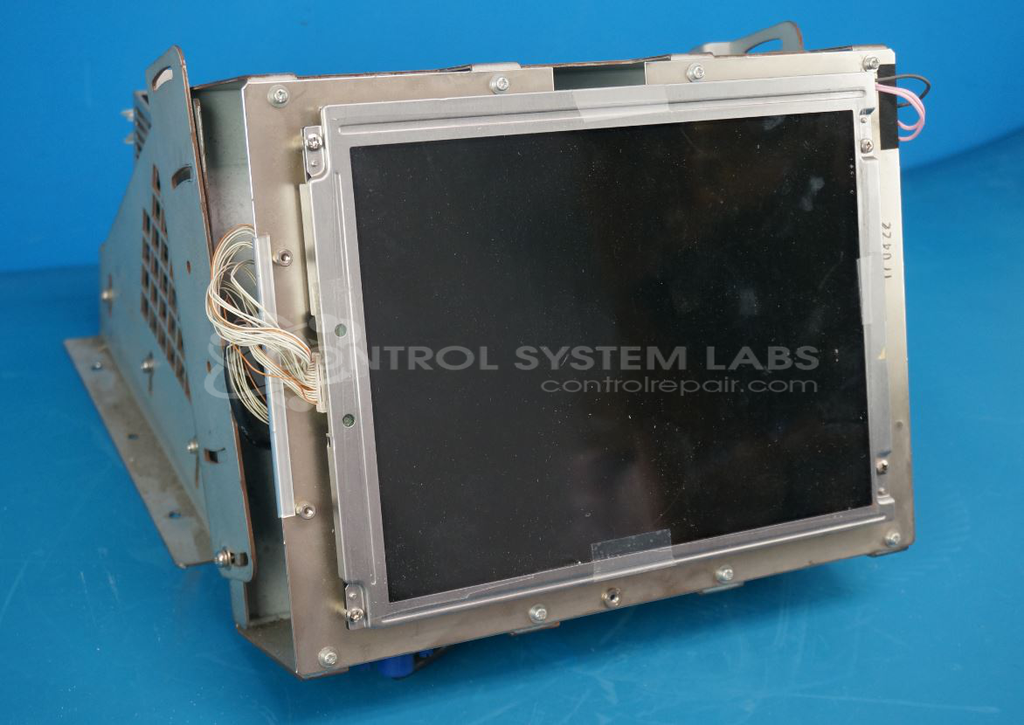
Product Overview: A 10-inch industrial LCD monitor used to display operator interface and process data on factory machinery and equipment. It accepts analog and digital video signals, operating at scan rates around 24.8 kHz horizontal and 56.4 Hz vertical, compatible with NEC P2 display parameters.
Category: LCD Monitors
Manufacturer: Sumitomo
Manufacturer Part Number: SY-6448-59-BN
Common Failures
Reported issues have included display malfunctions and digital output problems. In some cases, the display was non-functional. In other instances, digital outputs were inoperative, particularly when ground connections were not properly maintained.
Repair Approach
For display errors that could not be replicated, extensive testing was conducted. In cases where digital output failure was replicated under certain conditions, low voltage electrolytic capacitors in the power supply and video conversion board were replaced. A custom video adapter was constructed to address grounding discrepancies.
Testing & Quality
Repaired units undergo a thorough testing process, including a burn-in phase using specific parameters to ensure stability and functionality under proper conditions. Ground connection mismatches have been identified as potential contributors to failure, emphasizing the importance of correct installation and connection.
Service and repair your broken Sumitomo part
We can repair your Sumitomo model SY-6448-59-BN in our facility. Let our skilled technicians get your Sumitomo back in operation quickly.
Step 1 - Click the green 'Repair Now' button above to add the part and then complete the RMA.
Step 2 - The RMA form will be sent to you via email. Print the RMA form and put it in a box with the item(s) for repair.
Step 3 - Ship or mail the box to the address listed on the RMA.
Once the user has seen at least one product this snippet will be visible.