



Repair
Call for price
Purchase
CSL Part Number: 102091
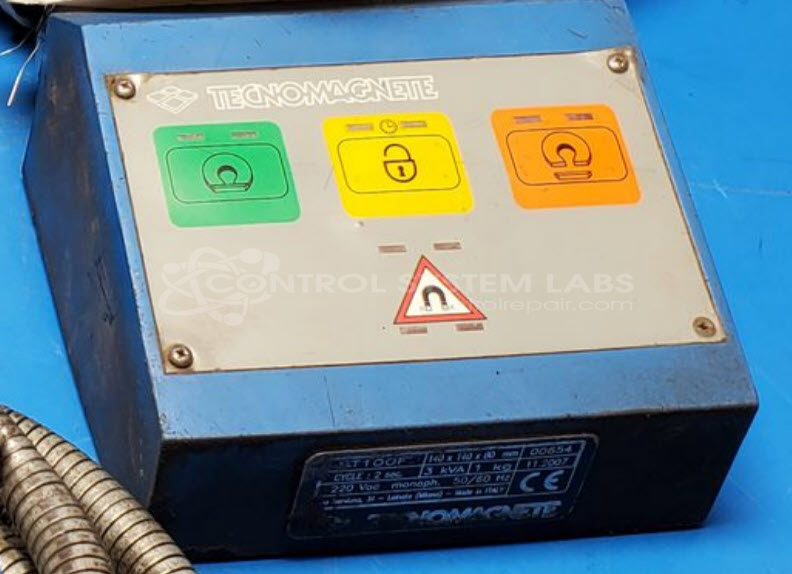
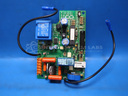
Product Overview: The Tecnomagnete ST100 is a magnetic controller used to energize and control electromagnetic lifting magnets in material handling applications. It provides control functions for magnetization and demagnetization cycles, featuring LED status indicators and a membrane keypad interface. The controller operates electropermanent or electromagnetic chucks and lifters commonly found in steel mills, scrap yards, and machining operations. It includes enable, magnetize, and demagnetize control modes with visual feedback for operational status.
Category: Operator & Control Panels
Manufacturer: Tecnomagnete
Manufacturer Part Number: ST100
Series: ST100 Magnetic Controller
Common Failures
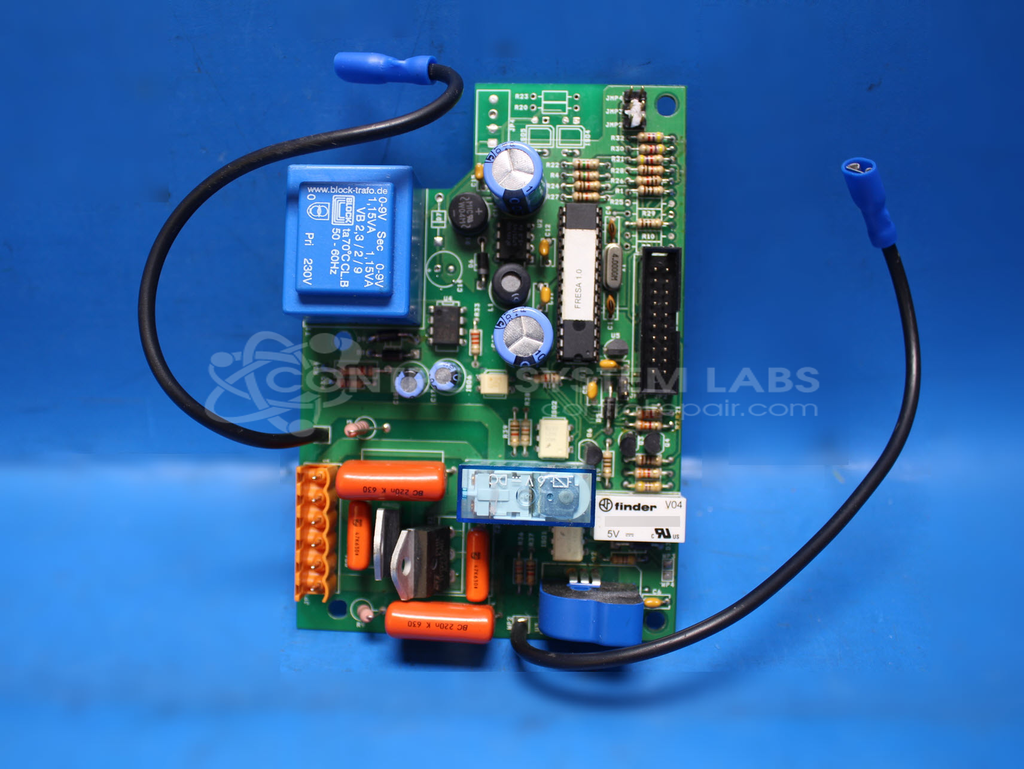
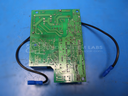
Some units of the Tecnomagnete ST 100 controller have experienced power supply issues or internal component faults. Observed symptoms may include LED indicator inconsistencies or the unit not powering magnets as expected.
Repair Approach
We evaluate each unit individually to identify the specific fault. Repairs may involve component-level troubleshooting, replacement of defective parts, and verification of proper signal transmission. When needed, we can provide a quotation before any repair work begins.
Testing & Quality
Post-repair, units are tested to confirm proper operation within expected parameters. Testing may include functional verification and burn-in procedures as appropriate to the repair performed.
Service and repair your broken Tecnomagnete part
We can repair your Tecnomagnete model ST100 in our facility. Let our skilled technicians get your Tecnomagnete back in operation quickly.
Step 1 - Click the green 'Repair Now' button above to add the part and then complete the RMA.
Step 2 - The RMA form will be sent to you via email. Print the RMA form and put it in a box with the item(s) for repair.
Step 3 - Ship or mail the box to the address listed on the RMA.
Once the user has seen at least one product this snippet will be visible.