




Repair
Call for price
Purchase
CSL Part Number: 120056
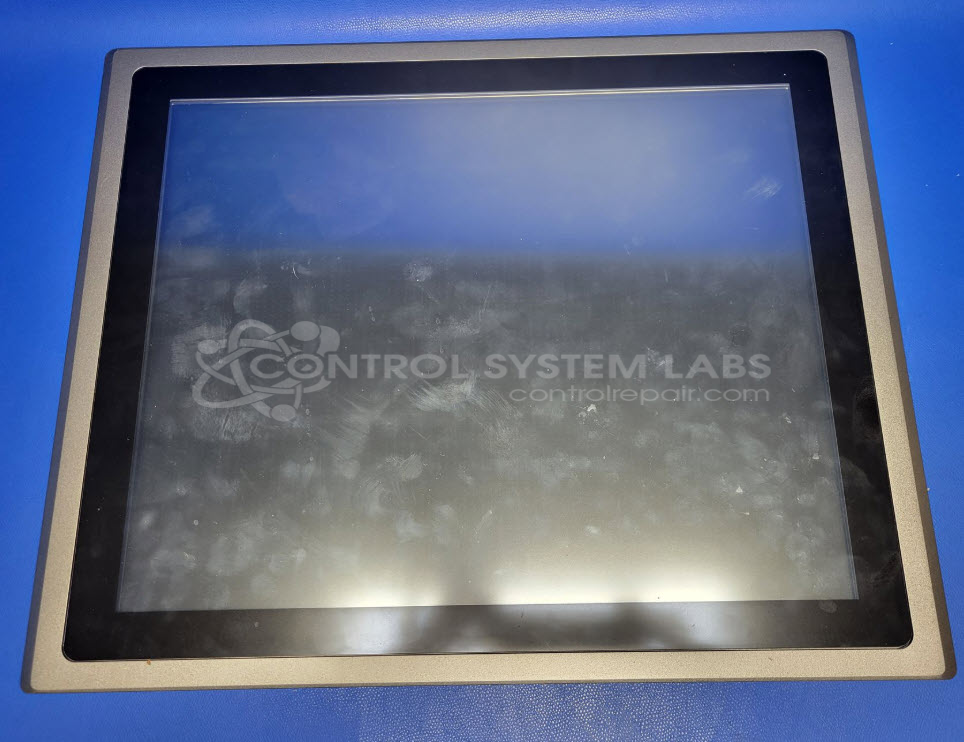
Product Overview: 19-inch industrial touchscreen panel PC designed for rugged HMI and workstation applications. Features an integrated display and computing platform in a single unit suitable for factory floor, process control, and manufacturing environments. Panel mount design allows installation in control cabinets, machinery, or workstations requiring human-machine interface with computing capability.
Category: Computer Items
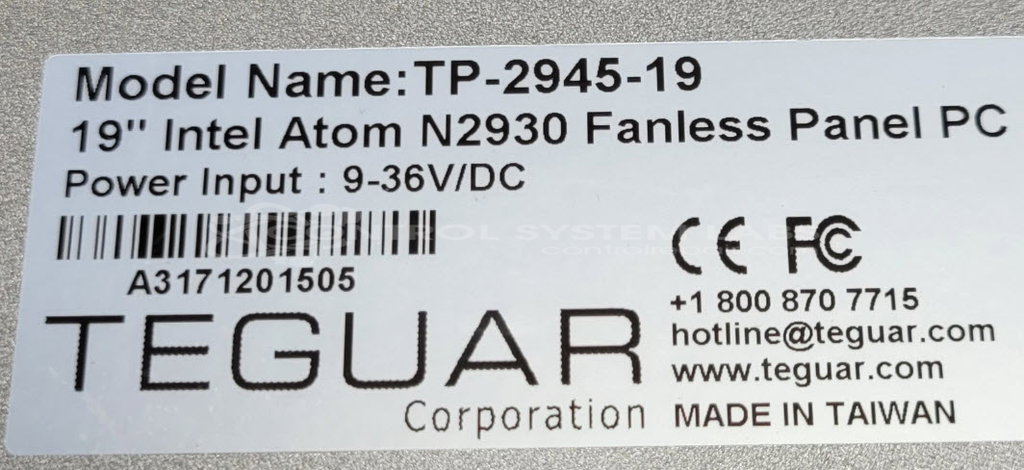
Manufacturer: Teguar
Manufacturer Part Number: TP-2945-19
Common Failures
Some units are unable to boot into the operating system due to missing boot media. Additionally, some units are reported to exhibit a black screen condition.
Repair Approach
Diagnostic testing may reveal that units can power on and enter system diagnostics but cannot proceed further without the required boot media. In cases where a black screen is reported, extended power application tests may be performed to attempt to reproduce the condition. When no fault is detected during testing, units are returned to customers with recommendations for further action.
Testing & Quality
Diagnostic tests and extended burn-in tests are performed to attempt to replicate reported issues. Units that do not exhibit faults during testing are typically returned, with an evaluation fee assessed to cover bench time. We encourage collaboration with customers to ensure all necessary components are provided for successful diagnosis and evaluation.
Service and repair your broken Teguar part
We can repair your Teguar model TP-2945-19 in our facility. Let our skilled technicians get your Teguar back in operation quickly.
Step 1 - Click the green 'Repair Now' button above to add the part and then complete the RMA.
Step 2 - The RMA form will be sent to you via email. Print the RMA form and put it in a box with the item(s) for repair.
Step 3 - Ship or mail the box to the address listed on the RMA.
Once the user has seen at least one product this snippet will be visible.