



Repair
Repair Price: $ 864.00
Purchase
CSL Part Number: 70140
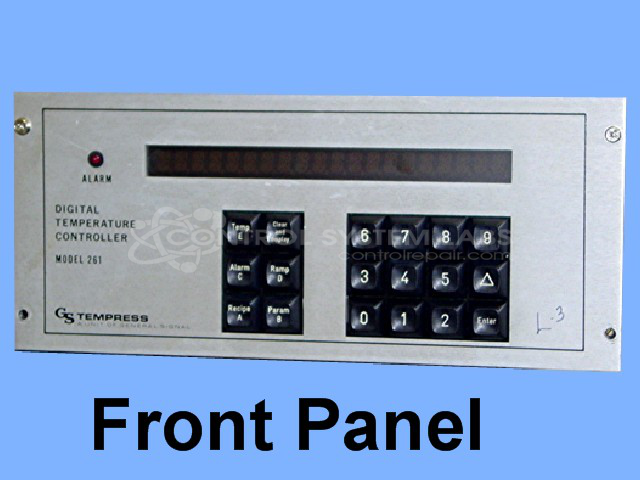
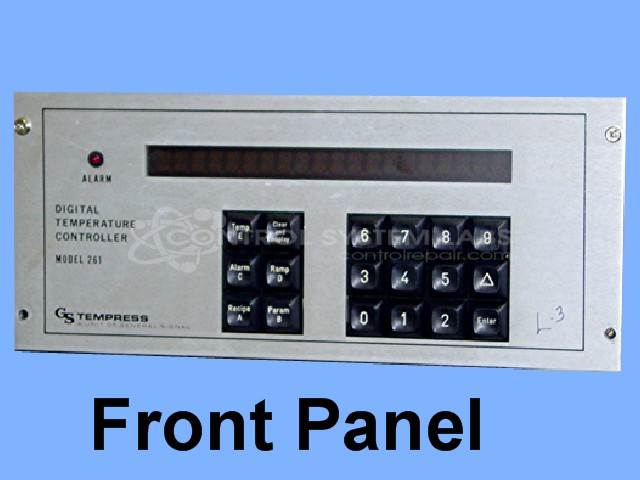
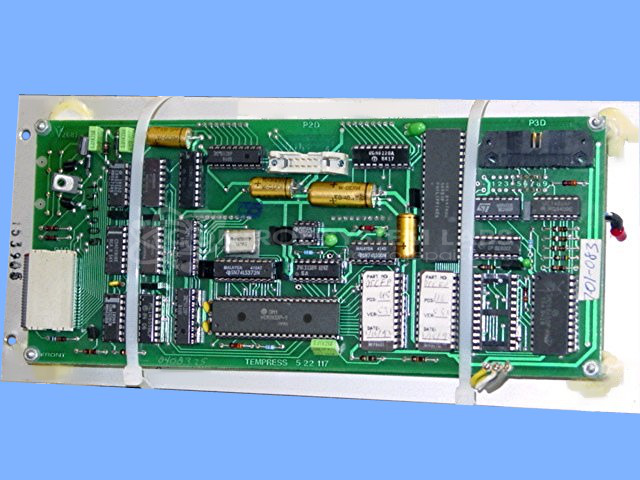
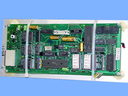
Product Overview: The 261 DTC Front Panel is a human-machine interface for Tempress paper machine temperature control systems. It features a vacuum fluorescent display (VFD) and membrane keypad for operator input and process monitoring. The panel contains digital logic circuitry including CMOS decoders, counters, buffers, and flip-flops that process sensor inputs and communicate with the main temperature controller. It is typically used in paper manufacturing environments for precise temperature regulation of drying cylinders and other thermal processes.
Category: Temperature Control
Manufacturer: Tempress
Manufacturer Part Number: 5-22-117
Also Known As(AKA): 7.05.310; 7.01.056; 7.01.083; 55 22 117
Requires the complete control for this repair.
Common Failures
Some frequent issues encountered with this product include display malfunctions where the screen becomes blurred or unreadable, keypad button failures, and missing display segments. Additionally, structural issues such as broken stand-offs have been observed. Some units have been assessed as beyond economic repair due to parts availability limitations.
Repair Approach
Repairs typically involve replacing defective displays, repairing or replacing keypads, and addressing structural components such as broken stand-offs. Preventative measures may include the replacement of certain capacitors and other components identified during evaluation. For units that are repairable, comprehensive work is undertaken to restore functionality.
Testing & Quality
After repair, units undergo testing and burn-in procedures. Successful repairs pass testing phases that include diagnostic testing and burn-in procedures to verify functionality. Items that cannot be repaired due to component availability or other factors may be assessed as beyond economic repair.
Service and repair your broken Tempress part
We can repair your Tempress model 5-22-117 in our facility. Let our skilled technicians get your Tempress back in operation quickly.
Step 1 - Click the green 'Repair Now' button above to add the part and then complete the RMA.
Step 2 - The RMA form will be sent to you via email. Print the RMA form and put it in a box with the item(s) for repair.
Step 3 - Ship or mail the box to the address listed on the RMA.
Once the user has seen at least one product this snippet will be visible.