



Repair
Call for price
Purchase
CSL Part Number: 87799
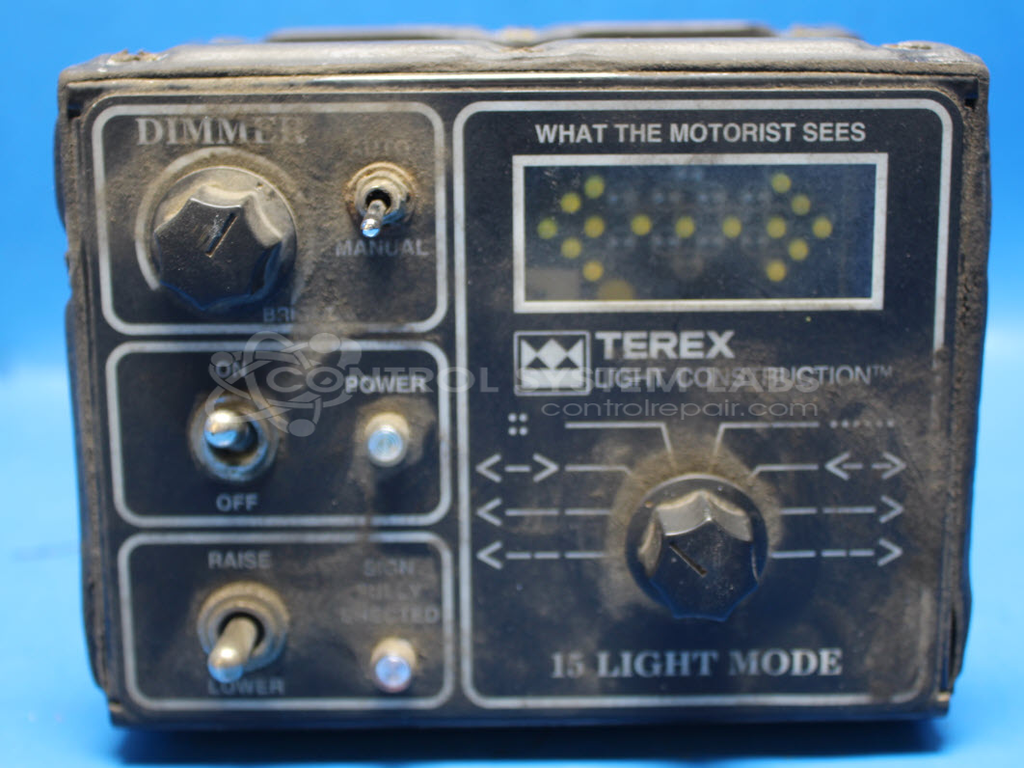
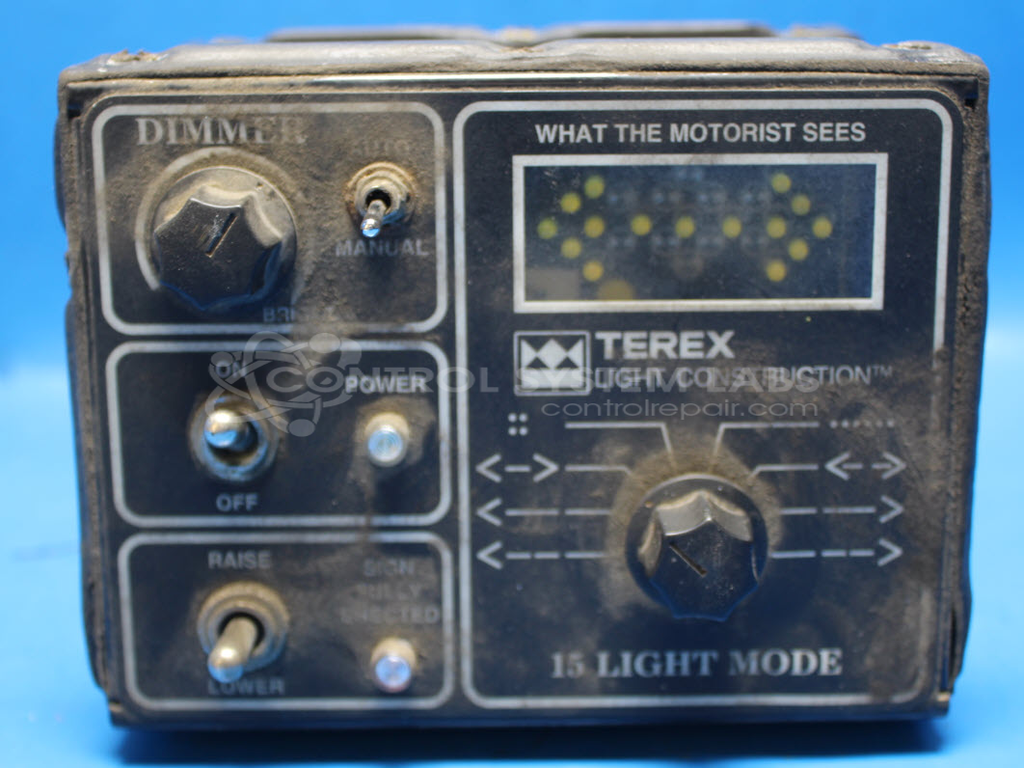
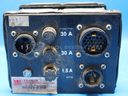
Product Overview: The Terex N0415 is a 15 Light Mode Arrow Board Controller used to operate traffic arrow boards on construction and highway work zones. It features a 12-position rotary switch for selecting arrow patterns, an auto/manual toggle switch, and integrated LED indicators for mode display. The controller manages light sequencing for directional arrows, caution patterns, and other traffic control signals. Common applications include portable arrow trailers, truck-mounted arrow boards, and temporary traffic management equipment where variable message displays guide vehicles around work zones.
Category: Arrow Signal Controls
Manufacturer: Terex
Alternate Manufacturer Names: Terex Light Construction
Manufacturer Part Number: N0415
Other Synonyms: Terex Light Construction
Common Failures
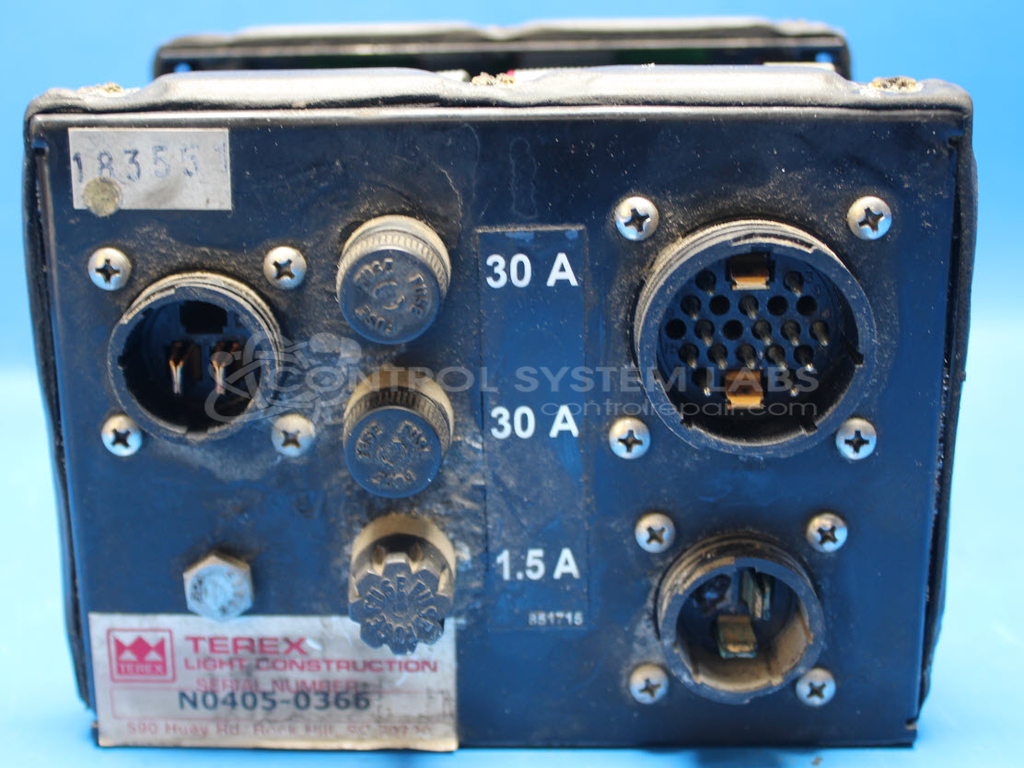
Common issues observed with this product include missing or defective fuses and holders, broken auto/manual and rotary switches, and failed LEDs. Physical damage such as torn overlays and internal corrosion may also be present, particularly affecting rotary switch components.
Repair Approach
The repair process may involve restoring mechanical integrity by replacing worn or damaged switches and repairing circuit board traces. Additional work can include replacing LED components and applying conformal coating to protect the circuit board. Mechanical disassembly and reassembly may be required to address physical damage such as torn overlay panels and corrosion.
Testing & Quality
Post-repair testing may reveal additional issues, such as non-working display LEDs or improper rotary switch operation, which could require further evaluation or component replacement to restore proper functionality.
Service and repair your broken Terex part
We can repair your Terex model N0415 in our facility. Let our skilled technicians get your Terex back in operation quickly.
Step 1 - Click the green 'Repair Now' button above to add the part and then complete the RMA.
Step 2 - The RMA form will be sent to you via email. Print the RMA form and put it in a box with the item(s) for repair.
Step 3 - Ship or mail the box to the address listed on the RMA.
Once the user has seen at least one product this snippet will be visible.