



Repair
Repair Price: $ 1,348.00
Purchase
CSL Part Number: 81676
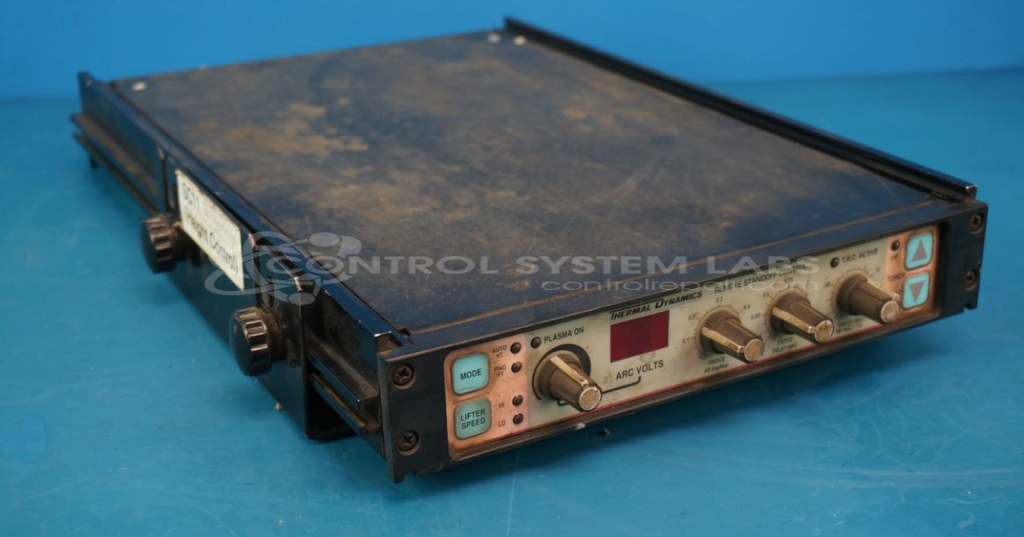
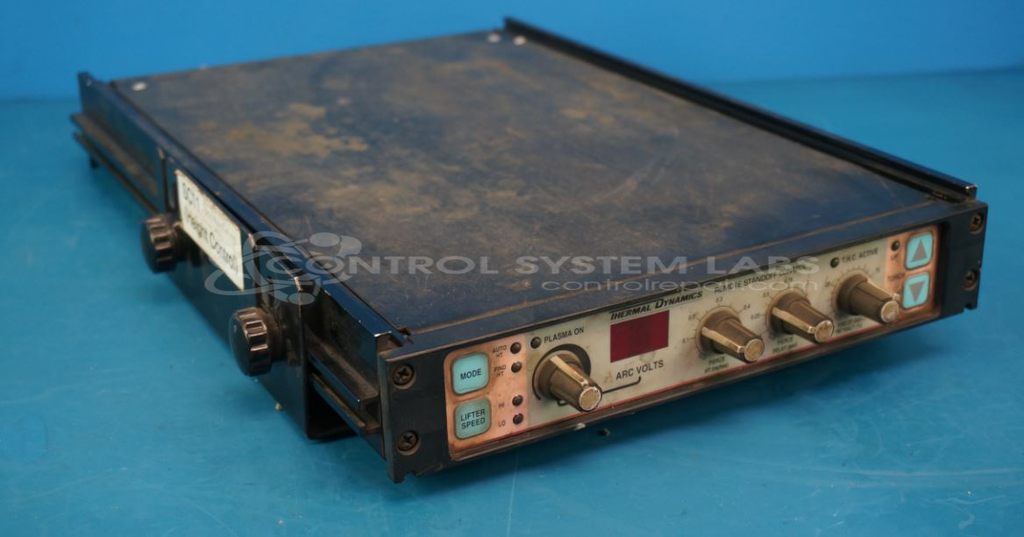
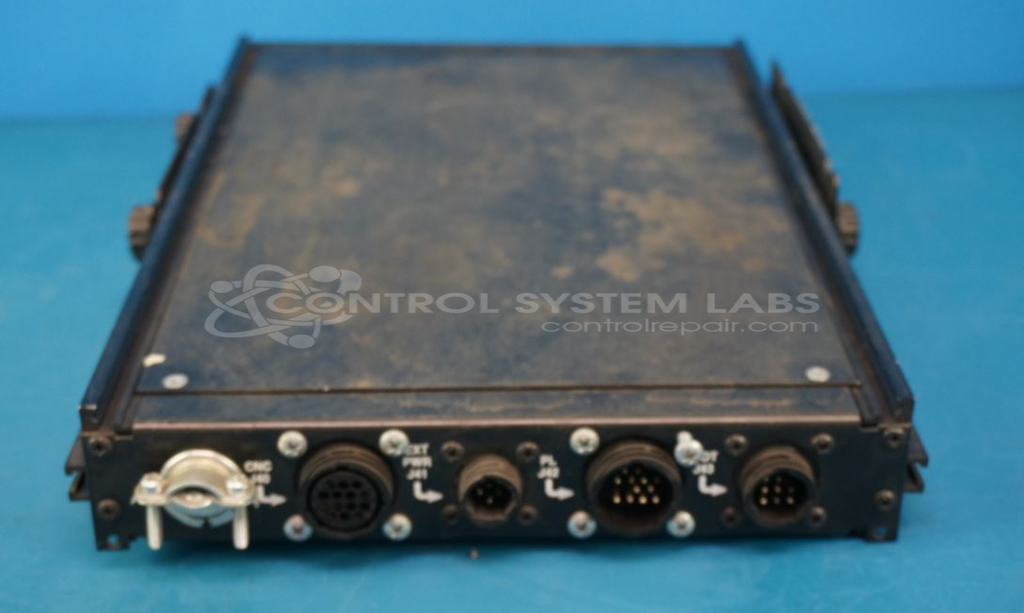
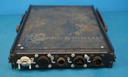
Product Overview: The Thermal Dynamics SC-11 Standoff Control is a torch height controller for plasma cutting systems. It regulates the distance between the cutting torch and workpiece during plasma cutting operations, enabling both automatic sensing and manual control modes with variable speed adjustment. The module manages vertical torch positioning through precision motor control and real-time sensing to maintain optimal cutting height and quality. It operates with regulated power supplies providing positive and negative voltages to drive position control circuitry and interface with plasma cutting machine motors.
Category: Control Module
Manufacturer: Thermal Dynamics
Alternate Manufacturer Names: Victor Technologies, Thermadyne
Manufacturer Part Number: SC-11
Other Synonyms: Victor Technologies, Thermadyne
Common Failures
This unit may exhibit high-speed-only operation, drifting behavior before stopping, or non-functional auto-sensing features requiring manual operation.
Repair Approach
Our evaluation typically focuses on the power switching regulator and related circuitry. We can review the unit and provide a quotation before any repair work begins. In some cases, external components such as the motor may require customer verification to ensure proper operation.
Testing & Quality
During evaluation, we test power supply voltages and overall unit performance under controlled conditions. Post-repair testing is performed to confirm improved functionality. We recommend that customers conduct final testing with their specific equipment to verify compatibility and performance in their application.
Service and repair your broken Thermal Dynamics part
We can repair your Thermal Dynamics model SC-11 in our facility. Let our skilled technicians get your Thermal Dynamics back in operation quickly.
Step 1 - Click the green 'Repair Now' button above to add the part and then complete the RMA.
Step 2 - The RMA form will be sent to you via email. Print the RMA form and put it in a box with the item(s) for repair.
Step 3 - Ship or mail the box to the address listed on the RMA.
Once the user has seen at least one product this snippet will be visible.