



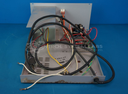
Repair
Repair Price: $ 414.00
Purchase
CSL Part Number: 81715
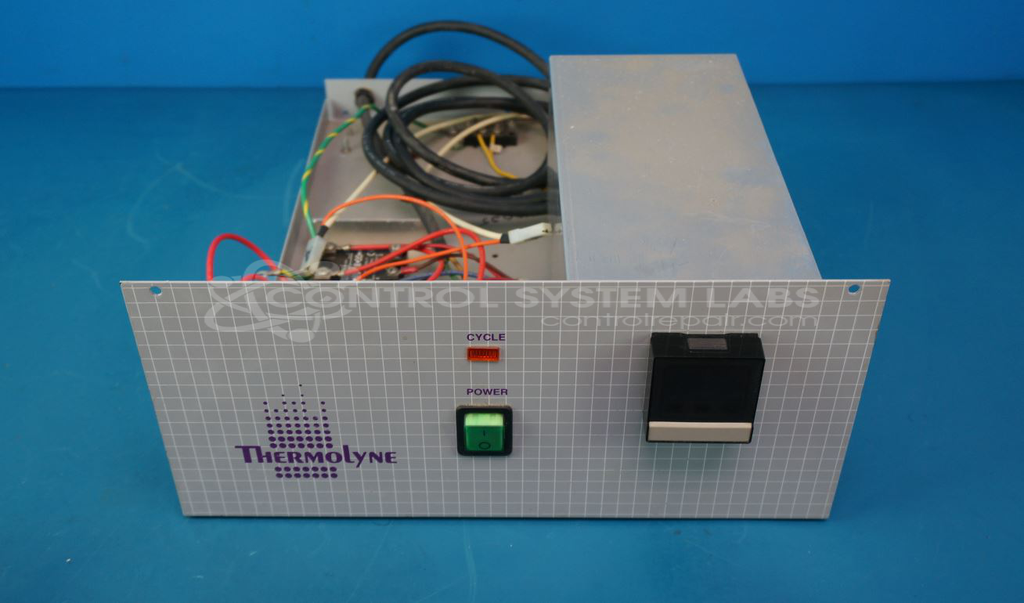
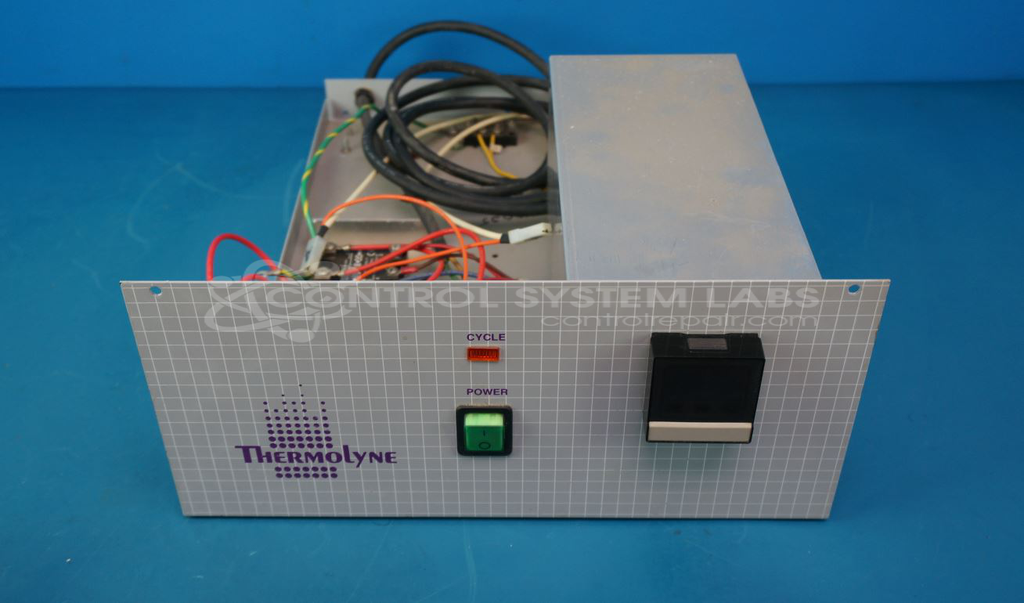
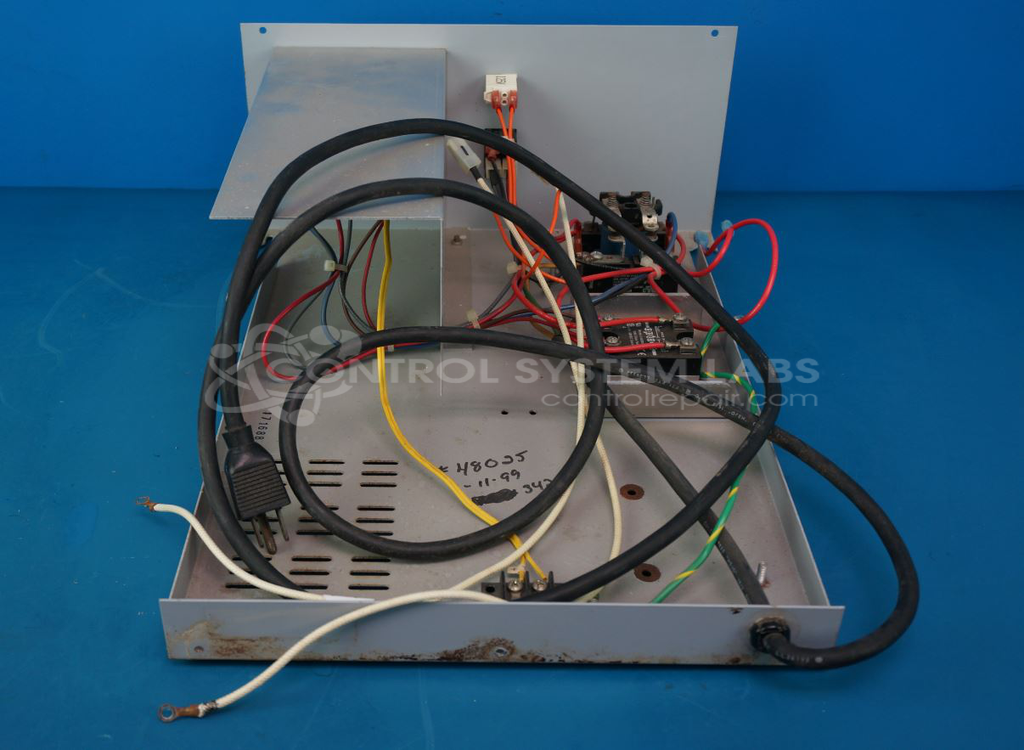
Product Overview: The Output Panel for Muffle furnace by Thermolyne Corporation serves as the input/output interface for Thermolyne 4800 series muffle furnaces, excluding the temperature controller itself. It houses power switching, solid-state relays, limit switches, and interconnections that enable operator control and system protection. This panel is used in laboratory and industrial heat treatment applications where high-temperature furnaces require reliable electrical interface and safety interlocks.
Category: Interconnect Panel
Manufacturer: Thermolyne Corporation
Manufacturer Part Number: 48000
Common Failures
Issues frequently observed with the 1980s Thermolyne f48025 model include failure to heat and error messages displayed on the screen. These issues may be attributed to faulty components, such as a failed switch, and environmental factors like corrosion that can lead to mechanical issues.
Repair Approach
Repairs typically involve replacing defective components, such as worn switches and corroded hardware. Mechanical integrity is restored by replacing the switch and cleaning or replacing corroded parts as needed. In some cases, the internal mechanism of the switch must be replaced due to compatibility considerations with available housings. Our technicians also ensure that all connections are secure and functional.
Testing & Quality
After repair, the product undergoes testing, including diagnostic evaluations and operational checks, to confirm the unit's functionality. This process ensures that components, including switches and relay systems, are operational and stable. Quality assurance checks are performed to verify proper performance post-repair.
Service and repair your broken Thermolyne Corporation part
We can repair your Thermolyne Corporation model 48000 in our facility. Let our skilled technicians get your Thermolyne Corporation back in operation quickly.
Step 1 - Click the green 'Repair Now' button above to add the part and then complete the RMA.
Step 2 - The RMA form will be sent to you via email. Print the RMA form and put it in a box with the item(s) for repair.
Step 3 - Ship or mail the box to the address listed on the RMA.
Once the user has seen at least one product this snippet will be visible.