



Repair
Repair Price: $ 392.00
Purchase
CSL Part Number: 71856
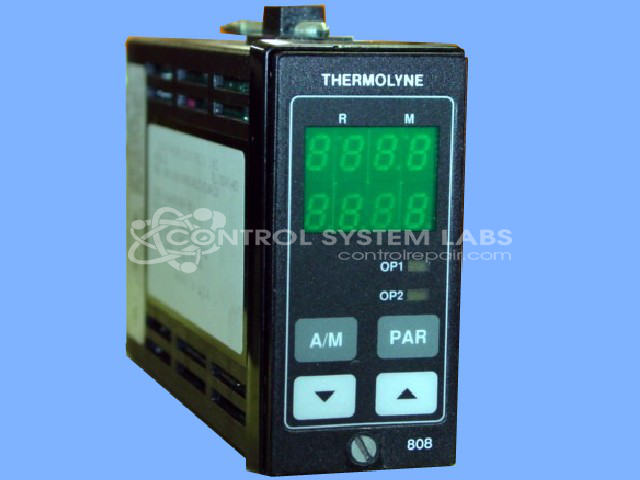
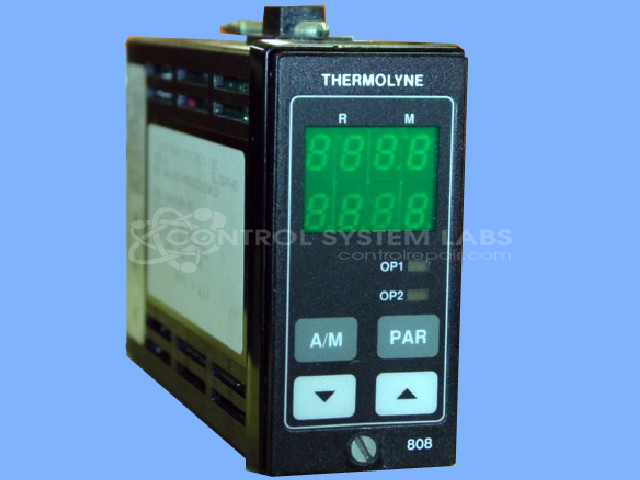
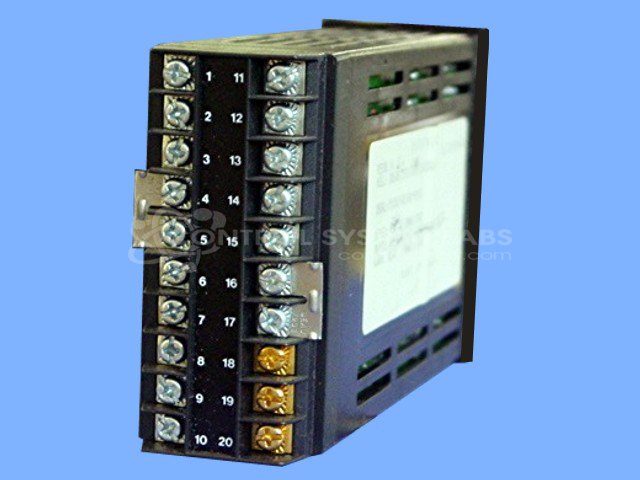
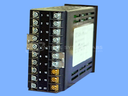
Product Overview: The Eurotherm 808/847 Series is a 1/8 DIN digital temperature controller designed for precise thermal process control in industrial ovens, furnaces, and heat treatment equipment. It provides closed-loop temperature regulation by monitoring sensor inputs and cycling heating elements to maintain setpoint. Available in multiple configurations with varying input/output options, communication protocols, and alarm functions, the controller is commonly found in laboratory and manufacturing environments requiring accurate temperature management. The vertical mounting format fits standard 1/8 DIN panel cutouts.
Category: Temperature Control
Manufacturer: Thermolyne Corporation
Alternate Manufacturer Names: EUROTHERM
Manufacturer Part Number: 808/L1/0/R1/0/0/QPS/(@AE133)/
Series: 808 and 847 Series Digital Controller
Other Synonyms: EUROTHERM
The Eurotherm 808/847 Series comes in an assortment of configurations. Please submit your device using the exact part number or use this number if the exact number can not be found.
Common Failures
This product may experience an issue where the controller powers on and reads the temperature but fails to cycle the oven, leading to the oven heating continuously to its maximum temperature without shutting off. This problem can be related to component-level faults.
Repair Approach
Our repair approach addresses component-level failures through evaluation and replacement of defective parts as identified during the repair process.
Testing & Quality
After repair, diagnostic testing is conducted to verify functionality. Testing procedures help ensure the product operates within expected parameters after repair.
Service and repair your broken Thermolyne Corporation part
We can repair your Thermolyne Corporation model 808/L1/0/R1/0/0/QPS/(@AE133)/ in our facility. Let our skilled technicians get your Thermolyne Corporation back in operation quickly.
Step 1 - Click the green 'Repair Now' button above to add the part and then complete the RMA.
Step 2 - The RMA form will be sent to you via email. Print the RMA form and put it in a box with the item(s) for repair.
Step 3 - Ship or mail the box to the address listed on the RMA.
Once the user has seen at least one product this snippet will be visible.