



Repair
Repair Price: $ 448.00
Purchase
CSL Part Number: 85205
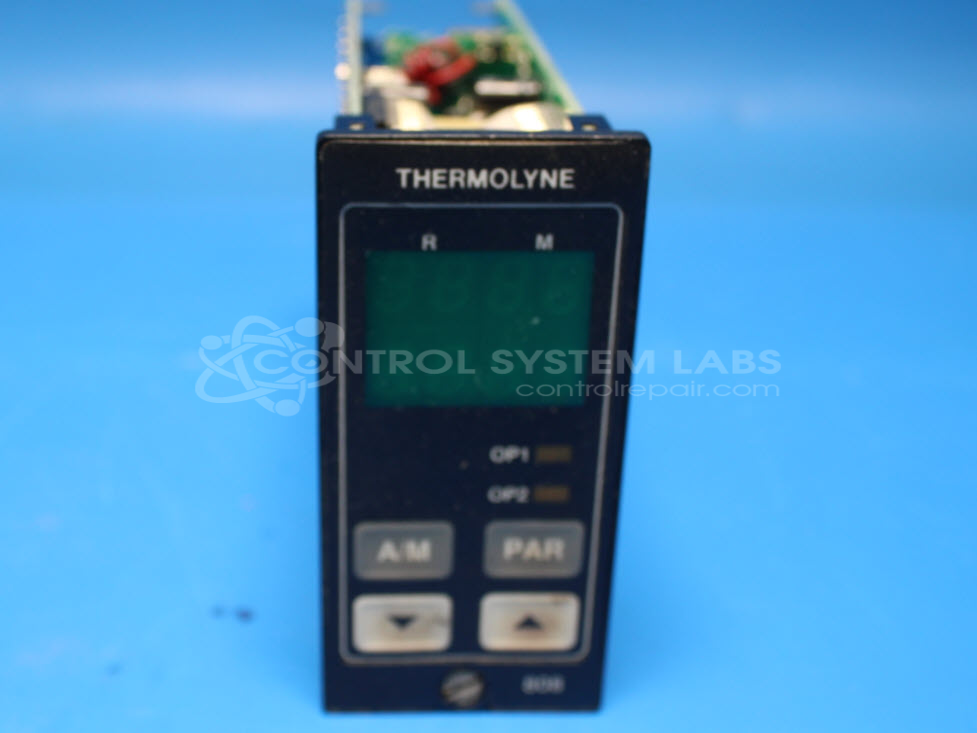
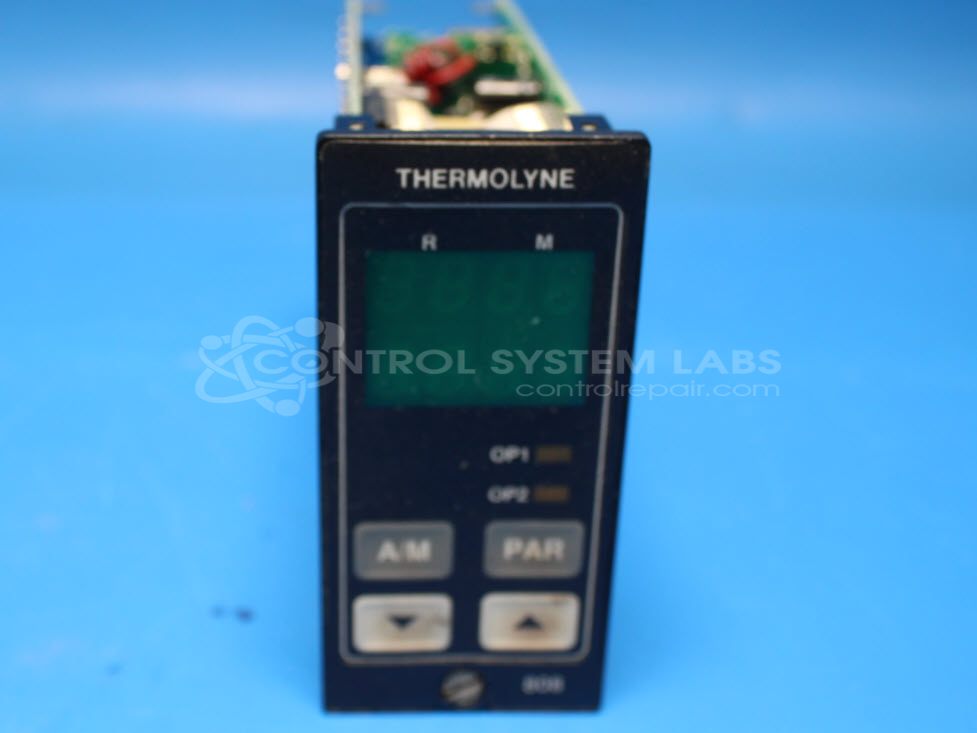
Product Overview: The Eurotherm 808/847 Series is a 1/8 DIN horizontal digital temperature controller used for precision temperature regulation in laboratory and industrial heating applications. Manufactured by Thermolyne Corporation, it provides setpoint control, digital display, and relay outputs for managing heating elements in equipment such as furnaces, ovens, and hot plates. The series is available in multiple configurations designated by suffix codes that specify input types, output options, and control algorithms. It features analog or thermocouple inputs and supports PID control for stable temperature management.
Category: Temperature Control
Manufacturer: Thermolyne Corporation
Manufacturer Part Number: 808/L1/N0/R1
Series: 808 and 847 Series Digital Controller
The Eurotherm 808/847 Series comes in an assortment of configurations. Please submit your device using the exact part number or use this number if the exact number can not be found.
Common Failures
The main issue observed in this product is the unit ceasing to heat, accompanied by an error message on the screen. This malfunction was caused by a physically damaged fuse and deteriorated electrolytic capacitors.
Repair Approach
To address the heating issue, the damaged fuse was replaced, and electrolytic capacitors were renewed. The repair restored the functionality of the unit.
Testing & Quality
Following repair, the product underwent an overnight burn-in test with a temperature fixture station to verify functionality under load. The unit passed all required tests.
Service and repair your broken Thermolyne Corporation part
We can repair your Thermolyne Corporation model 808/L1/N0/R1 in our facility. Let our skilled technicians get your Thermolyne Corporation back in operation quickly.
Step 1 - Click the green 'Repair Now' button above to add the part and then complete the RMA.
Step 2 - The RMA form will be sent to you via email. Print the RMA form and put it in a box with the item(s) for repair.
Step 3 - Ship or mail the box to the address listed on the RMA.
Once the user has seen at least one product this snippet will be visible.