



Repair
Call for price
Purchase
CSL Part Number: 87419
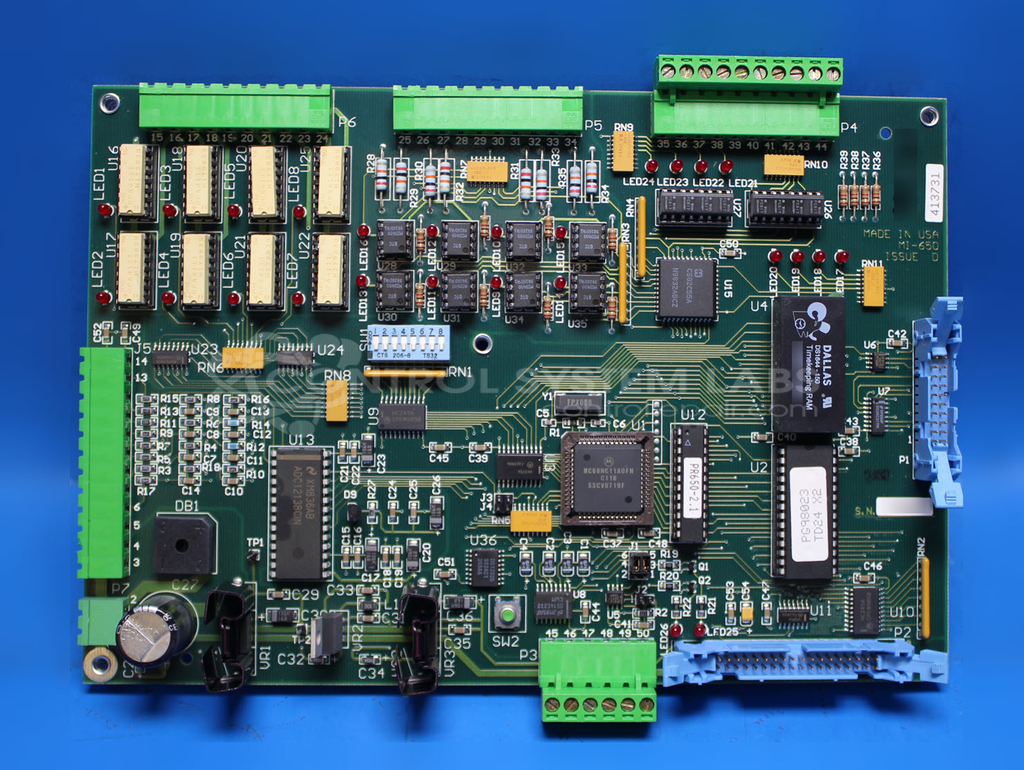
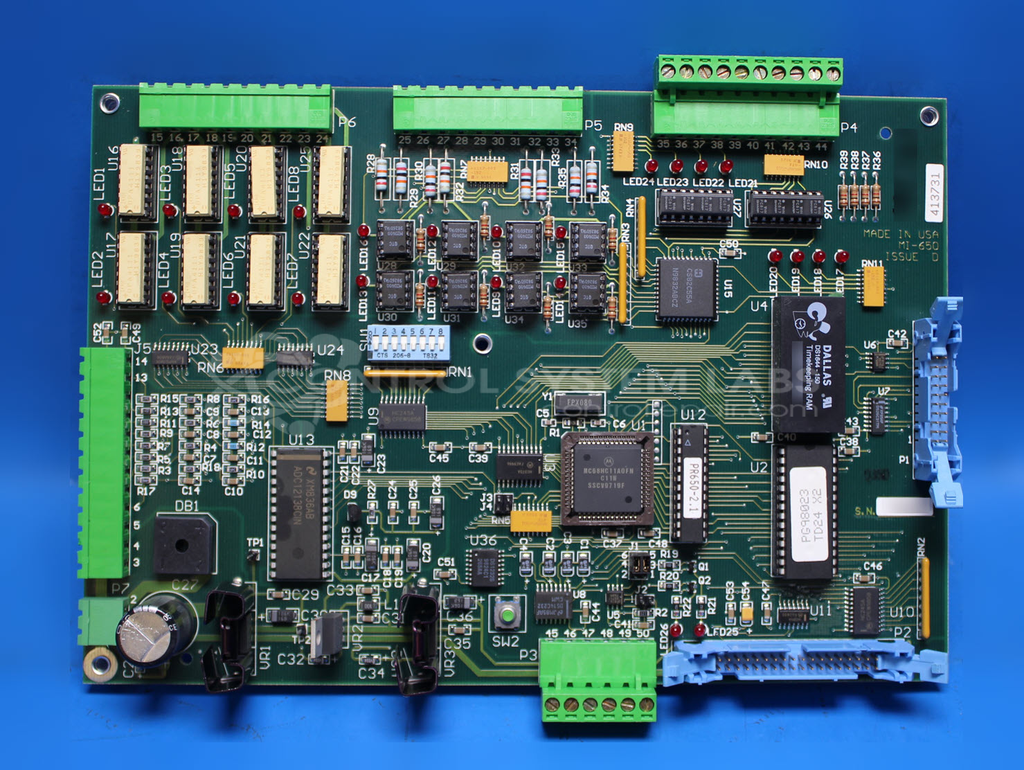
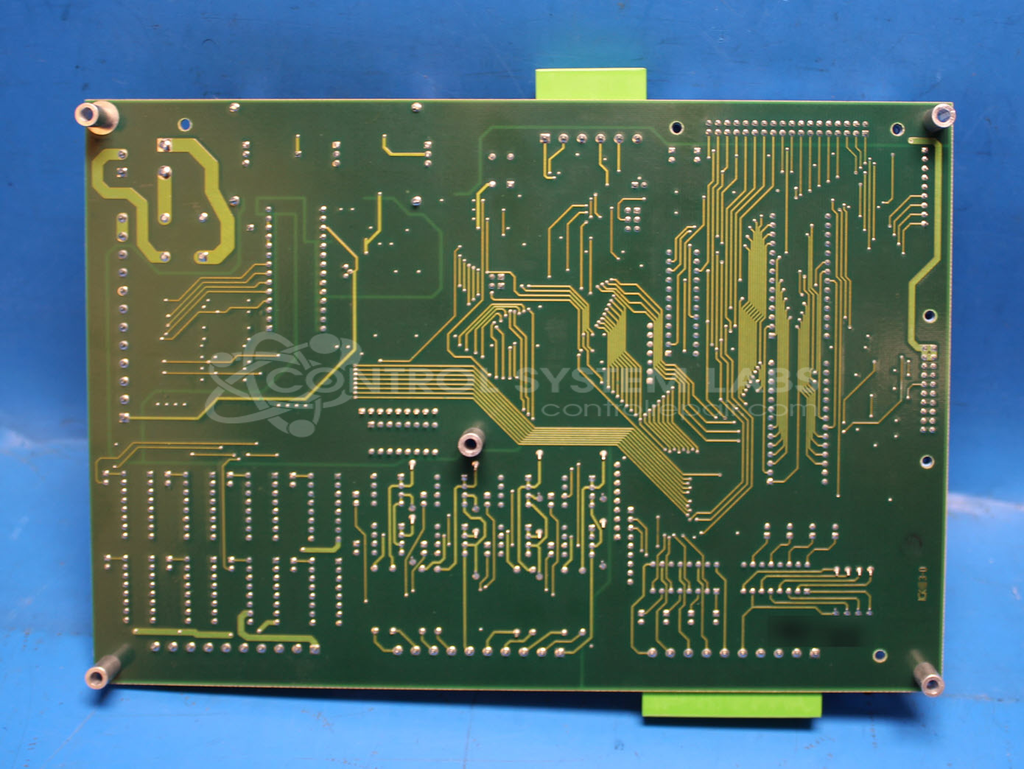
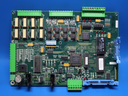
Product Overview: The Tech 3 Dryer Control Board is the main control module for Thoreson McCosh industrial dryers, commonly used in paper processing applications. It regulates dryer temperature and operation through integrated solid-state relays and interfaces with a vacuum fluorescent display via ribbon cable. The board requires approximately 8.6VAC input power and includes multiple 5V voltage regulators to power onboard logic, a microprocessor with 8MHz crystal oscillator, and optoisolator inputs for safety-critical signals. It controls AC output loads through terminal TB6 and communicates with a variable frequency drive board for motor control.
Category: Control Board
Manufacturer: Thoreson McCosh
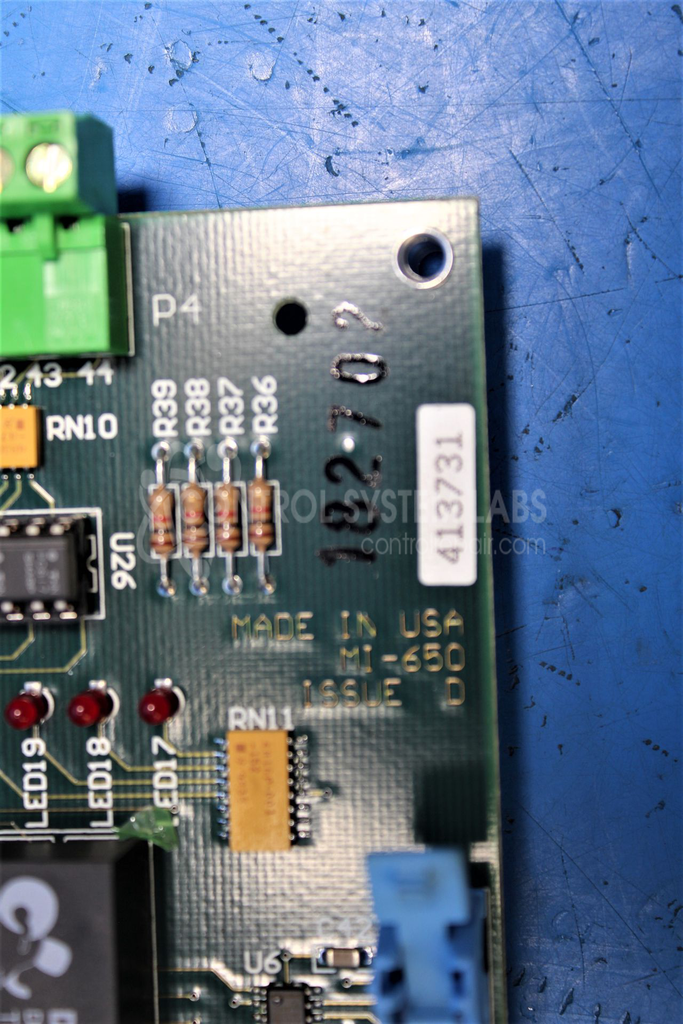
Manufacturer Part Number: 413731
Also Known As(AKA): MI-650
Please include the display and ribbon cable with this board when sending in for repair.
Common Failures
A frequent issue encountered with this product is the failure of the display screen to light up. This is often caused by a malfunctioning component in the power supply, specifically a faulty voltage regulator. Adequate input voltage is important for proper operation.
Repair Approach
The repair process typically involves replacing the defective voltage regulator. Ensuring adequate input voltage is important, as this supports proper output and display functionality. Proper power input is required for correct operation.
Testing & Quality
After repairs, units undergo comprehensive testing. This includes testing to confirm that power and signals are appropriately sent to the display board and internal components function correctly. A burn-in test is conducted to ensure stability under operating conditions. Successful repairs result in a fully illuminated screen and operational unit.
Repair your broken Thoreson McCosh part
We can repair your Thoreson McCosh model 413731 .
Please note: our repair turnaround time may be longer than our standard lead times for this item.
Step 1 -
Click the green button above, "Repair Now," and add to your RMA.
Step 2 -
Print the RMA form that is emailed to you, and put it in a box with the parts for repair.
Step 3 -
Mail the box to the address on the RMA.
You will be sent an authorization for repair via email. Your approval is needed before any work is started.
Once the user has seen at least one product this snippet will be visible.