




Repair
Call for price
Purchase
CSL Part Number: 116507
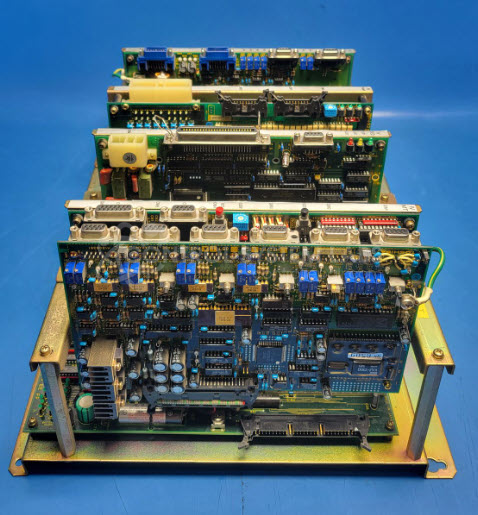
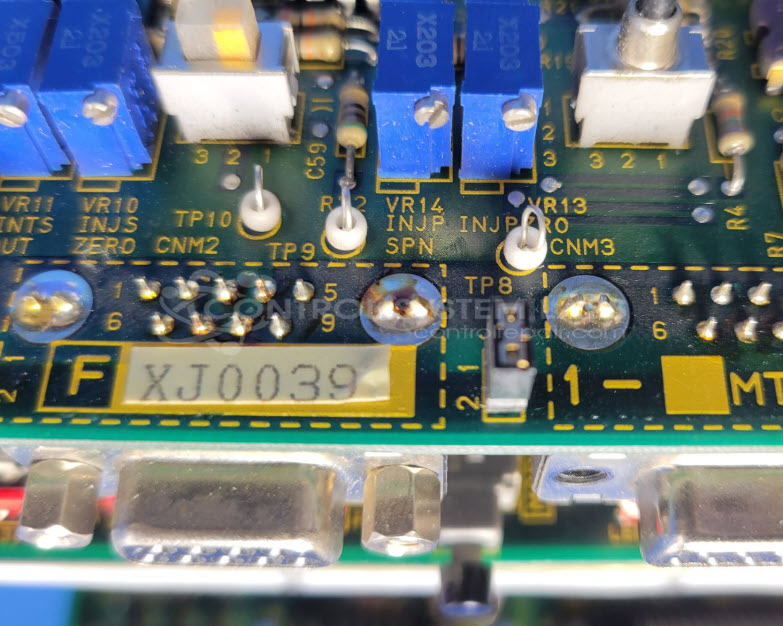
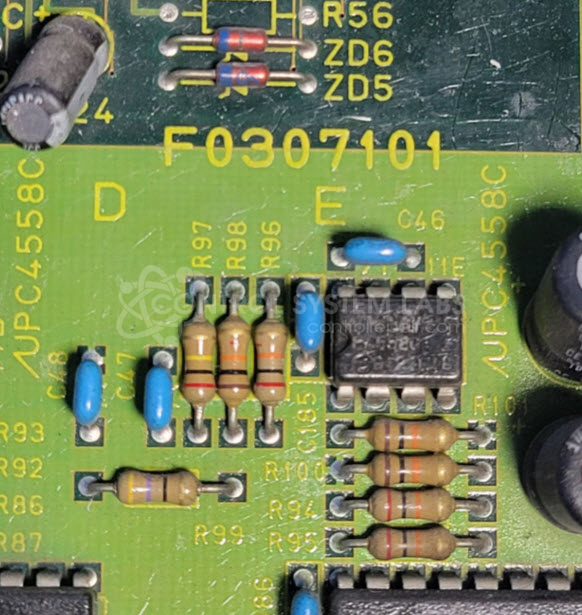
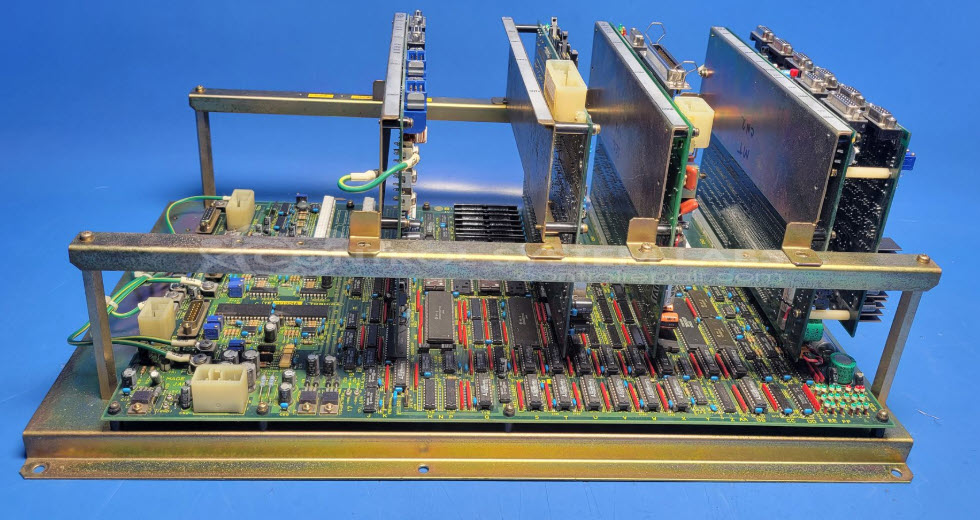
Product Overview: The Injectvisor VL Back Plane is a multi-board control system designed by Toshiba for paper manufacturing machinery. It consists of a backplane chassis populated with five control boards, including communication interface and analog control modules. The system manages machine control functions and communicates with HMI panels. Common components include differential line drivers (AM26LS31), line receivers (DS26LS32), and regulated power distribution circuits. This assembly is part of Toshiba's Injectvisor-VL platform used in industrial paper processing equipment.
Category: Machine Control
Manufacturer: Toshiba
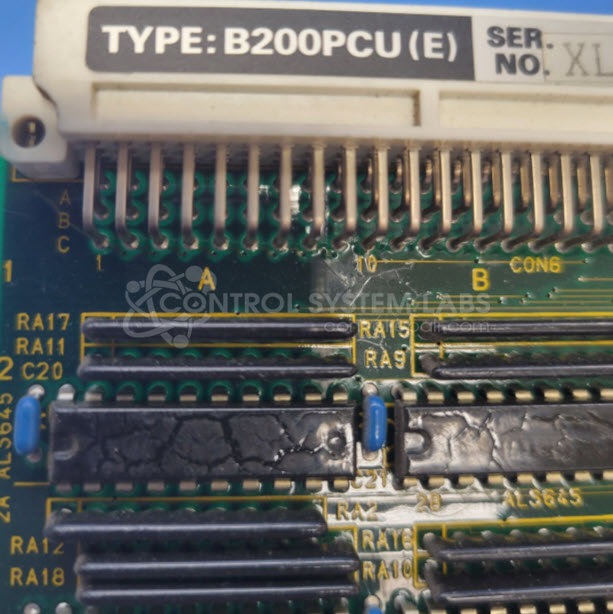
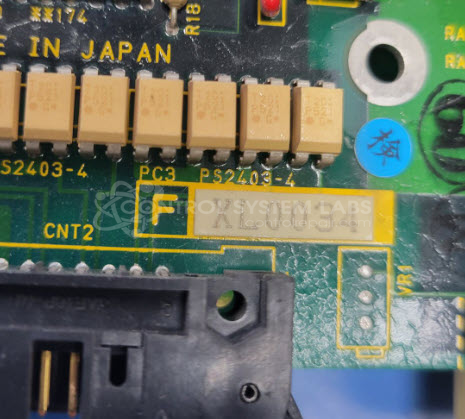
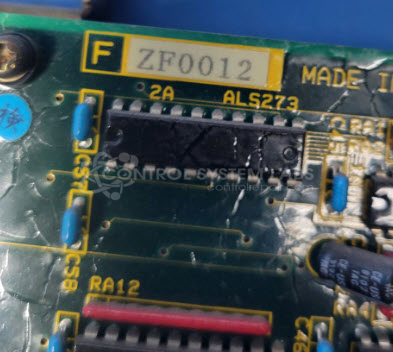
Manufacturer Part Number: F0307101/FXJ0039/B200PCU(E)/FXL0034/ZF0012
Please include wiring diagrams with the item when sending in
Common Failures
Common issues reported with this device include communication loss between the device and its Human-Machine Interface (HMI). Symptoms may include faulty capacitors on analog boards and persistent communication problems. The negative 20V DC module may also draw excessive current when certain modules are connected.
Repair Approach
To address these concerns, our technicians typically replace defective capacitors on the analog board to resolve voltage issues. In instances where communication issues persist after component replacement, further investigation is necessary. Thorough evaluation and replacement of faulty components can often restore functionality, although replacement boards may be required if repairs are not economically feasible.
Testing & Quality
Post-repair, items undergo testing to verify that communication and voltage issues are resolved. If issues persist during testing, additional diagnostics and component replacement may be performed. Our quality assurance processes involve multiple technicians to support successful repair outcomes.
Limited Repair
The Toshiba part number is only available as a limited repair at our facility. Repairs to this item may be limited due to several reasons:
- Availability of parts
- Less than 100% test ability due to required support equipment
To have us attempt a repair on your Toshiba part follow these steps:
Step 1 -
Click the Repair Now button above to add the part and complete the RMA form.
Step 2 -
Print the RMA form that is sent to your email, and put it in the box with the parts for repair.
Step 3 -
Mail the box to the address on the RMA.
After we receive your item, we will perform an inspection and an authorization to repair will be sent for your approval. Work will begin after your authorization is received.
Once the user has seen at least one product this snippet will be visible.