



Repair
Repair Price: $ 1,616.00
Purchase
CSL Part Number: 67149
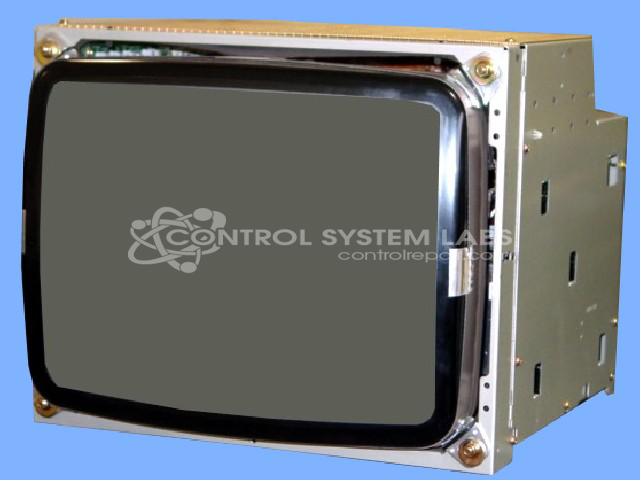
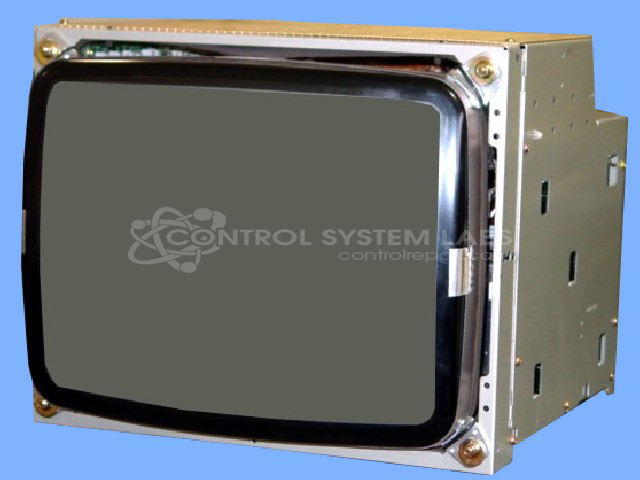
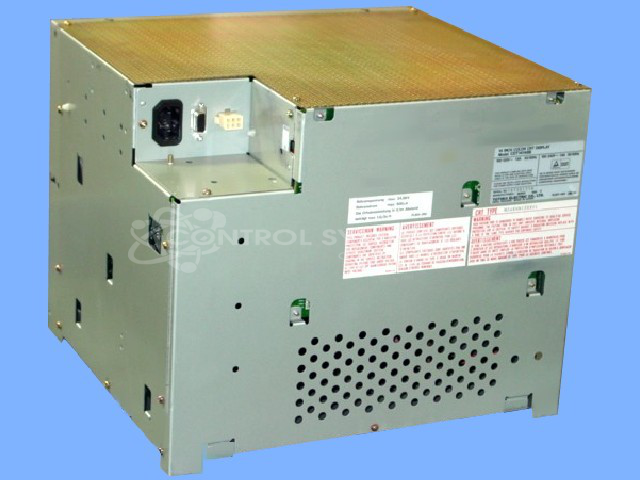
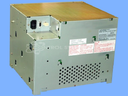
Product Overview: The Totoku Electric CDT-14148B is a 14-inch industrial color CRT monitor designed for factory automation and machine interface applications. It accepts standard VGA input signals and features a cathode ray tube display suitable for harsh industrial environments. This monitor is commonly found in Mitsubishi and Sumitomo equipment, providing operator interface and process visualization in manufacturing systems. The unit includes a CRT board with filament connections and standard industrial mounting configurations for panel or rack integration.
Category: Monitors
Manufacturer: Totoku Electric
Manufacturer Part Number: CDT-14148B
Also Known As(AKA): JA73G413AC SUMITOMO
Repair price does not include CRT or Flyback transformer replacement if needed.
Common Failures
Units may experience issues such as intermittent operation or failure to power on correctly. Power-related symptoms have been reported in some cases.
Repair Approach
We evaluate each unit individually to identify the root cause. Repairs may involve addressing connection issues, re-seating connectors, or re-soldering connections as needed. The specific repair approach depends on the findings from our evaluation.
Testing & Quality
Units undergo testing to verify functionality following repair. Testing may include operation in standard VGA mode and other applicable checks. We perform necessary rework to support reliability, though we cannot guarantee long-term performance or that a unit will be like new.
Service and repair your broken Totoku Electric part
We can repair your Totoku Electric model CDT-14148B in our facility. Let our skilled technicians get your Totoku Electric back in operation quickly.
Step 1 - Click the green 'Repair Now' button above to add the part and then complete the RMA.
Step 2 - The RMA form will be sent to you via email. Print the RMA form and put it in a box with the item(s) for repair.
Step 3 - Ship or mail the box to the address listed on the RMA.
Once the user has seen at least one product this snippet will be visible.