



Repair
Repair Price: $ 594.00
Purchase
CSL Part Number: 26961
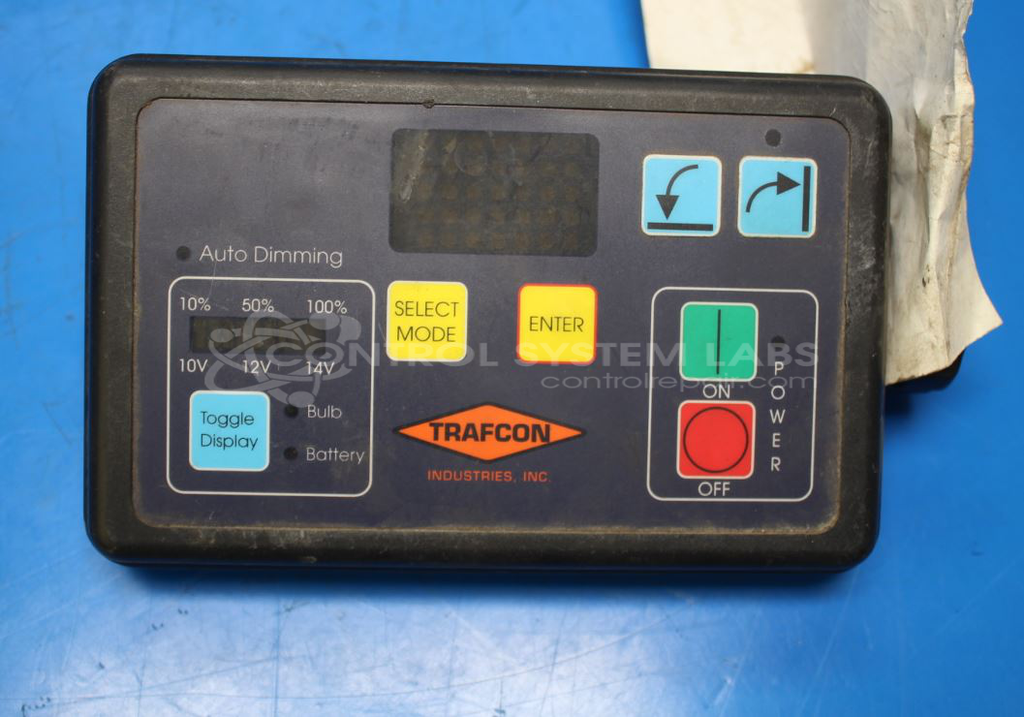
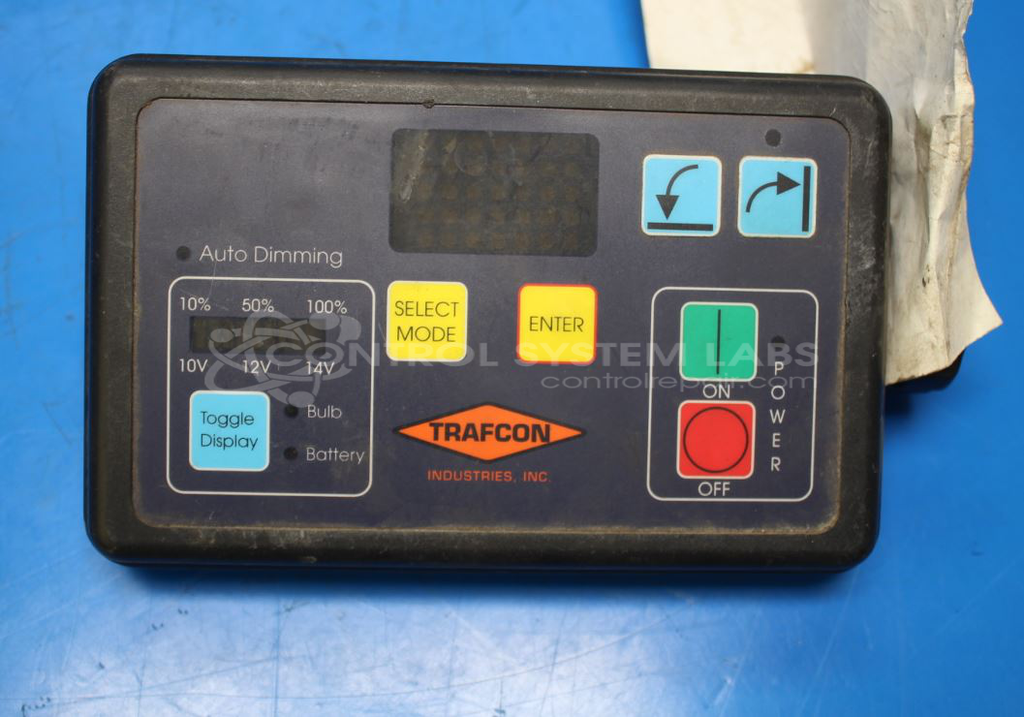
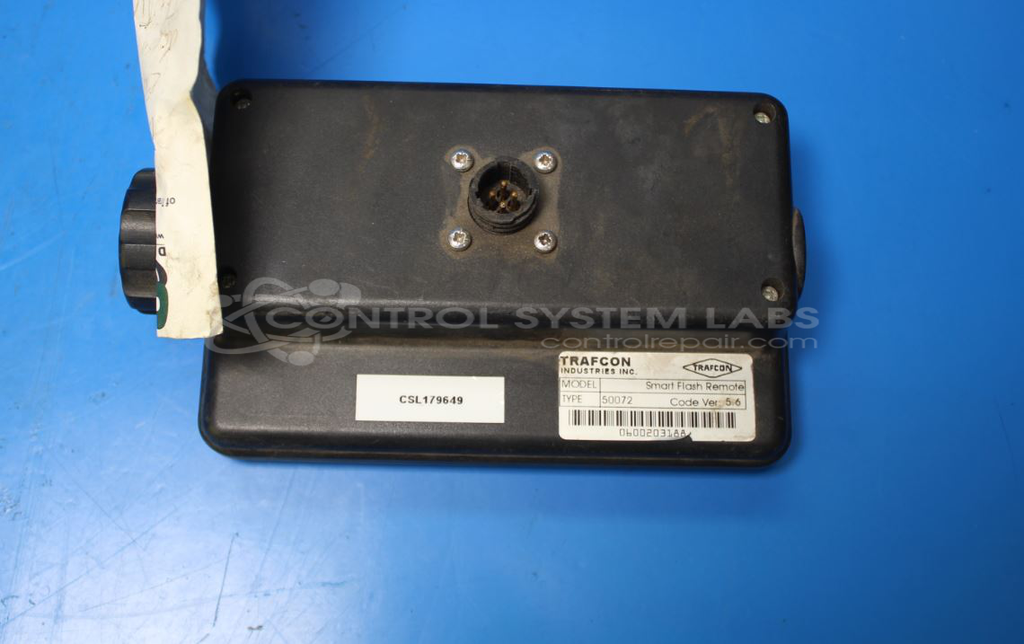
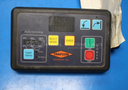
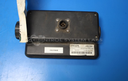
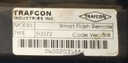
Product Overview: The Trafcon Smart Flash Remote Control Head (Model 50072) is a controller designed for arrow signal systems used in traffic management applications. It manages flash patterns and operational sequences for directional arrow boards commonly found in work zones and highway construction sites. The unit features tactile switches for pattern selection and display control, RS422/RS485 communication capability for remote programming and monitoring, and a programmable microprocessor (MC68HC705) for storing and executing flash patterns. This remote head works in conjunction with base control units to provide flexible traffic direction signaling.
Category: Arrow Signal Controls
Manufacturer: Trafcon
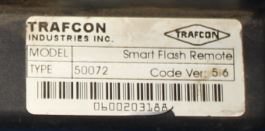
Manufacturer Part Number: 50072
Also Known As(AKA): 578178 ON BOARD
Send keypad and controller for repair.
Common Failures
This device has been reported with symptoms such as communication errors, non-functional buttons, and unresponsive microprocessors. In some cases, corroded switches have been identified during evaluation, which can contribute to performance issues including intermittent button function.
Repair Approach
Repairs have included component replacement and thorough cleaning using isopropyl alcohol to remove contaminants. When corroded switches or faulty microprocessors are identified during evaluation, replacement of these components has been performed to address the reported issues.
Testing & Quality
Repaired units undergo diagnostic testing to verify functionality, including switch operation and communication pathway testing. Testing procedures may include Level 3 Testing and burn-in tests to confirm that the unit operates as expected following repair.
Repair your broken Trafcon part
We can repair your Trafcon model 50072 .
Please note: our repair turnaround time may be longer than our standard lead times for this item.
Step 1 -
Click the green button above, "Repair Now," and add to your RMA.
Step 2 -
Print the RMA form that is emailed to you, and put it in a box with the parts for repair.
Step 3 -
Mail the box to the address on the RMA.
You will be sent an authorization for repair via email. Your approval is needed before any work is started.
Once the user has seen at least one product this snippet will be visible.