



Repair
Repair Price: $ 1,894.00
Purchase
CSL Part Number: 87155
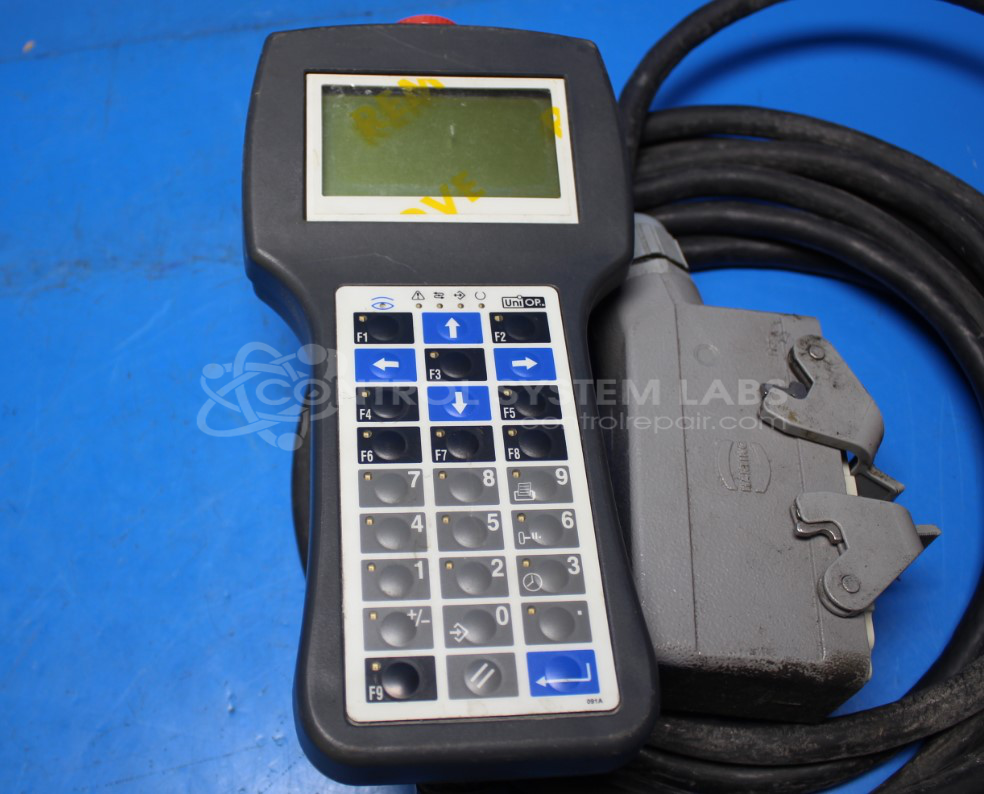
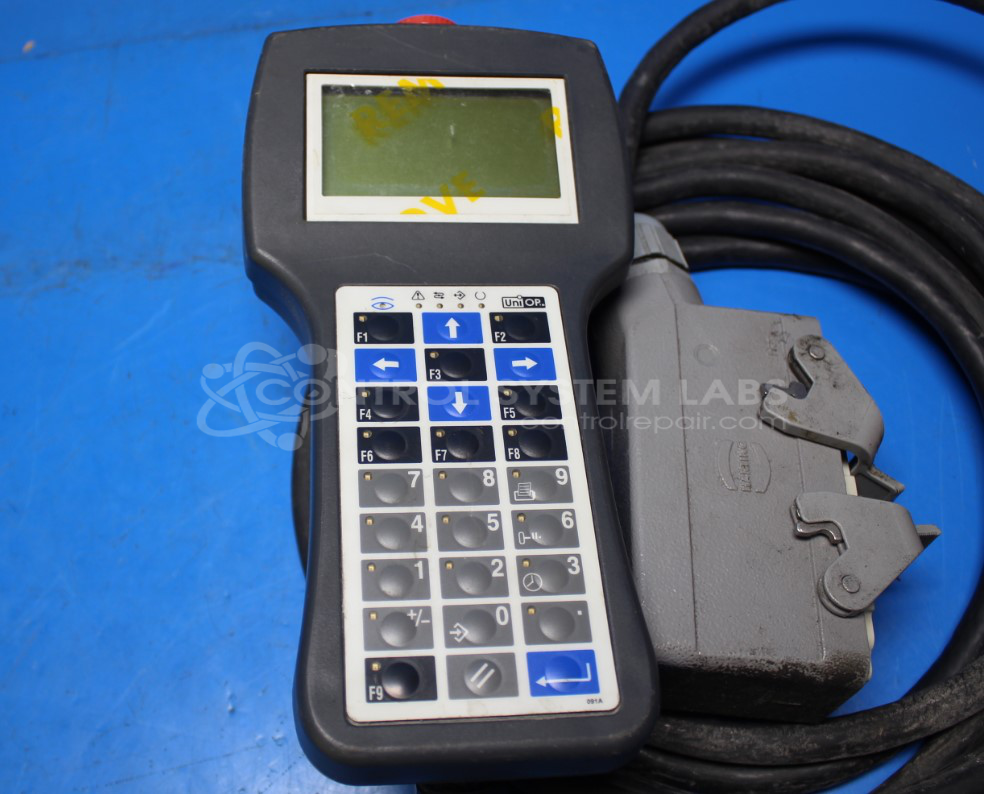
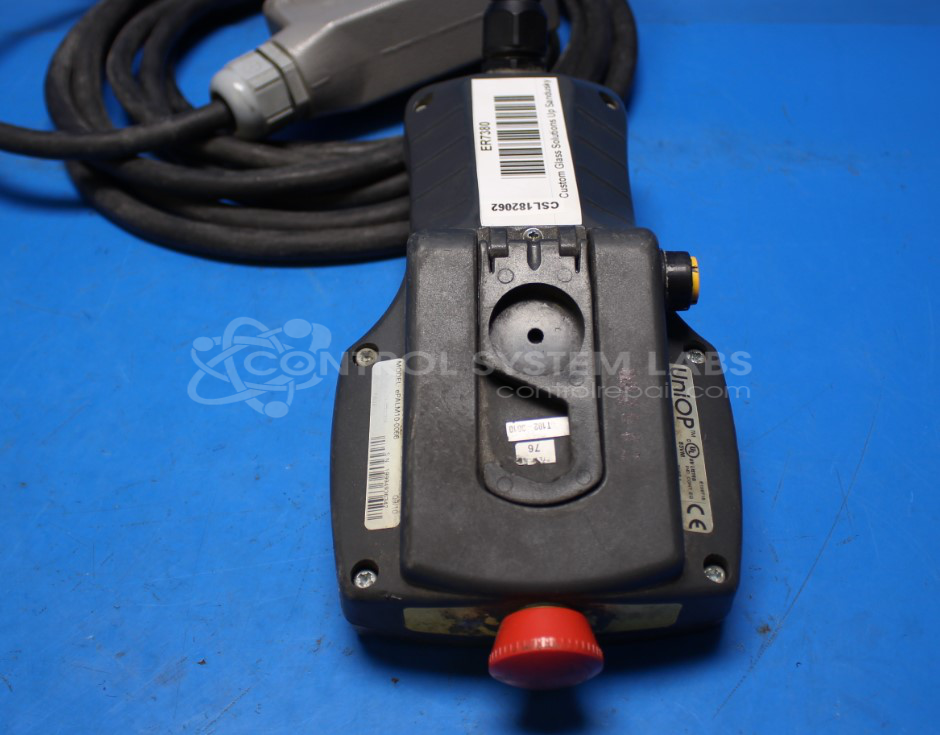
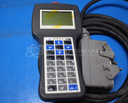
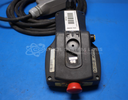
Product Overview: The Uniop ePALM10-0066 is a portable handheld human-machine interface (HMI) pendant used for remote control and monitoring of industrial equipment. Commonly deployed in wind turbine applications, it connects to machinery via network URL configuration and features a touchscreen display, keypad, emergency stop button, and deadman switch for operator safety. The device is battery-powered with an internal CR2430 battery and includes indicator LEDs for status feedback. It allows technicians to interact with control systems from ground level or remote locations without accessing fixed control panels.
Category: Pendant
Manufacturer: Uniop
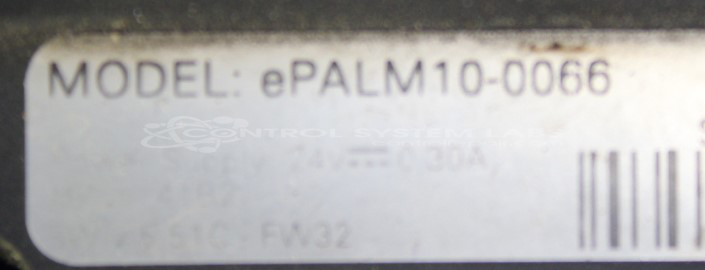
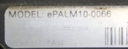
Manufacturer Part Number: ePALM10-0066
Also Known As(AKA): EXOR International
Please include a clear problem description.
Common Failures
This pendant-type device may experience connectivity issues, display problems, or control failures. Reported symptoms include difficulty connecting to systems, blank display screens, LED indicator issues, battery-related failures such as low voltage or depleted batteries, and physical damage to switches or protective elements.
Repair Approach
CSL evaluates each unit to identify the root cause of failure. Repair actions may include battery replacement or recharging, securing connectors with adequate strain relief, addressing physical damage to switches or protective case elements, and verifying the functionality of display and associated input or output components. We provide a quotation before repair work begins.
Testing & Quality
Following repair, CSL tests each unit to verify that display functions operate correctly, buttons and indicators respond as expected, and connectivity is restored. Any replaced or repaired mechanical parts are tested to confirm reliable operation.
Service and repair your broken Uniop part
We can repair your Uniop model ePALM10-0066 in our facility. Let our skilled technicians get your Uniop back in operation quickly.
Step 1 - Click the green 'Repair Now' button above to add the part and then complete the RMA.
Step 2 - The RMA form will be sent to you via email. Print the RMA form and put it in a box with the item(s) for repair.
Step 3 - Ship or mail the box to the address listed on the RMA.
Once the user has seen at least one product this snippet will be visible.