



Repair
Repair Price: $ 2,144.00
Purchase
CSL Part Number: 28933
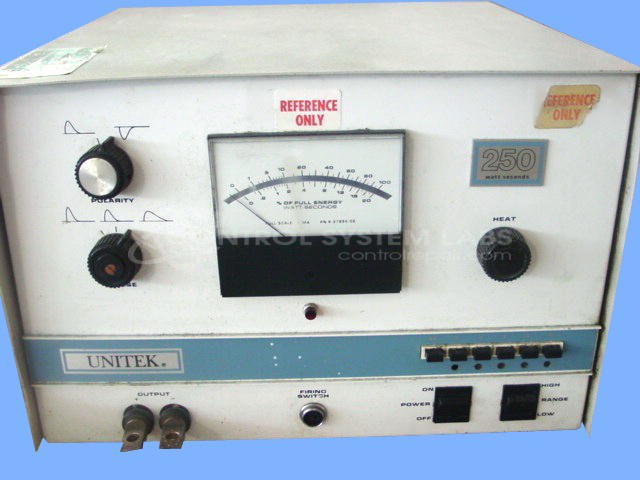
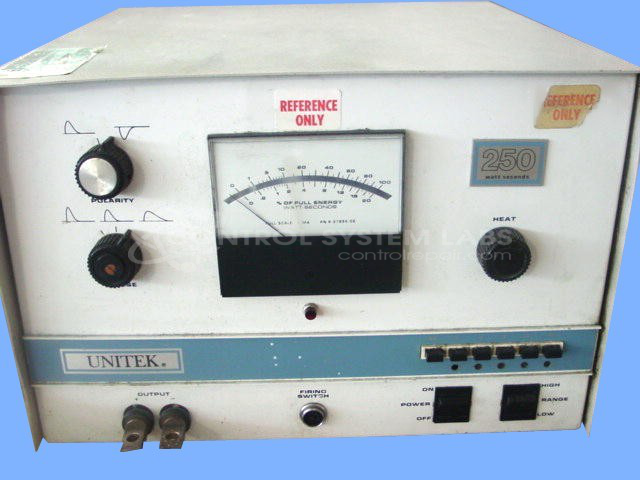
Product Overview: The Unitek 1-180-02 is a resistance spot welder control used in precision welding applications requiring adjustable heat and timing parameters. It features manual heat control with preset options, adjustable waveform polarity and width, variable DC bus voltage (68-420V), and a front panel meter for monitoring. Common in manufacturing environments for joining metal components, it uses rotary switches for mode selection and includes NVRAM memory for storing welding parameters.
Category: Welders
Manufacturer: Unitek
Manufacturer Synonyms: Unitek Equipment MIYACHI
Manufacturer Part Number: 1-180-02
Repair to control only. Other parts would be extra.
Common Failures
Units may exhibit no output due to various component failures. Issues have included defective zener diodes, failed switches, and problems with resistors and associated capacitors. In some cases, loose hardware inside switches can also cause operational issues.
Repair Approach
Repair procedures typically involve replacing defective components such as zener diodes and switches. Circuit boards may be resoldered, and connections tightened. Component replacements are determined based on evaluation findings and may include items such as NVRAM chips when needed to restore unit functionality.
Testing & Quality
Repairs are followed by testing, which may include burn-in tests and voltage measurements. Units undergo functional tests to verify that controls and settings perform as expected. Any faults detected during testing are addressed before the unit is approved for return.
Service and repair your broken Unitek part
We can repair your Unitek model 1-180-02 in our facility. Let our skilled technicians get your Unitek back in operation quickly.
Step 1 - Click the green 'Repair Now' button above to add the part and then complete the RMA.
Step 2 - The RMA form will be sent to you via email. Print the RMA form and put it in a box with the item(s) for repair.
Step 3 - Ship or mail the box to the address listed on the RMA.
Once the user has seen at least one product this snippet will be visible.