




Repair
Repair Price: $ 824.00
Purchase
CSL Part Number: 87019
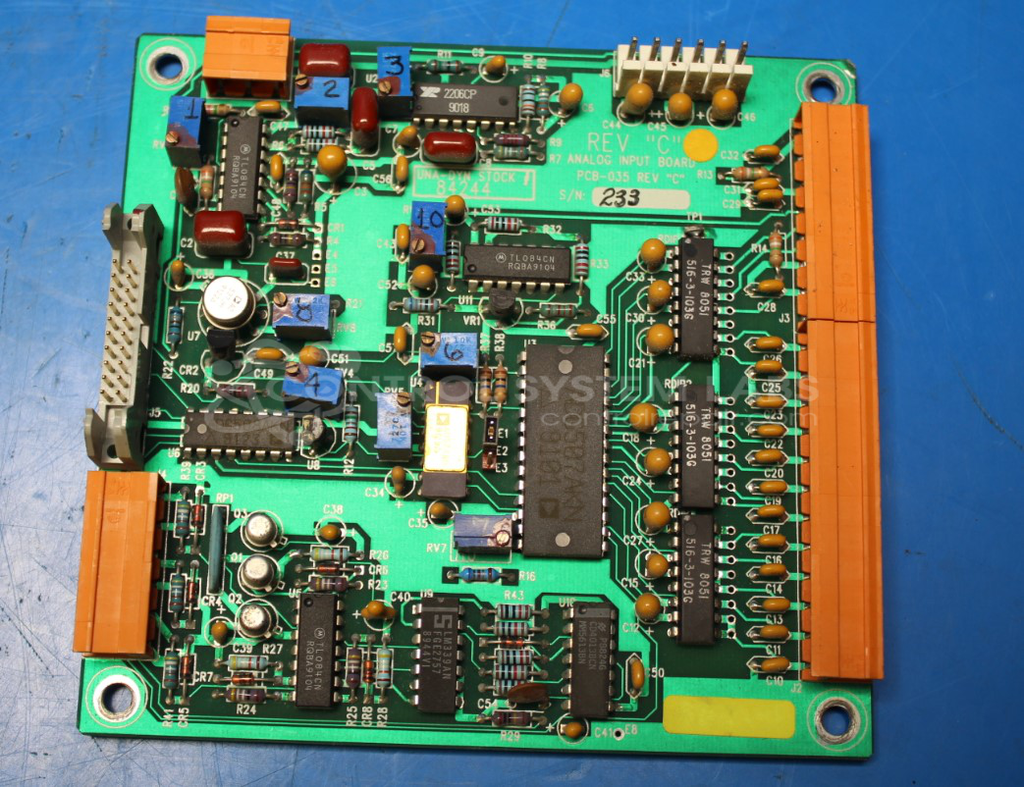
Product Overview: An analog input board that processes three-phase current signals from current transformers for monitoring and control applications. It conditions incoming analog signals through an input stage using operational amplifiers, enabling phase detection and fault monitoring to control connected equipment such as blowers.
Category: Control Board
Manufacturer: Universal Dynamics
Manufacturer Synonyms: UNA-DYN
Manufacturer Part Number: 84244
Also Known As(AKA): PCB-035
Common Failures
Some units have been reported to incorrectly read component phase, triggering a phase error alarm and preventing the blower from operating. This issue may be associated with the input stage connected to the current transformers.
Repair Approach
The repair process typically involves replacing components in the input stage of the board, including capacitors and integrated circuits. Other potential causes may include the motor contactor, fuses, or phase imbalances. Once the unit is received and reviewed, we can provide a quotation before any repair work begins.
Testing & Quality
During evaluation and repair, our technicians verify reported issues when possible. Components are replaced based on evaluation findings and technical review. All work is performed according to CSL quality standards.
Service and repair your broken Universal Dynamics part
We can repair your Universal Dynamics model 84244 in our facility. Let our skilled technicians get your Universal Dynamics back in operation quickly.
Step 1 - Click the green 'Repair Now' button above to add the part and then complete the RMA.
Step 2 - The RMA form will be sent to you via email. Print the RMA form and put it in a box with the item(s) for repair.
Step 3 - Ship or mail the box to the address listed on the RMA.
Once the user has seen at least one product this snippet will be visible.