



Repair
Repair Price: $ 1,252.00
Purchase
CSL Part Number: 36506
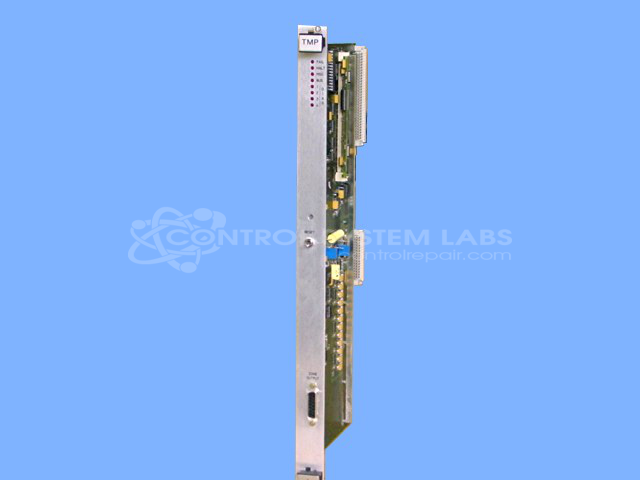
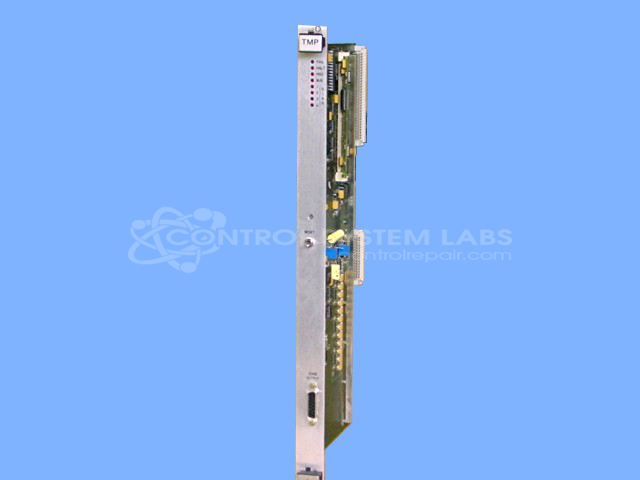
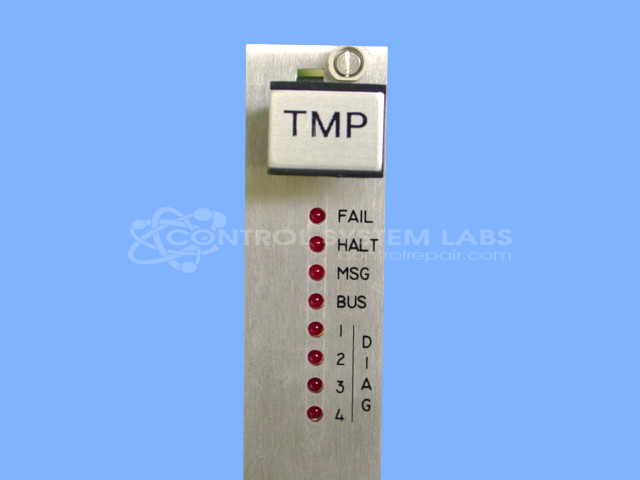
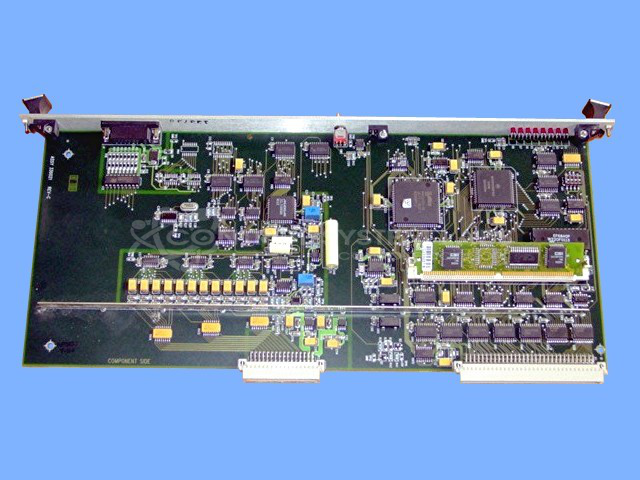
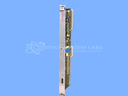
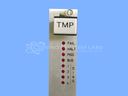
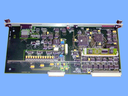
Product Overview: The TMP Temperature Card is a control board designed for Van Dorn/Demag Pathfinder series injection molding machines (models 2500, 3000, 4500, and 5000). It monitors thermocouple inputs and controls heating zone outputs to maintain precise barrel and nozzle temperatures during the plastic injection molding process. The board features multiple temperature zones with dedicated output drivers and accepts a SIMM memory module for configuration. It operates on multiple DC voltages including +5V, +24V, -24V, and -12V supplies.
Category: Control Board
Manufacturer: Van Dorn/Demag
Manufacturer Synonyms: Sumitomo DEMAG
Manufacturer Part Number: 330021
Series: Pathfinder PLC
We have a test fixture and procedure to service and repair this card.
Common Failures
Common issues reported include short circuits, overheating in the center zone, loss of temperature control, and blown fuses. These problems may be caused by defective components or contamination affecting the device's performance.
Repair Approach
Repairs typically involve replacing defective components, cleaning contacts, and addressing contamination or corrosion. For certain temperature control issues, replacing specific transistor arrays may be required. Thorough cleaning is recommended when contamination bridges multiple components.
Testing & Quality
After repairs, testing is performed using diagnostic equipment including digital multimeters and test fixtures to verify inputs and outputs function properly. Burn-in tests lasting up to 5 hours are used to verify that units maintain temperature control and operate within expected parameters. Repairs are validated through testing to confirm functionality.
Service and repair your broken Van Dorn/Demag part
We can repair your Van Dorn/Demag model 330021 in our facility. Let our skilled technicians get your Van Dorn/Demag back in operation quickly.
Step 1 - Click the green 'Repair Now' button above to add the part and then complete the RMA.
Step 2 - The RMA form will be sent to you via email. Print the RMA form and put it in a box with the item(s) for repair.
Step 3 - Ship or mail the box to the address listed on the RMA.
Once the user has seen at least one product this snippet will be visible.