



Repair
Repair Price: $ 594.00
Purchase
CSL Part Number: 24030
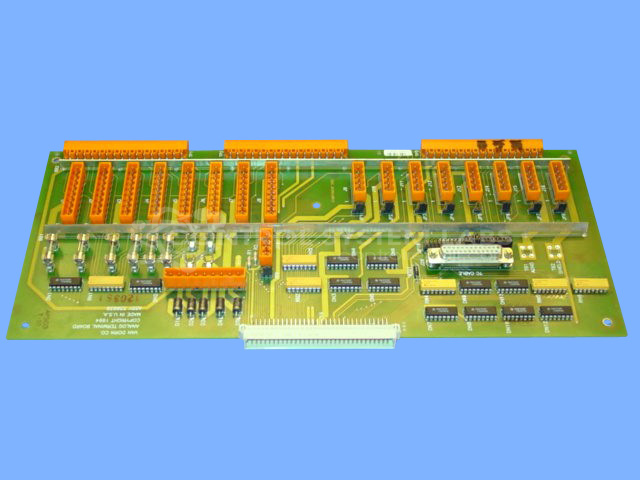
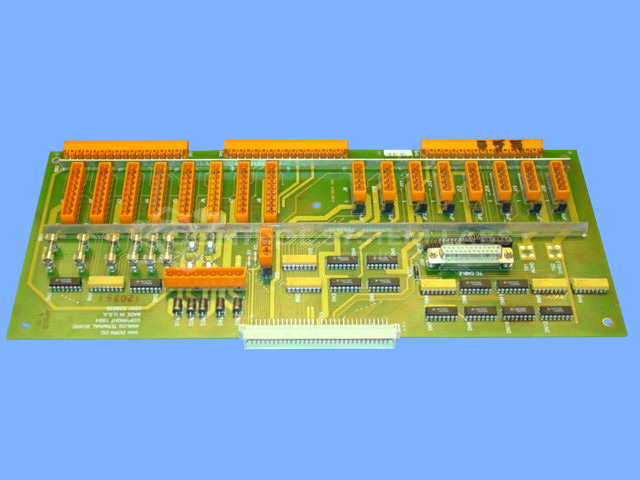
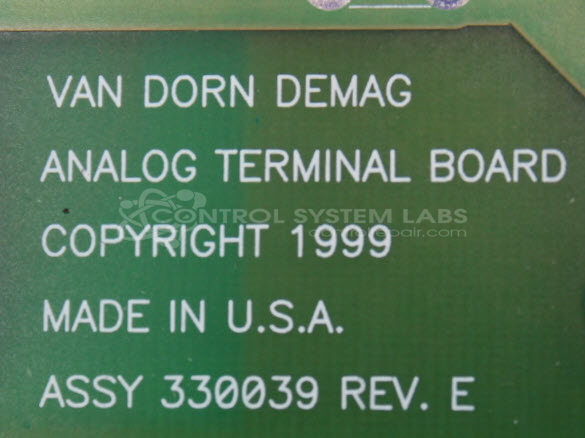
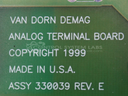
Product Overview: The Analog Terminal Board (Van Dorn/Demag 330039) is an interface module for the Pathfinder PLC series used in plastic injection molding machines. It provides analog I/O connectivity between field devices and the Pathfinder 2500, 3000, 4500, or 5000 control systems. The board features multiple socket connections for signal conditioning and terminal interfacing, enabling the controller to monitor and regulate analog process parameters such as temperature, pressure, and position in Van Dorn and Demag injection molding equipment.
Category: Control Board
Manufacturer: Van Dorn/Demag
Manufacturer Synonyms: Sumitomo DEMAG
Manufacturer Part Number: 330039
Series: Pathfinder PLC
We have a test fixture and procedure to service and repair this card.
Common Failures
Units may exhibit issues such as oil residue accumulating under sockets and defective solder joints that can cause loose connections. These issues may lead to functionality problems if not addressed.
Repair Approach
Repairs typically involve thorough cleaning when oil residue is present and careful inspection of socket connections and solder joints. Defective solder joints are re-soldered and tested to ensure secure connections.
Testing & Quality
After repairs, units undergo diagnostic testing with tools such as multimeters and specialized test fixtures. Components and connections are checked to confirm they meet required standards. Final testing includes a burn-in test to verify operational integrity.
Service and repair your broken Van Dorn/Demag part
We can repair your Van Dorn/Demag model 330039 in our facility. Let our skilled technicians get your Van Dorn/Demag back in operation quickly.
Step 1 - Click the green 'Repair Now' button above to add the part and then complete the RMA.
Step 2 - The RMA form will be sent to you via email. Print the RMA form and put it in a box with the item(s) for repair.
Step 3 - Ship or mail the box to the address listed on the RMA.
Once the user has seen at least one product this snippet will be visible.