



Repair
Repair Price: $ 1,994.00
Purchase
CSL Part Number: 87643
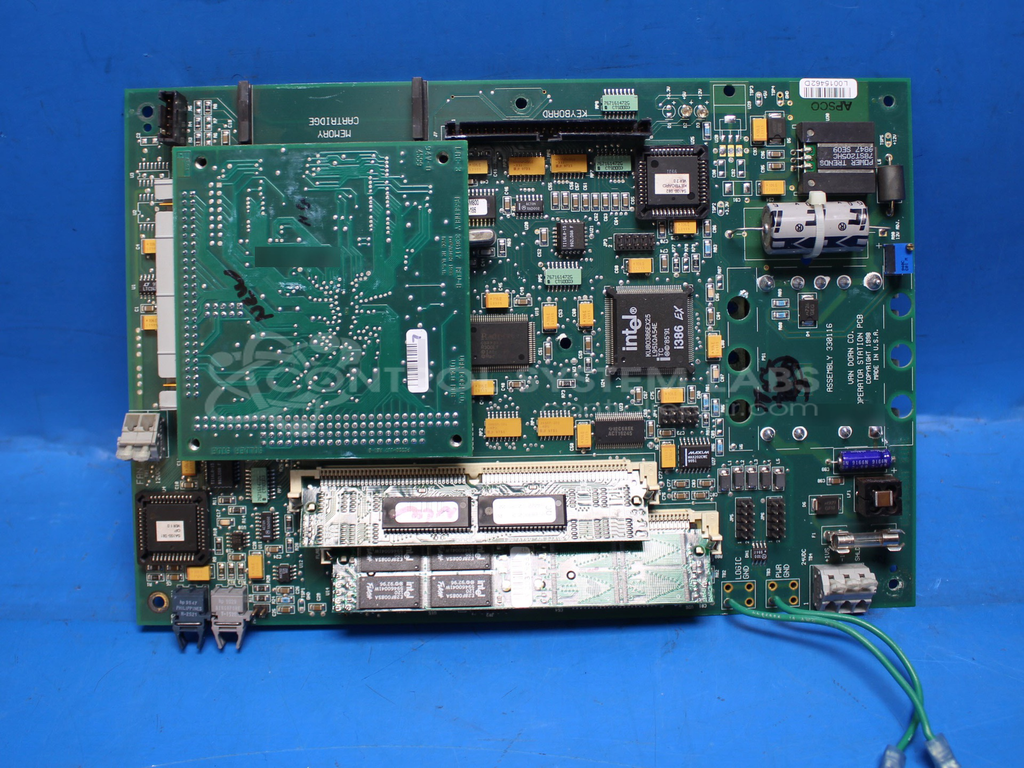
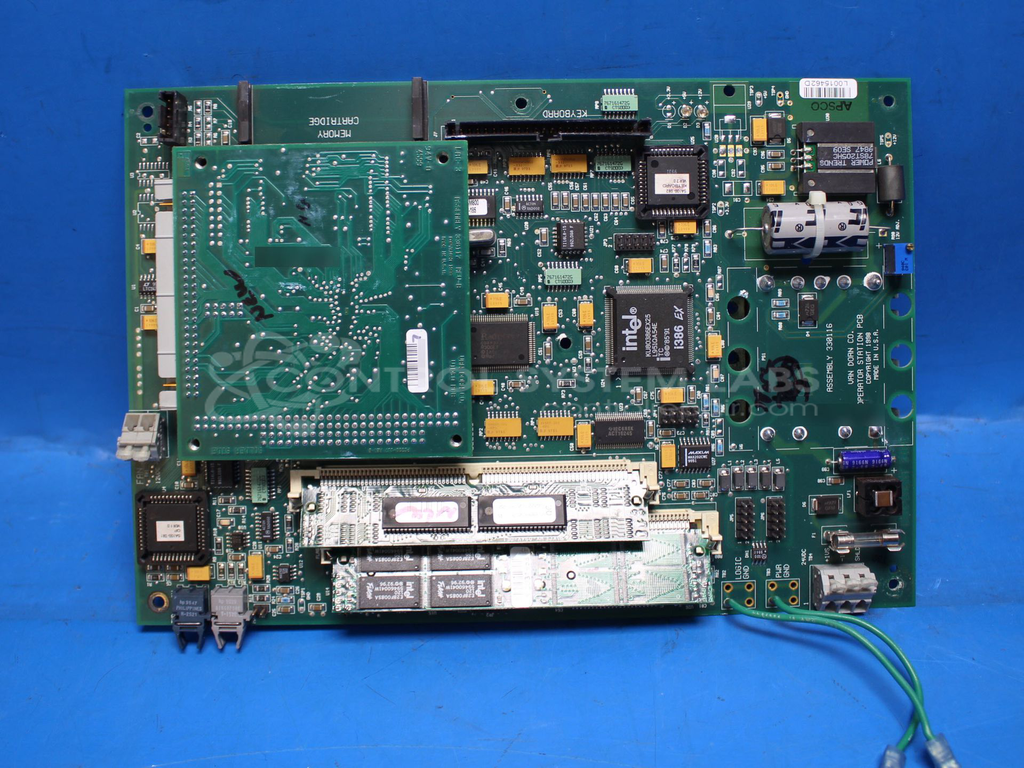
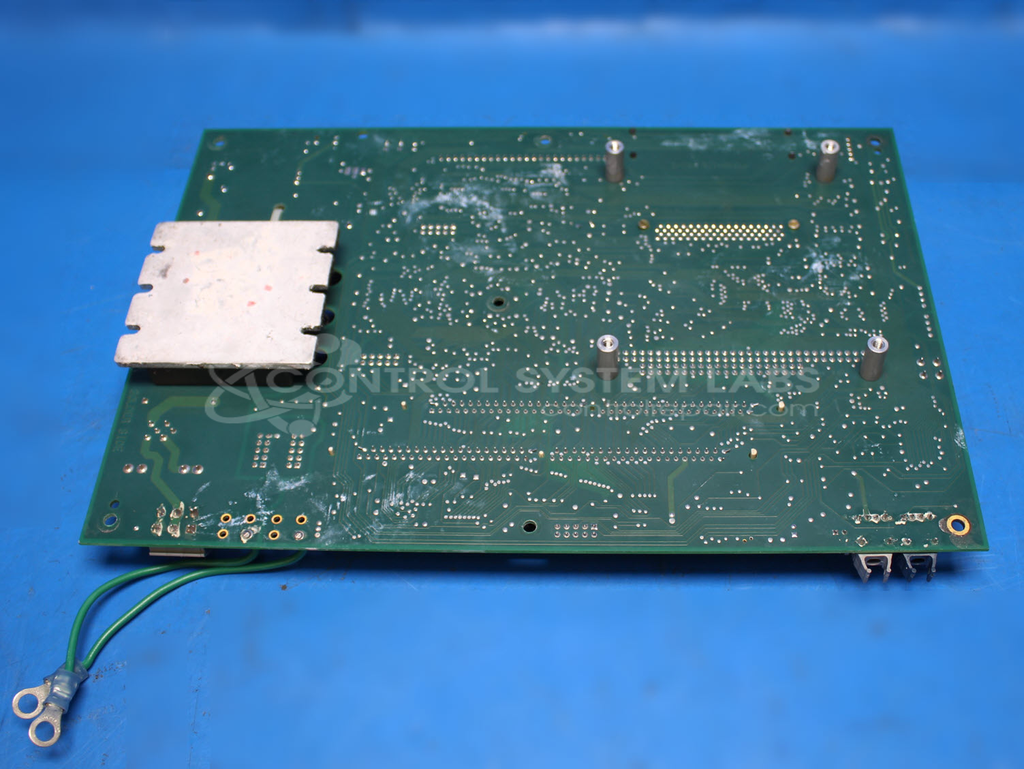
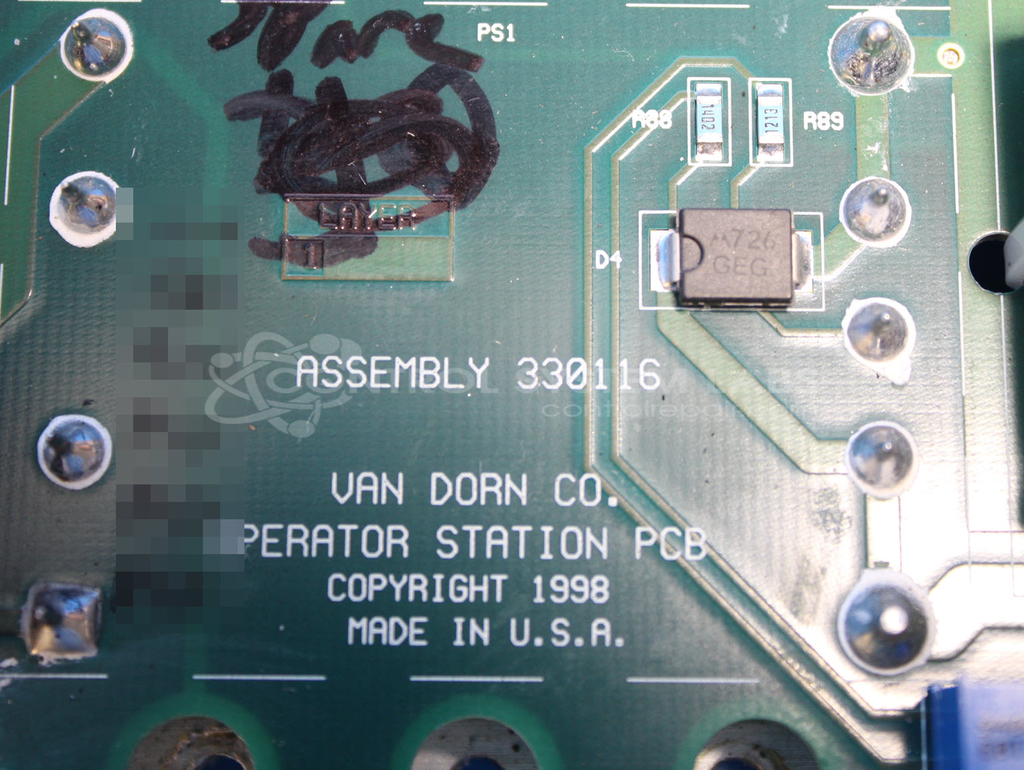
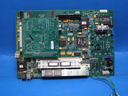
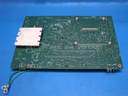
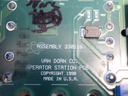
Product Overview: The Operator Station with Video Board is a Van Dorn/Demag Pathfinder control interface used in plastic injection molding machines. It combines a main processing board (330116) with an integrated video board (330117) to provide machine monitoring and control capabilities. Commonly found in Pathfinder 3000 series machines, it supports both LCD and EL (electroluminescent) display types. The unit uses SIMM modules for program storage and requires specific firmware versions depending on the display technology installed.
Category: Operator / Monitor Workstation
Manufacturer: Van Dorn/Demag
Manufacturer Synonyms: Sumitomo DEMAG
Manufacturer Part Number: 330116 with 330117
Series: Pathfinder Operator Station
Often found in a Pathfinder 3000
Common Failures
One common issue reported with this product is a non-functional screen. The problem may be related to connection issues on the printed circuit board or flash module concerns.
Repair Approach
Our repair process may involve securing connections on the PCB, addressing flash module issues, and cleaning module contacts. The repair often requires identification of the correct display type to ensure proper configuration.
Testing & Quality
After repairs, products undergo diagnostic testing, including burn-in tests with load, to verify operation. All items are subject to final testing checkpoints to confirm resolution of the reported issue.
Service and repair your broken Van Dorn/Demag part
We can repair your Van Dorn/Demag model 330116 with 330117 in our facility. Let our skilled technicians get your Van Dorn/Demag back in operation quickly.
Step 1 - Click the green 'Repair Now' button above to add the part and then complete the RMA.
Step 2 - The RMA form will be sent to you via email. Print the RMA form and put it in a box with the item(s) for repair.
Step 3 - Ship or mail the box to the address listed on the RMA.
Once the user has seen at least one product this snippet will be visible.