



Repair
Repair Price: $ 4,424.00
Purchase
CSL Part Number: 34026
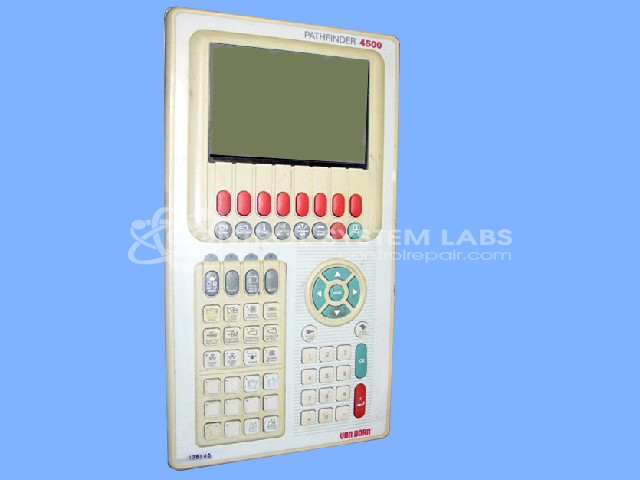
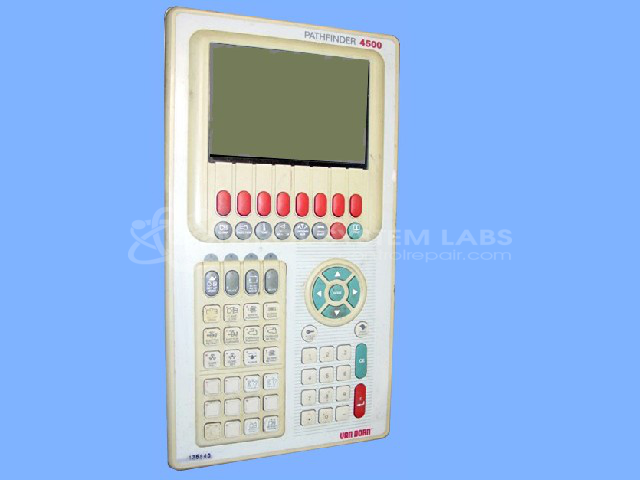
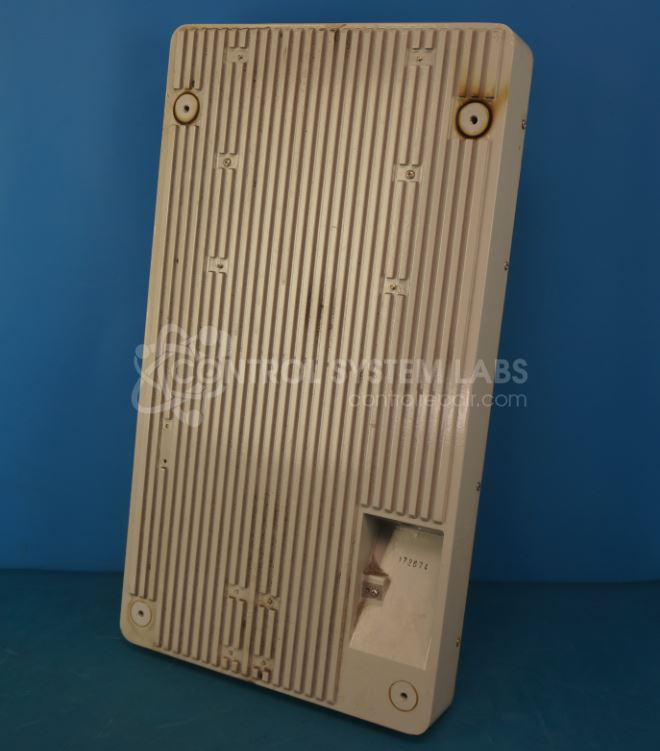
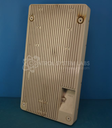
Product Overview: The Pathfinder 4500 Operator Station is a human-machine interface panel manufactured by Van Dorn/Demag for industrial machine control. It features an electroluminescent display screen and membrane button keypad for operator input and system monitoring. This operator station is commonly used in paper manufacturing and converting equipment, providing machine control, parameter adjustment, and status visualization. The unit communicates with machine control systems and allows operators to interface with automated processes in production environments.
Category: Operator & Control Panels
Manufacturer: Van Dorn/Demag
Manufacturer Synonyms: Sumitomo DEMAG
Manufacturer Part Number: PATHFINDER 4500
Series: Pathfinder Operator Station
Also Known As(AKA): 340661 DEMAG P/N
Limited repairs are available/ must send in for inspection.
Common Failures
One frequently reported issue involves the display screen remaining blank and the buttons becoming non-responsive. This may be related to the EL driver PCB.
Repair Approach
The repair process may include cleaning and addressing issues with the EL display driver PCB. Specific components, such as buttons with various contact sizes and capacitors, may also be replaced or repaired as necessary depending on evaluation findings.
Testing & Quality
After repairs, the device undergoes comprehensive testing, including checks of the display, keypad, and communication functionalities, to verify restored performance.
Service and repair your broken Van Dorn/Demag part
We can repair your Van Dorn/Demag model PATHFINDER 4500 in our facility. Let our skilled technicians get your Van Dorn/Demag back in operation quickly.
Step 1 - Click the green 'Repair Now' button above to add the part and then complete the RMA.
Step 2 - The RMA form will be sent to you via email. Print the RMA form and put it in a box with the item(s) for repair.
Step 3 - Ship or mail the box to the address listed on the RMA.
Once the user has seen at least one product this snippet will be visible.