




Repair
Repair Price: $ 404.00
Purchase
CSL Part Number: 122484
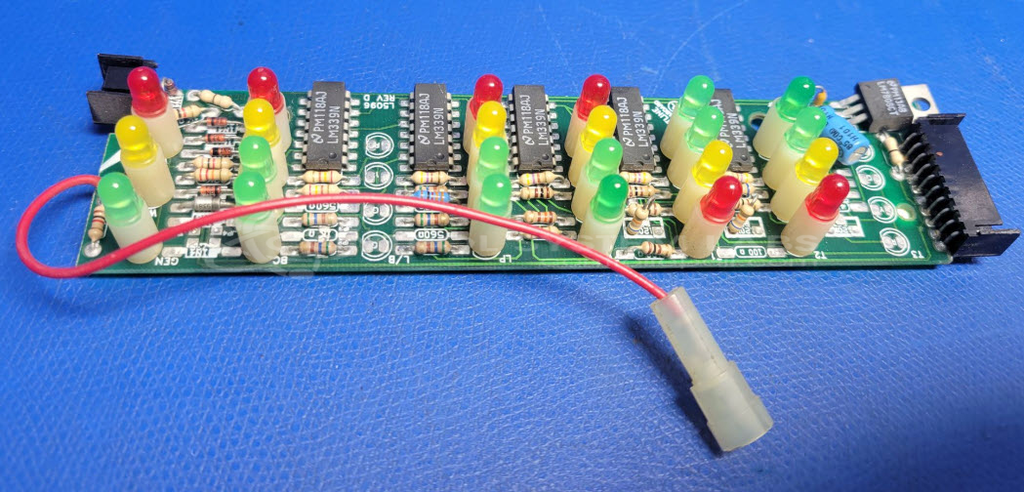
Product Overview: The Ventline L5096-54 Monitoring Panel Board is an operator interface used in paper manufacturing equipment to monitor tank level indicators. It employs LM339 comparator chips, an LM7808 voltage regulator, and electrolytic capacitors to process and display sensor inputs. This board provides visual feedback on multiple tank levels, allowing operators to monitor process conditions at a glance in paper mill applications.
Category: Operator Interface
Manufacturer: Ventline
Manufacturer Synonyms: Winnebago Industries Winebago
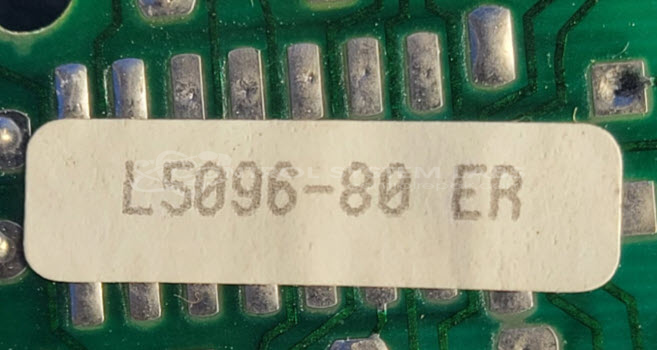
Manufacturer Part Number: L5096-80 ER
Please include a clear symptom or problem description with your request.
Common Failures
The main issue reported is that all tank indicators stop working. This failure is generally linked to problems with the voltage regulation and signal comparison components within the device.
Repair Approach
The repair process involves replacing key components, such as voltage regulators and comparators, and performing necessary resoldering of connections. Preventative maintenance is also part of the procedure to help ensure continued functionality, including the replacement of specific capacitors.
Testing & Quality
Post-repair, components are individually tested to verify their performance. Full system testing may not be available depending on the unit and repair scope. Testing procedures are designed to verify restored operation of the device's functionalities.
Service and repair your broken Ventline part
We can repair your Ventline model L5096-80 ER in our facility. Let our skilled technicians get your Ventline back in operation quickly.
Step 1 - Click the green 'Repair Now' button above to add the part and then complete the RMA.
Step 2 - The RMA form will be sent to you via email. Print the RMA form and put it in a box with the item(s) for repair.
Step 3 - Ship or mail the box to the address listed on the RMA.
Once the user has seen at least one product this snippet will be visible.