



Repair
Repair Price: $ 404.00
Purchase
CSL Part Number: 26283
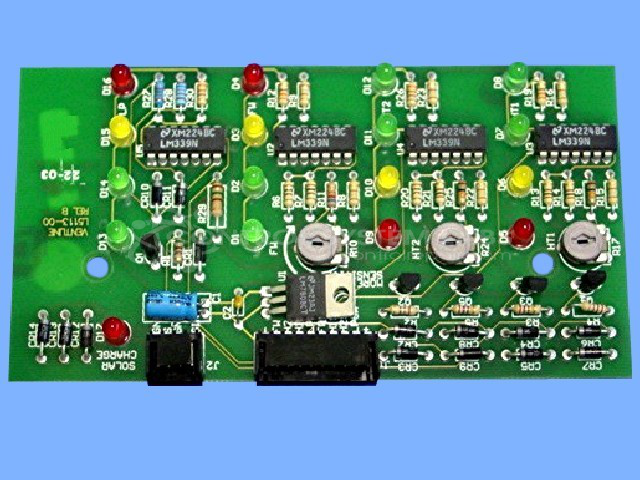
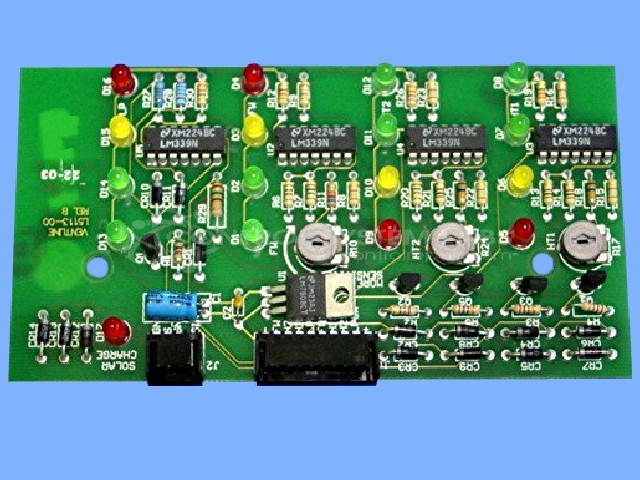
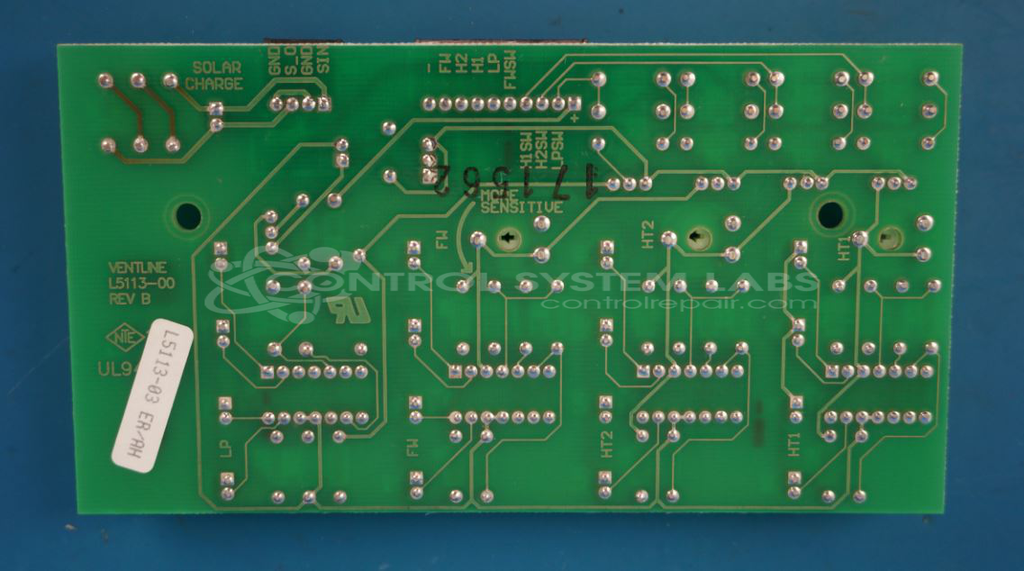
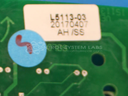
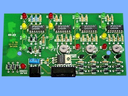
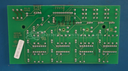
Product Overview: The Ventline L5113-03 RV Monitor Panel is a printed circuit board that displays tank levels and system status in recreational vehicles. It features LED indicators organized in columns to show fluid levels for fresh water, gray water, black water, and propane tanks. The board uses comparator ICs (LM339N) to process sensor inputs and drive the LED displays, with voltage regulation circuitry providing stable power. Common applications include Winnebago motor homes and other RV communication center installations where monitoring multiple tank levels from a centralized dashboard panel is required.
Category: Operator Interface
Manufacturer: Ventline
Manufacturer Synonyms: Winnebago Industries Winebago
Manufacturer Part Number: L5113-03
Also Known As(AKA): L5113-00, 15113-00
Common Failures
Frequently observed issues with this product include defective components, particularly a PNP Bipolar Transistor and comparator chips, which can lead to various symptoms such as lighting failures in monitor panels or power issues. Defective solder joints have also been identified as a contributing factor to inconsistent functioning.
Repair Approach
Repairs typically involve diagnosing faulty components, replacing defective transistors and capacitors, and addressing poor solder connections. Preventative measures, such as adding sockets or replacing aging components, may be employed to enhance durability and performance.
Testing & Quality
After repairs, units undergo testing procedures, which include burn-in tests both with and without load to evaluate reliability and proper functionality. Each unit is subject to a multi-level testing process to verify that it performs as expected.
Service and repair your broken Ventline part
We can repair your Ventline model L5113-03 in our facility. Let our skilled technicians get your Ventline back in operation quickly.
Step 1 - Click the green 'Repair Now' button above to add the part and then complete the RMA.
Step 2 - The RMA form will be sent to you via email. Print the RMA form and put it in a box with the item(s) for repair.
Step 3 - Ship or mail the box to the address listed on the RMA.
Once the user has seen at least one product this snippet will be visible.