



Repair
Repair Price: $ 404.00
Purchase
CSL Part Number: 85983
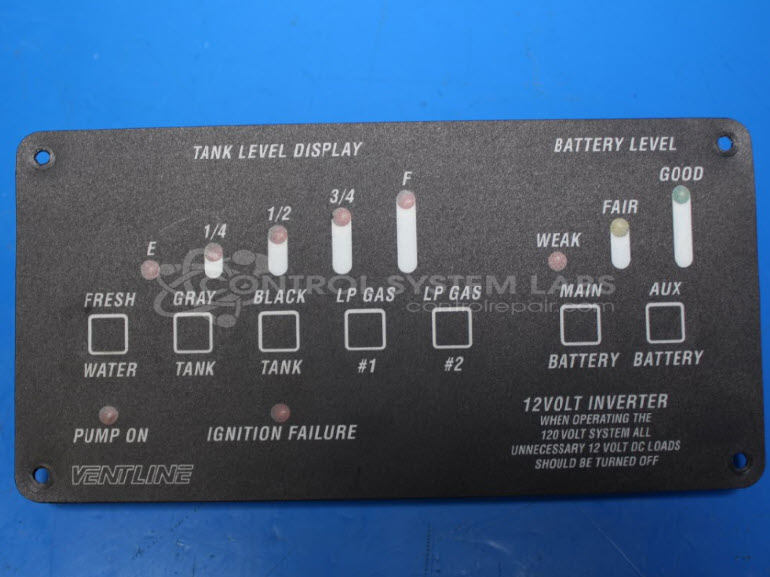
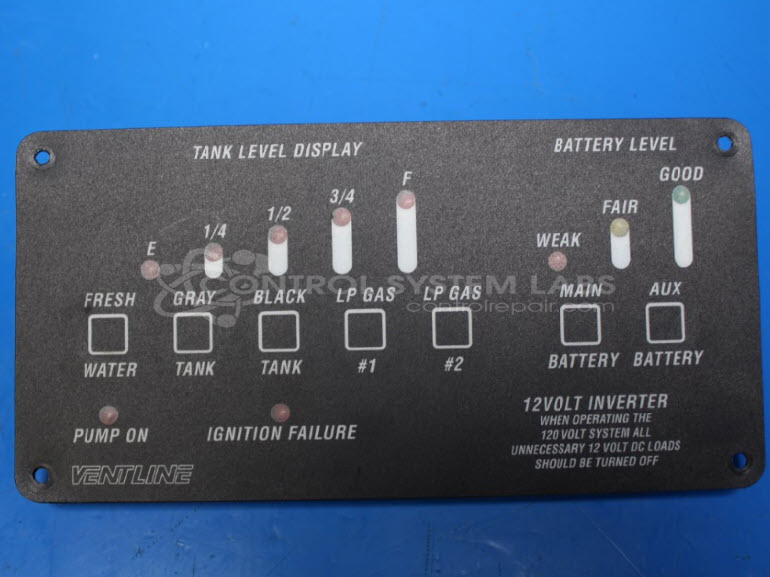
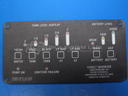
Product Overview: The Ventline L5122-01 Tank Level Display Control is an operator interface panel designed for recreational vehicles and mobile applications. It monitors and displays tank levels for fresh water, grey water, black water, and LP gas, as well as battery status. The unit features push-button controls that activate LED indicators to show fill levels in increments. It interfaces with external level sensors and provides visual feedback to the operator. Common applications include RV appliance control systems where centralized monitoring of multiple tank levels is required.
Category: Operator Interface
Manufacturer: Ventline
Manufacturer Synonyms: Winnebago Industries Winebago
Manufacturer Part Number: L5122-01
Overlay Damage to be quoted at evaluation
Common Failures
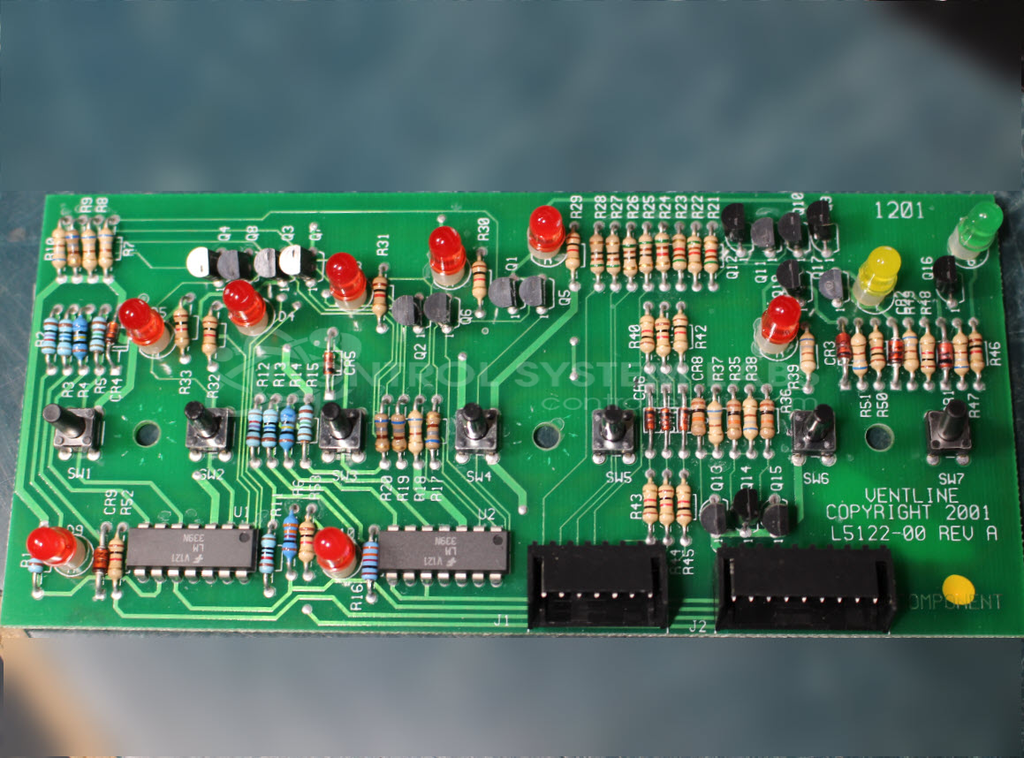
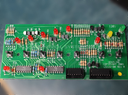
Common issues with this product include malfunctioning level indicators and inoperative battery level displays. These issues may be caused by component-level failures such as faulty integrated circuits or degraded solder connections.
Repair Approach
Repairs typically involve resoldering connections and replacing faulty components, such as comparators and diodes. When appropriate, components may be replaced based on evaluation findings to restore proper function.
Testing & Quality
Testing is performed at the component level using diagnostic equipment to verify function. Comprehensive checks, including indicators and sensor connections, are performed to confirm repair effectiveness. Please note that CSL evaluates and repairs at the module or unit level and does not perform machine-level or complete system testing.
Service and repair your broken Ventline part
We can repair your Ventline model L5122-01 in our facility. Let our skilled technicians get your Ventline back in operation quickly.
Step 1 - Click the green 'Repair Now' button above to add the part and then complete the RMA.
Step 2 - The RMA form will be sent to you via email. Print the RMA form and put it in a box with the item(s) for repair.
Step 3 - Ship or mail the box to the address listed on the RMA.
Once the user has seen at least one product this snippet will be visible.