



Repair
Repair Price: $ 904.00
Purchase
CSL Part Number: 87900
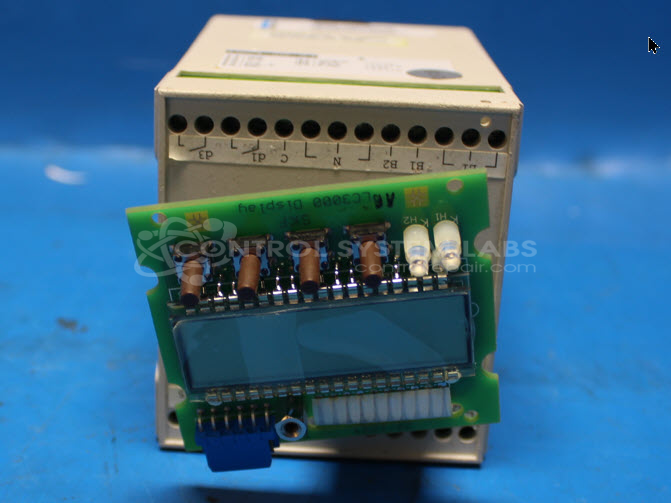
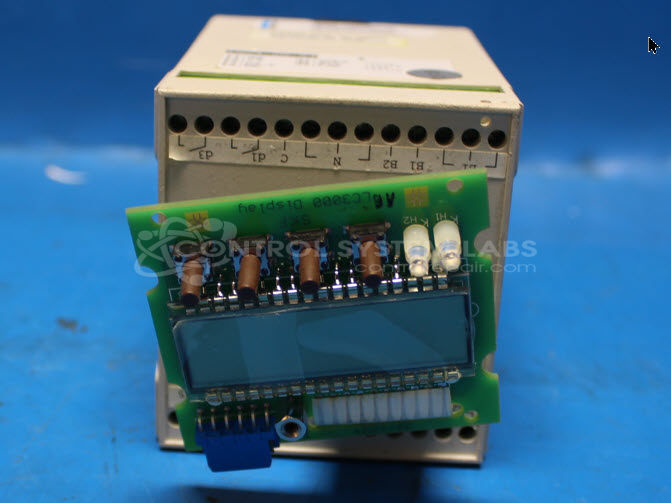
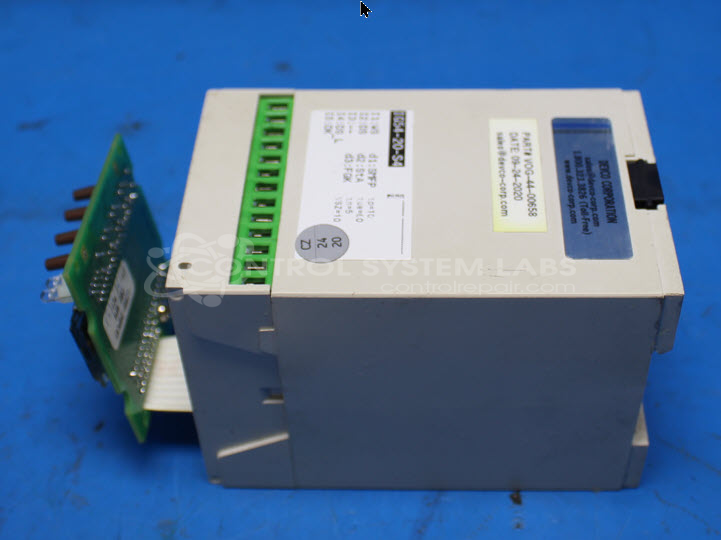
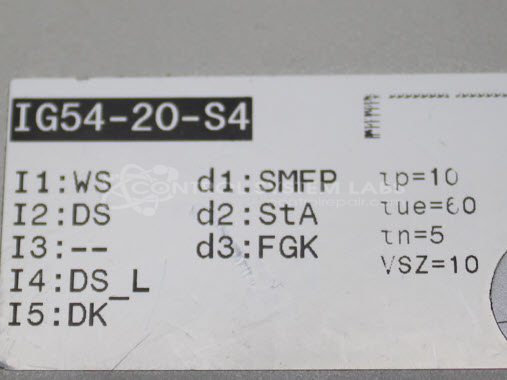
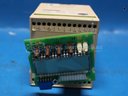
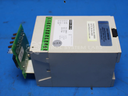
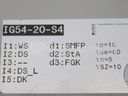
Product Overview: The Vogel IG54-20-S4 is a DIN rail-mounted programmable lubrication timer designed to control automatic lubrication systems in industrial machinery. It provides adjustable timing cycles from 1 to 128 minutes to regulate lubricant delivery intervals. The unit operates on 120 VAC and features multiple relay outputs for controlling lubrication pumps and monitoring system status. Common applications include paper processing equipment, printing presses, and other machinery requiring scheduled lubrication. The timer includes diagnostic LEDs for operational status and fault indication, with relay-driven outputs for pump control and system monitoring.
Category: Timers
Manufacturer: Vogel
Manufacturer Synonyms: Willy Vogel AG
Manufacturer Part Number: IG54-20-S4
Common Failures
This product may experience issues where the timer does not complete its cycle and requests oil. This failure can be accompanied by front panel "Failure" LED illumination and non-operational relay components. These symptoms may indicate potential issues with the microcontroller, relay circuits, or timing circuits.
Repair Approach
Diagnostic methods include circuit tracing and component testing. Common corrective actions may involve replacement of transistors and buffer components on the CPU board, as well as damaged ribbon cables when necessary.
Testing & Quality
During the repair process, diagnostic testing with wired fixtures configured for standard power settings is performed to verify operation. Units may be classified as Beyond Economic Repair (BER) if issues related to the microcontroller cannot be resolved or if necessary programming resources are not available.
Service and repair your broken Vogel part
We can repair your Vogel model IG54-20-S4 in our facility. Let our skilled technicians get your Vogel back in operation quickly.
Step 1 - Click the green 'Repair Now' button above to add the part and then complete the RMA.
Step 2 - The RMA form will be sent to you via email. Print the RMA form and put it in a box with the item(s) for repair.
Step 3 - Ship or mail the box to the address listed on the RMA.
Once the user has seen at least one product this snippet will be visible.