



Repair
Repair Price: $ 620.00
Purchase
CSL Part Number: 85146
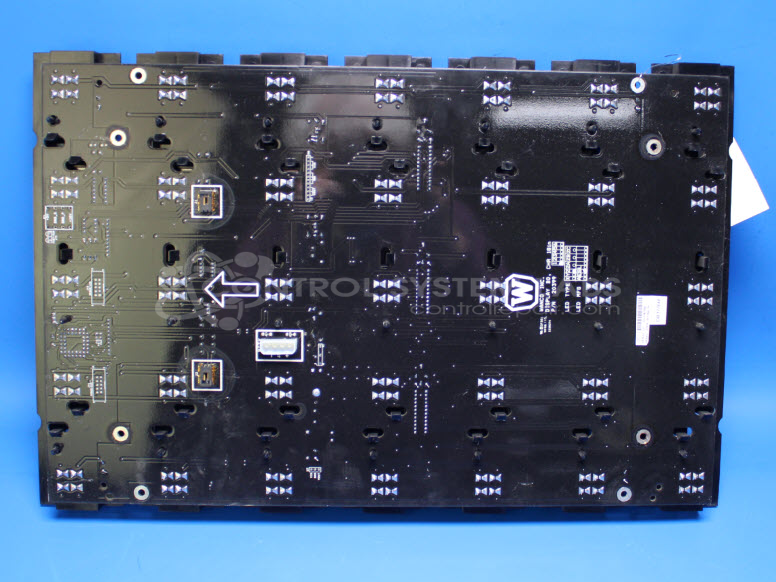
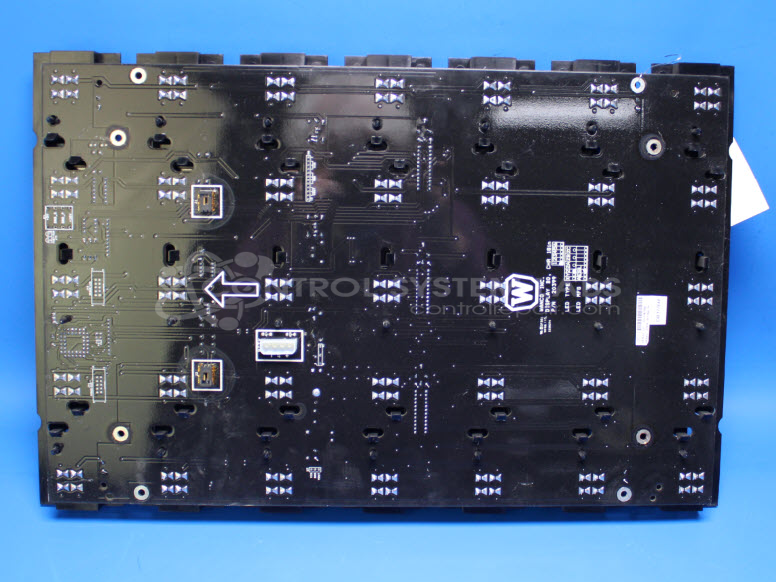
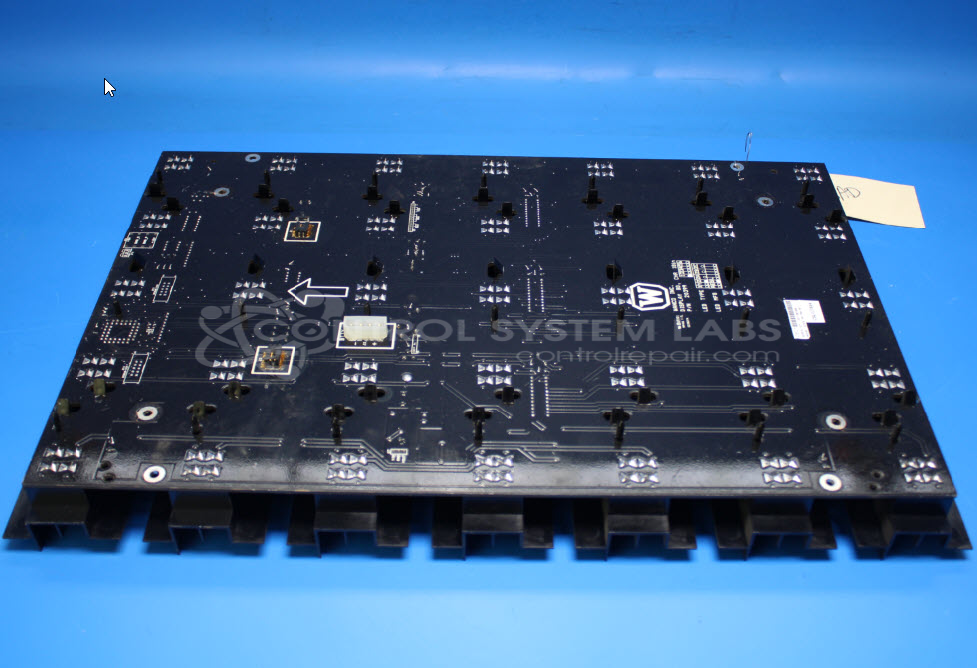
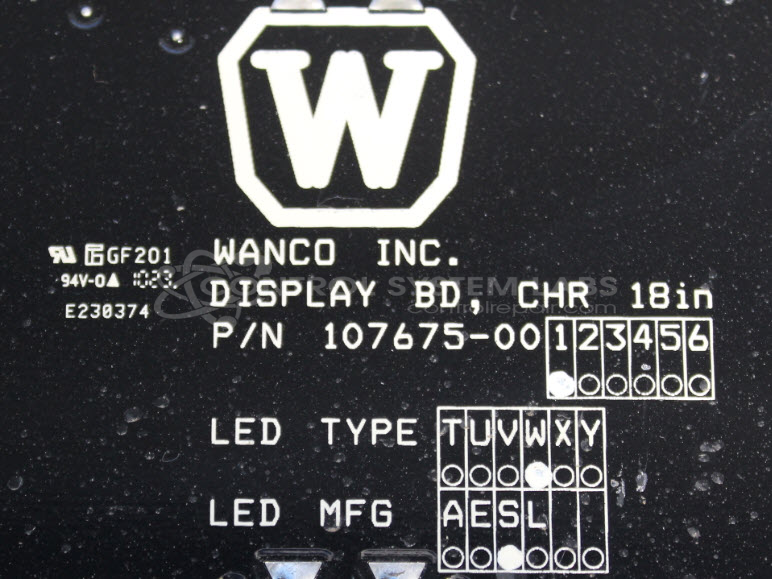
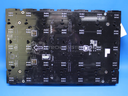
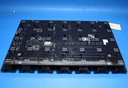
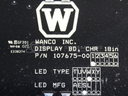
Product Overview: The Wanco 107675 is an 18-inch LED display board with a 5x7 dot matrix array used in variable message signs (VMS) for traffic control and construction zones. It functions as the primary visual output panel, displaying alphanumeric characters and symbols to communicate messages to motorists. The board operates on 5V and 10V power supplies and includes an onboard microcontroller (AT89C51) for self-test routines and LED driver circuits. It communicates via RS485 interface and typically mounts within larger Wanco message sign assemblies. Common configurations include conformal coating for environmental protection against moisture and corrosion.
Category: Display Board
Manufacturer: Wanco
Manufacturer Synonyms: WECO
Manufacturer Part Number: 107675
Series: Message/Display Board
Also Known As(AKA): 107675-001
LED Panel for VMS Message Sign
Common Failures
Issues we have observed include power supply-related concerns, such as lamps not lighting, water infiltration leading to corrosion, and damaged or defective components including MOSFETs, microcontrollers, and connectors. Physical damage to PCBs and lens assemblies may also occur.
Repair Approach
Our typical repair process includes diagnostics to identify the concern, cleaning, component replacement as needed, reflow soldering for defective joints, and applying new conformal coatings when appropriate. We also address data and power connector issues when identified. Repairs may include replacement of components that are susceptible to failure.
Testing & Quality
After repair work is completed, units are tested to verify functionality. Testing procedures include standard operational tests and burn-in testing. Extended cleaning and additional repair time may be required for heavily corroded or contaminated units.
Service and repair your broken Wanco part
We can repair your Wanco model 107675 in our facility. Let our skilled technicians get your Wanco back in operation quickly.
Step 1 - Click the green 'Repair Now' button above to add the part and then complete the RMA.
Step 2 - The RMA form will be sent to you via email. Print the RMA form and put it in a box with the item(s) for repair.
Step 3 - Ship or mail the box to the address listed on the RMA.
Once the user has seen at least one product this snippet will be visible.