



Repair
Repair Price: $ 508.00
Purchase
CSL Part Number: 85147
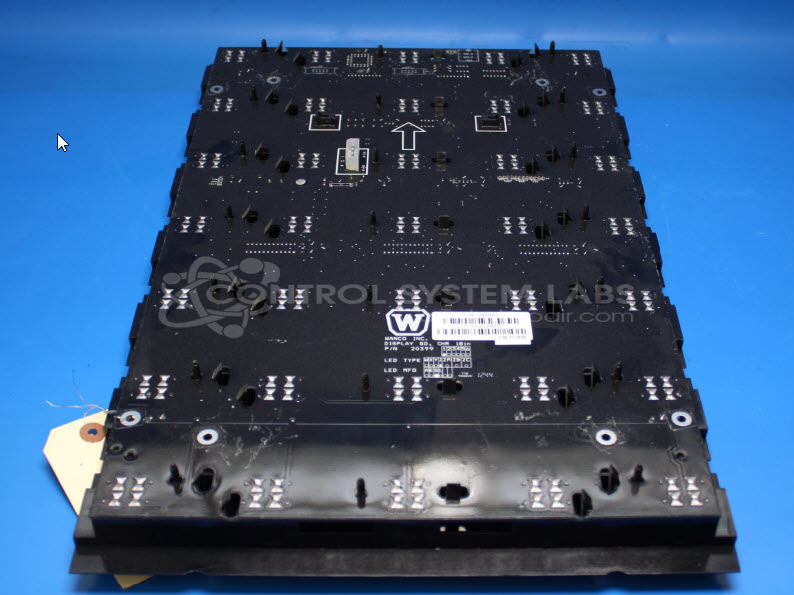
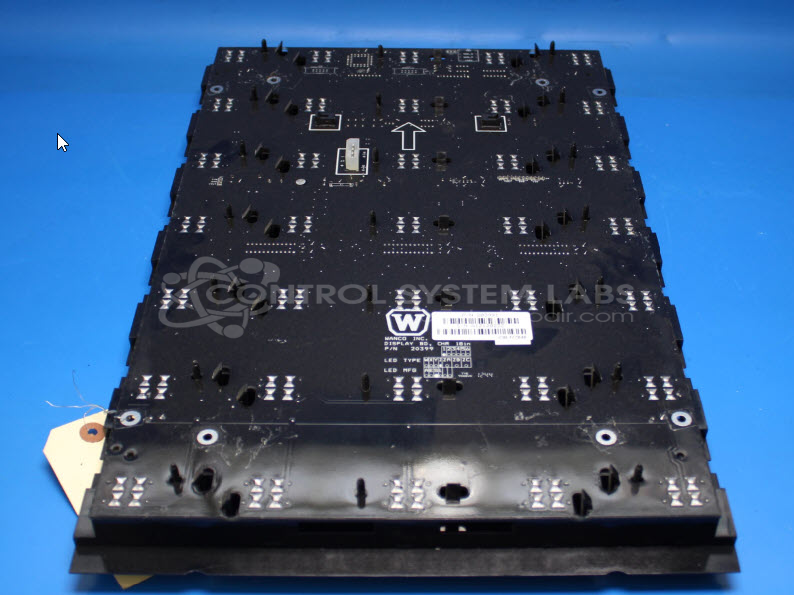
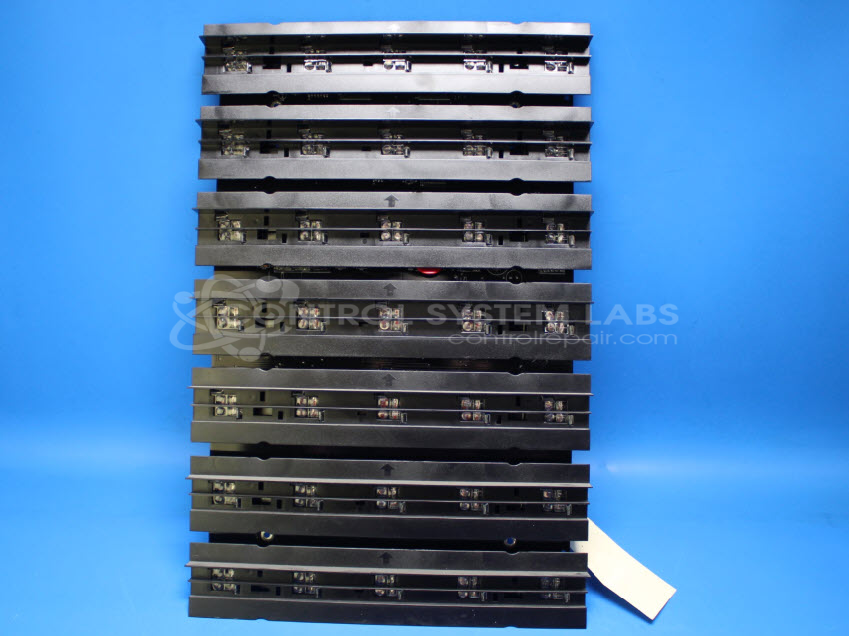
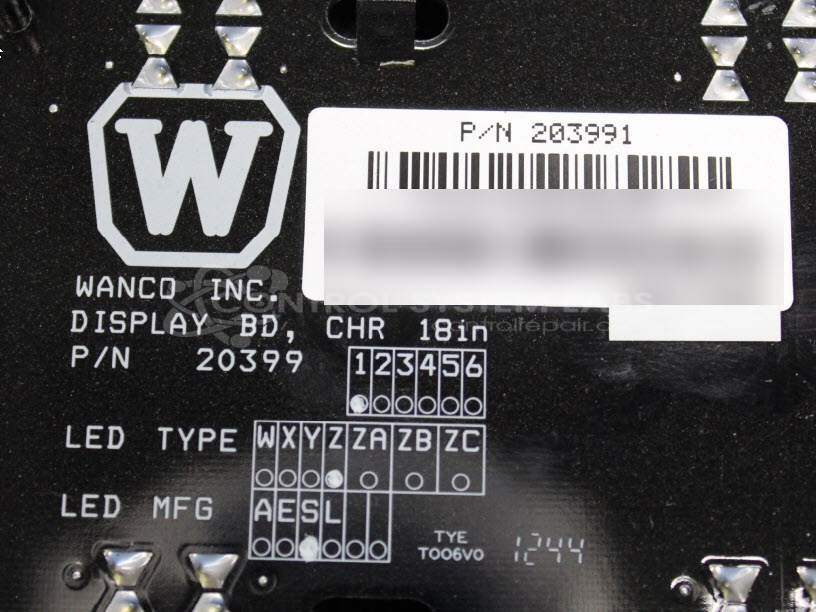
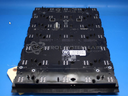
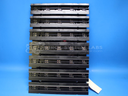
Product Overview: The Wanco 203991 is an 18-inch LED display board with a 5x7 lamp array used in variable message signs (VMS) for traffic control and construction zone applications. It features onboard power regulation including a 10V supply section and operates through a POST diagnostic sequence to verify functionality. The board communicates with sign controllers to display messages and warnings to motorists and is commonly found in portable or trailer-mounted message boards used for highway work zones and traffic management.
Category: Display Board
Manufacturer: Wanco
Manufacturer Synonyms: WECO
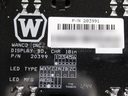
Manufacturer Part Number: 203991
Series: Message/Display Board
LED Panel for VMS Message Sign
Common Failures
Common issues observed in this product include malfunctioning lamps, damaged panels, and defective components on the 10-volt regulator board. Defective capacitors and MOSFETs are frequently identified during evaluation.
Repair Approach
Repairs typically involve the replacement of faulty components, such as power supplies, MOSFETs, and capacitors. Cleaning processes and the reapplication of conformal coatings may also be performed. For some units, repairs include replacing defective parts on the 10-volt regulator board and correcting issues in soldering connections.
Testing & Quality
After repairs, units undergo testing to verify functionality. This may include burn-in tests with and without loads, conducted over extended periods. Units that meet CSL quality standards are returned to service.
Service and repair your broken Wanco part
We can repair your Wanco model 203991 in our facility. Let our skilled technicians get your Wanco back in operation quickly.
Step 1 - Click the green 'Repair Now' button above to add the part and then complete the RMA.
Step 2 - The RMA form will be sent to you via email. Print the RMA form and put it in a box with the item(s) for repair.
Step 3 - Ship or mail the box to the address listed on the RMA.
Once the user has seen at least one product this snippet will be visible.