


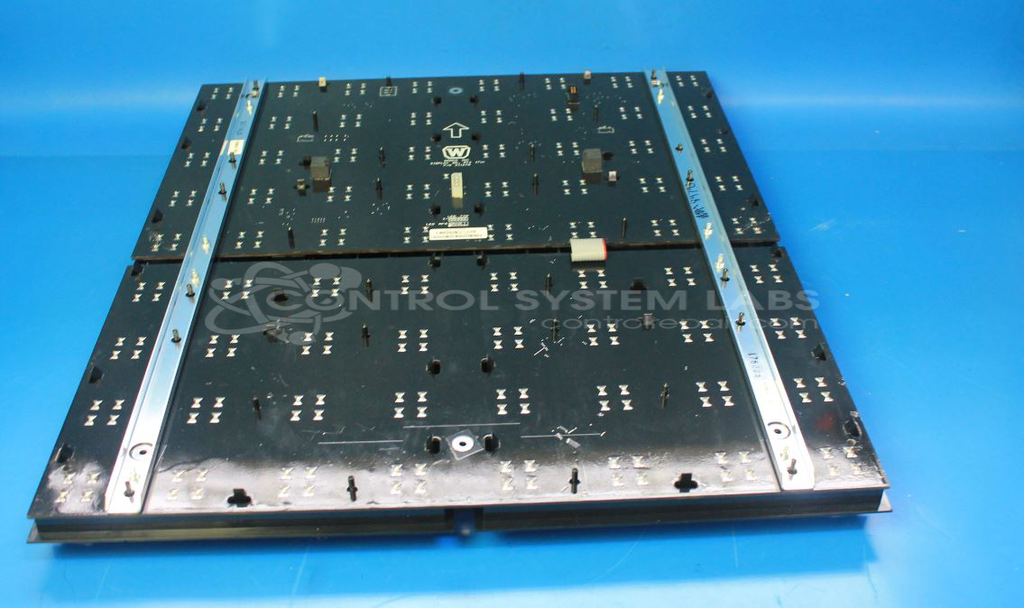


Repair
Repair Price: $ 532.00
Purchase
CSL Part Number: 84088
Product Overview: An LED display board used in variable message signs (VMS) for traffic control and roadwork signage. It drives a 5x7 array of high-brightness CREE LEDs to show scrolling or static text and messages. Features onboard control circuitry, a 10V regulated supply, and ribbon-connected LED cells.
Category: Display Board
Manufacturer: Wanco
Manufacturer Synonyms: WECO
Manufacturer Part Number: 211678
Series: Message/Display Board
Common Failures
Customers have reported issues with units not powering on, very dim displays, and partial or non-functional light displays. Common root causes identified include faulty LEDs, issues with voltage regulators, and open traces at ribbon cables.
Repair Approach
Repairs often involve replacing defective components such as LEDs or voltage regulator chips, cleaning and conformally coating components, and repairing open traces. In cases where boards are determined to be Beyond Economic Repair due to internal faults or time constraints, units may be returned unrepaired or recycled here at no charge.
Testing & Quality
Each repaired unit undergoes thorough testing to ensure functionality. This includes running test patterns, verifying voltage levels, and performing extended burn-in tests to confirm that repairs are successful and units operate as designed. Common tests include using specialized equipment to verify voltage integrity and LED functionality in test modes.
Service and repair your broken Wanco part
We can repair your Wanco model 211678 in our facility. Let our skilled technicians get your Wanco back in operation quickly.
Step 1 - Click the green 'Repair Now' button above to add the part and then complete the RMA.
Step 2 - The RMA form will be sent to you via email. Print the RMA form and put it in a box with the item(s) for repair.
Step 3 - Ship or mail the box to the address listed on the RMA.
Once the user has seen at least one product this snippet will be visible.