



Repair
Call for price
Purchase
CSL Part Number: 84666
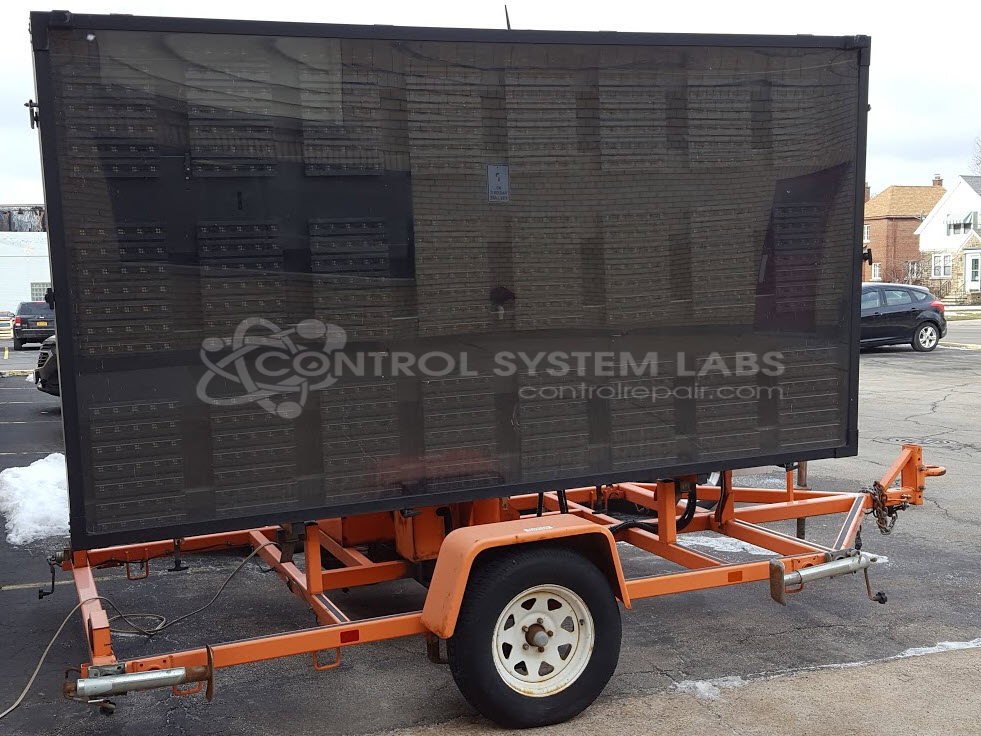
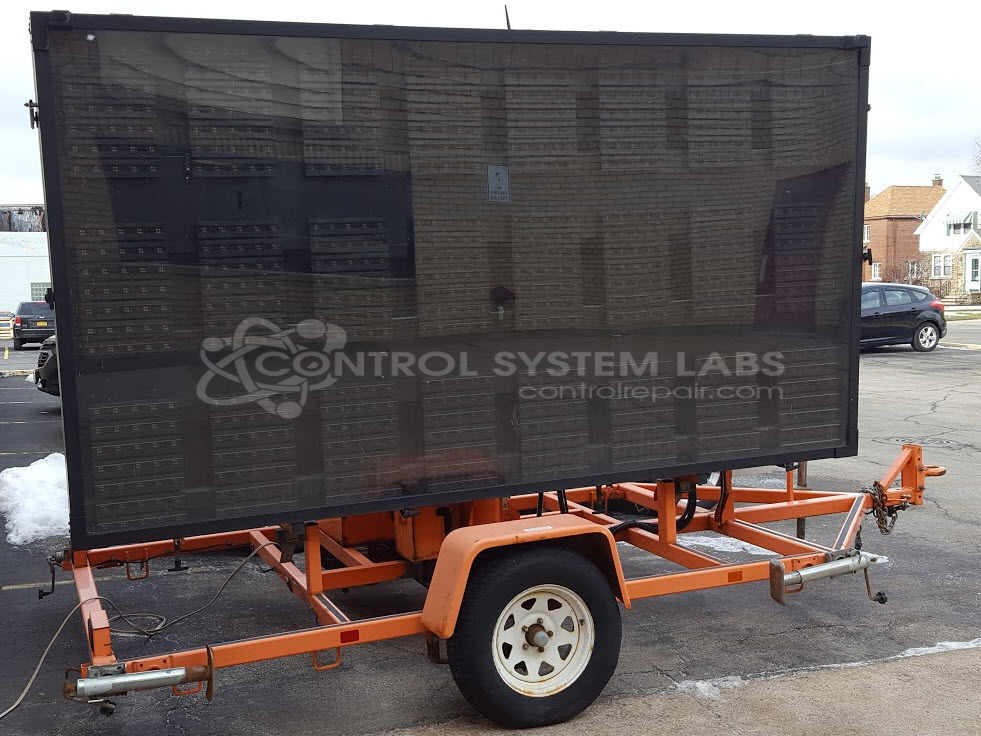
Product Overview: The Wanco WTLMB is a trailer-mounted variable message sign control assembly conforming to NTCIP (National Transportation Communications for ITS Protocol) standards. It manages LED display panels, sign lift mechanisms, and communication for portable traffic control and work zone applications. The system controls multiple display panels arranged in rows, coordinates motorized lift functions for sign deployment, and provides network connectivity for remote message programming. Commonly deployed in highway construction zones, traffic management operations, and temporary roadway information systems where changeable messaging is required.
Category: Control Assembly
Manufacturer: Wanco
Manufacturer Synonyms: WECO
Manufacturer Part Number: WTLMB
Series: Message/Display Board
Common Failures
Customers have reported issues with the MESSAGE SIGN LIFT switch, where the sign raises consistently but may not lower reliably. Errors have also been reported for panels located on the bottom row of the unit.
Repair Approach
Repairs may involve supplying and installing a new MESSAGE SIGN LIFT switch to address the lowering issue. Panel errors on the bottom row are evaluated and addressed by our technicians. Please note that repair services focus on electronic functionality. If a weakening battery tray or other structural concerns are present, those would be addressed separately and are outside the scope of standard electronic repair.
Service and repair your broken Wanco part
We can repair your Wanco model WTLMB in our facility. Let our skilled technicians get your Wanco back in operation quickly.
Step 1 - Click the green 'Repair Now' button above to add the part and then complete the RMA.
Step 2 - The RMA form will be sent to you via email. Print the RMA form and put it in a box with the item(s) for repair.
Step 3 - Ship or mail the box to the address listed on the RMA.
Once the user has seen at least one product this snippet will be visible.