



Repair
Repair Price: $ 384.00
Purchase
CSL Part Number: 88183
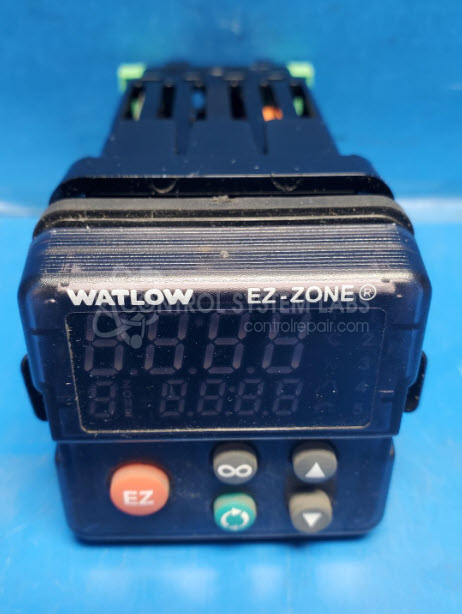
Product Overview: The Watlow EZ-Zone PM6C1EC is a 1/16 DIN temperature controller designed for precise process temperature regulation in industrial applications. It monitors temperature inputs via thermocouple or RTD sensors and provides control outputs to heating or cooling equipment. Common applications include plastics processing, packaging machinery, food processing equipment, and laboratory ovens. The compact 1/16 DIN form factor allows panel mounting in space-constrained installations. This model features configurable alarm functions, PID control algorithms, and multiple input/output options depending on configuration code. The controller provides visual feedback through an integrated display showing process value and setpoint information.
Category: Temperature Control
Manufacturer: Watlow
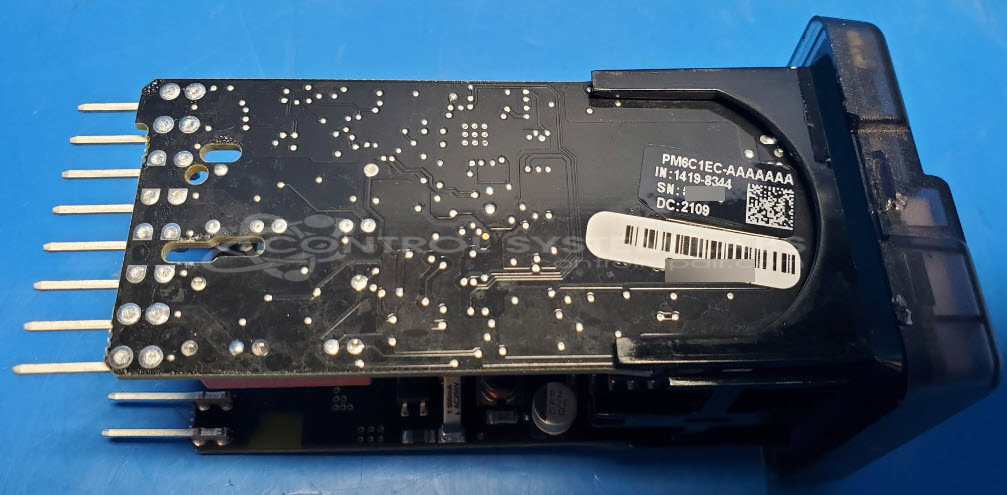
Manufacturer Part Number: PM6C1EC-AAAAAAA
Series: EZ-ZONE PM Temperature Controller
Common Failures
This product may experience issues where the display does not show temperature or set point information and the keypad does not respond to input. These symptoms may persist even after connector reflow and contact cleaning.
Repair Approach
Evaluation included testing input continuity and performing targeted repairs. These efforts did not restore display or keypad functionality.
Testing & Quality
Testing confirmed that the unit did not respond to keypad input. Following in-depth evaluation, the unit was determined to be Beyond Economic Repair (BER).
Service and repair your broken Watlow part
We can repair your Watlow model PM6C1EC-AAAAAAA in our facility. Let our skilled technicians get your Watlow back in operation quickly.
Step 1 - Click the green 'Repair Now' button above to add the part and then complete the RMA.
Step 2 - The RMA form will be sent to you via email. Print the RMA form and put it in a box with the item(s) for repair.
Step 3 - Ship or mail the box to the address listed on the RMA.
Once the user has seen at least one product this snippet will be visible.