



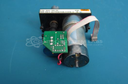
Repair
Repair Price: $ 324.00
Purchase
CSL Part Number: 76372
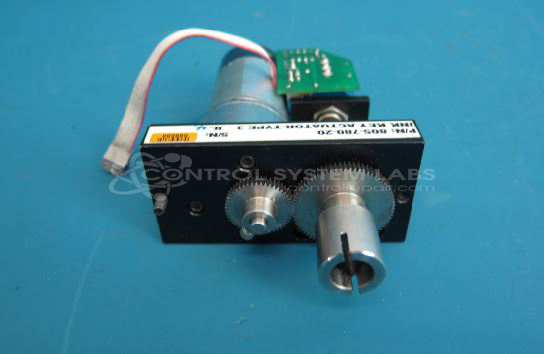
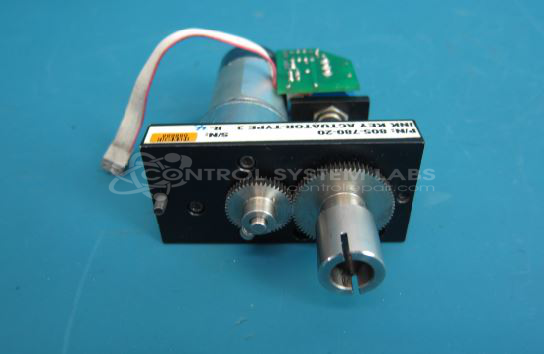
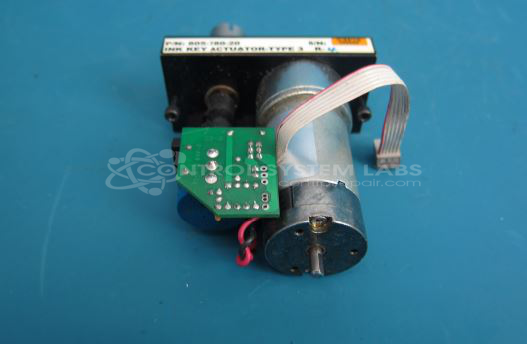
Product Overview: The Web Printing Controls 805-780-20 is a motorized actuator designed to control ink fountain keys in web offset printing presses. It adjusts ink flow by positioning individual ink keys along the fountain roller, enabling precise color density control across the printing web. The unit incorporates a DC motor, position feedback potentiometer, and control circuitry with current sensing to provide accurate, repeatable ink key positioning in commercial and newspaper printing applications.
Category: Motors
Manufacturer: Web Printing Controls
Manufacturer Synonyms: WPC, Baldwin
Manufacturer Part Number: 805-780-20
Price listed is for a typical repair. Major component replacement may result in a revised quotation.
Common Failures
Frequently encountered issues with this product include defective resistors and potentiometers. Most notably, resistors may fail by becoming open or experiencing excessive resistance. Occasionally, potentiometers exhibit inconsistency, leading to operational problems. Additionally, failures involving specific amplifier components and ink actuator parts have been noted.
Repair Approach
The primary remedy for defective resistors is replacement, which can resolve issues with motor operation. In cases involving potentiometers and amplifier components, replacements are performed as needed. Obsolete or malfunctioning components are directly addressed to restore functionality.
Testing & Quality
After repairs, thorough testing is conducted to ensure proper motor movement, current regulation, and feedback voltage compliance. Testing procedures also include burn-in tests to verify stability under operational conditions. All repairs are tested to confirm functionality and performance of the product post-repair.
Service and repair your broken Web Printing Controls part
We can repair your Web Printing Controls model 805-780-20 in our facility. Let our skilled technicians get your Web Printing Controls back in operation quickly.
Step 1 - Click the green 'Repair Now' button above to add the part and then complete the RMA.
Step 2 - The RMA form will be sent to you via email. Print the RMA form and put it in a box with the item(s) for repair.
Step 3 - Ship or mail the box to the address listed on the RMA.
Once the user has seen at least one product this snippet will be visible.