



Repair
Call for price
Purchase
CSL Part Number: 5851
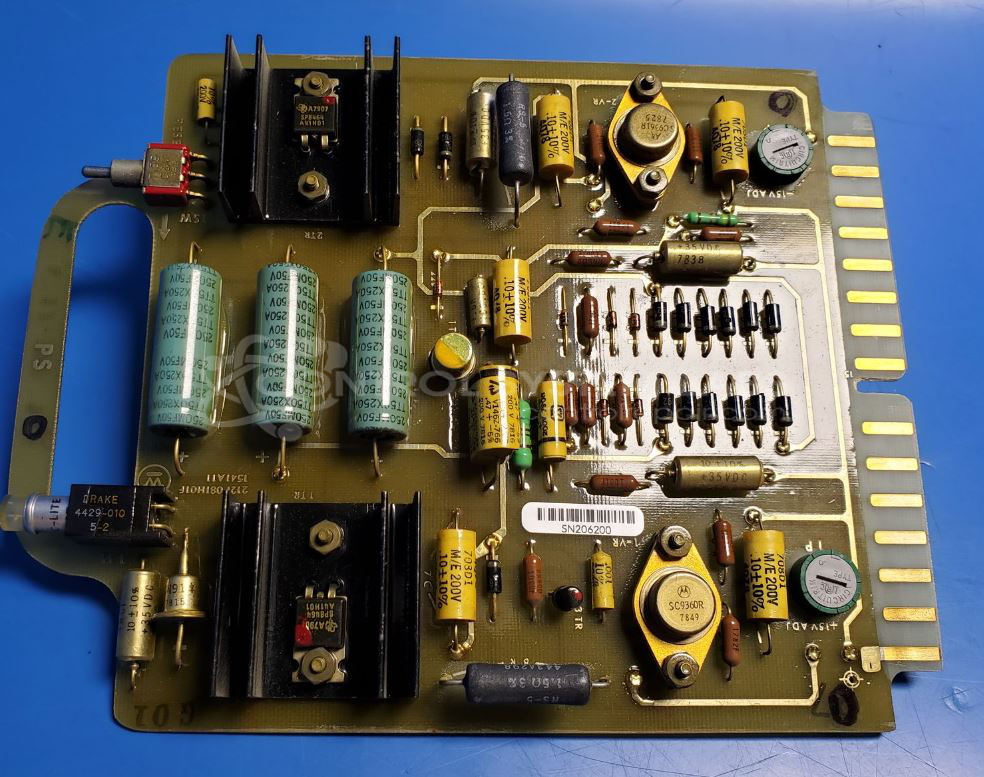
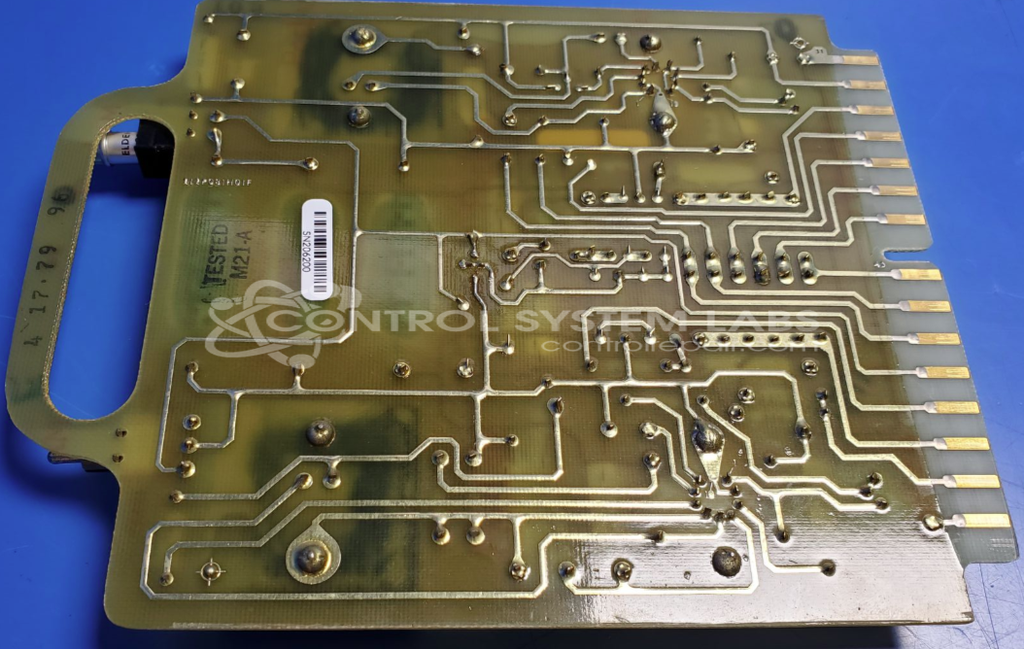
Product Overview: The 212P081H01C is a dual power supply card designed for Westinghouse A-500 RP series control systems. It provides regulated DC power to other circuit boards and modules within the system. Commonly used in industrial process control and automation applications, it features dual independent outputs for redundancy or to power separate circuit sections. The card operates in conjunction with other A-500 series components including general purpose and scan cards to form a complete programmable controller system.
Category: Power Supply
Manufacturer: Westinghouse Electric
Manufacturer Synonyms: vectrol
Manufacturer Part Number: 212P081H01C
Also Known As(AKA): PS
Please send in wiring diagrams with board
Common Failures
The primary issue reported for this product was a failure due to a defective transistor. This component was identified during evaluation and was responsible for operational disruptions.
Repair Approach
The repair involved inspecting the product using specialized equipment to pinpoint the defective transistor. Once identified, the faulty transistor was replaced to restore functionality.
Testing & Quality
Post-repair, the product underwent thorough testing to ensure proper operation. This included checks conducted with diagnostic tools to confirm the effectiveness of the repair. The item successfully passed all required testing procedures before being returned.
Service and repair your broken Westinghouse Electric part
We can repair your Westinghouse Electric model 212P081H01C in our facility. Let our skilled technicians get your Westinghouse Electric back in operation quickly.
Step 1 - Click the green 'Repair Now' button above to add the part and then complete the RMA.
Step 2 - The RMA form will be sent to you via email. Print the RMA form and put it in a box with the item(s) for repair.
Step 3 - Ship or mail the box to the address listed on the RMA.
Once the user has seen at least one product this snippet will be visible.