



Repair
Call for price
Purchase
CSL Part Number: 5847
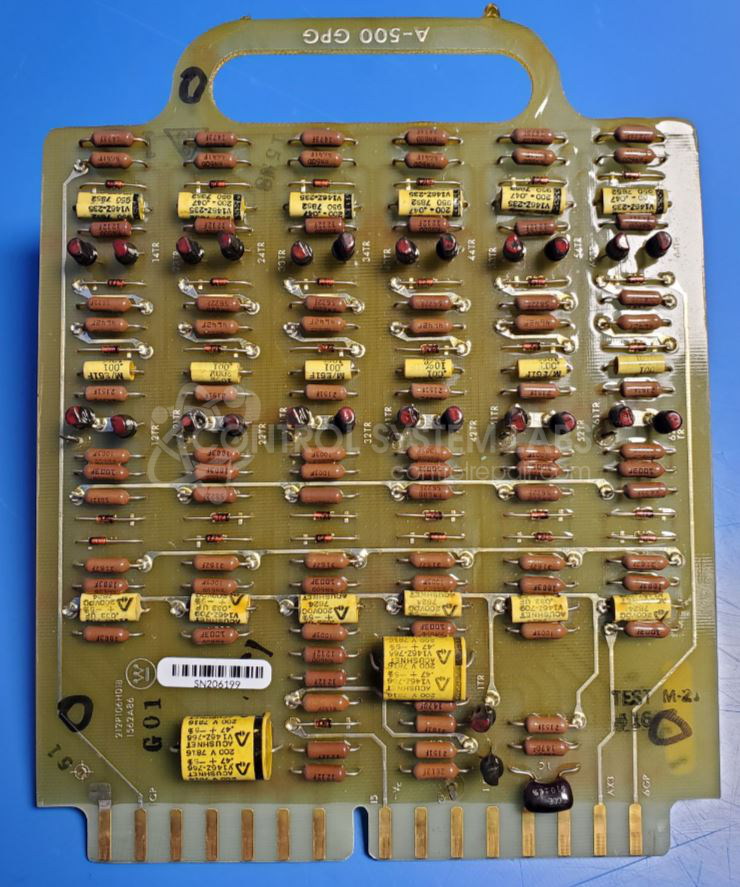
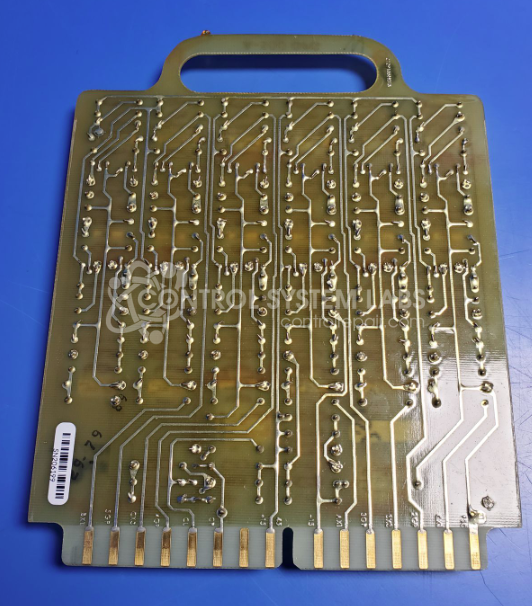
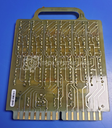
Product Overview: The A-500 Gate Pulse Generator (GPG) is a Westinghouse control board that generates precision gate firing pulses for thyristor-based power conversion systems. It is part of the A-500 RP series and works in conjunction with other A-500 modules including regulator and power supply boards. This GPG provides timing and triggering signals to control SCRs or thyristors in industrial DC drives, motor controls, and power rectification equipment. The unit coordinates with system feedback to regulate output voltage or current by adjusting firing angles.
Category: Control Board
Manufacturer: Westinghouse Electric
Manufacturer Synonyms: vectrol
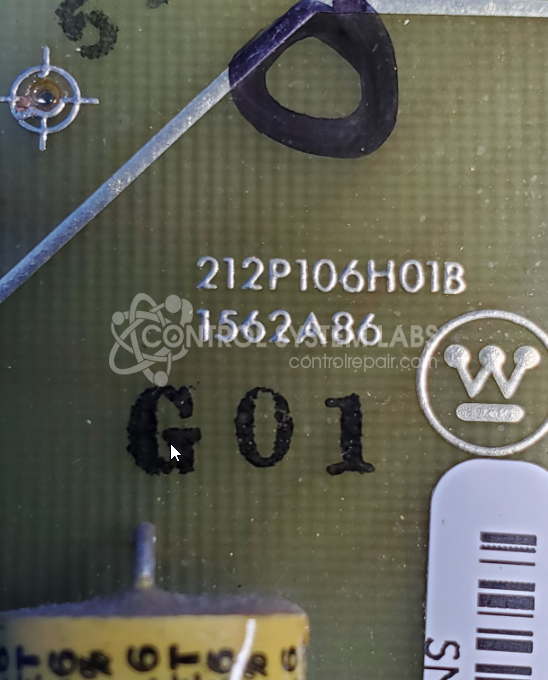
Manufacturer Part Number: 212P106H01A
Also Known As(AKA): A-500 GPG
please send in wiring diagrams with the board
Common Failures
This product commonly experiences operational failures. A thorough evaluation is required to determine the cause of the malfunction.
Repair Approach
Repairs typically involve diagnostic testing to assess component health. Once the unit is received and reviewed, we can provide a quotation before any repair work begins. Time and Materials work may be required and is billed for labor and material spent attempting repair and is not warrantied.
Testing & Quality
All repaired units undergo testing to verify functionality and reliability before return shipment.
Service and repair your broken Westinghouse Electric part
We can repair your Westinghouse Electric model 212P106H01A in our facility. Let our skilled technicians get your Westinghouse Electric back in operation quickly.
Step 1 - Click the green 'Repair Now' button above to add the part and then complete the RMA.
Step 2 - The RMA form will be sent to you via email. Print the RMA form and put it in a box with the item(s) for repair.
Step 3 - Ship or mail the box to the address listed on the RMA.
Once the user has seen at least one product this snippet will be visible.