



Repair
Repair Price: $ 1,116.00
Purchase
CSL Part Number: 84779
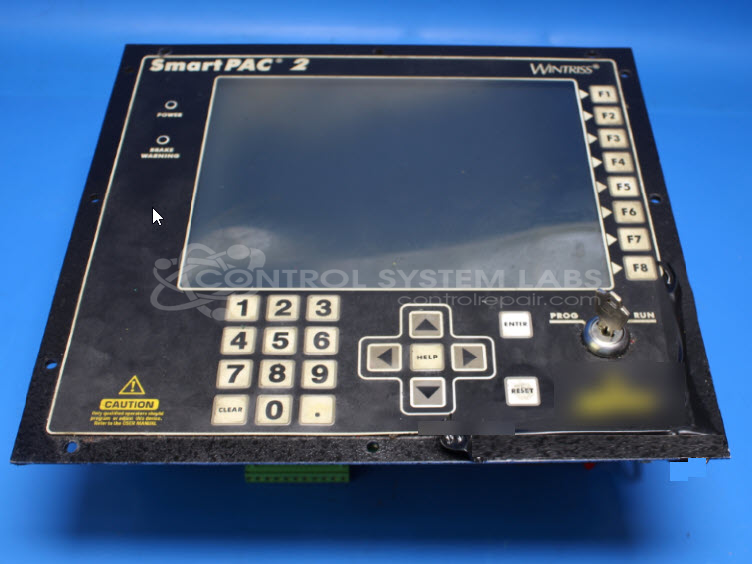
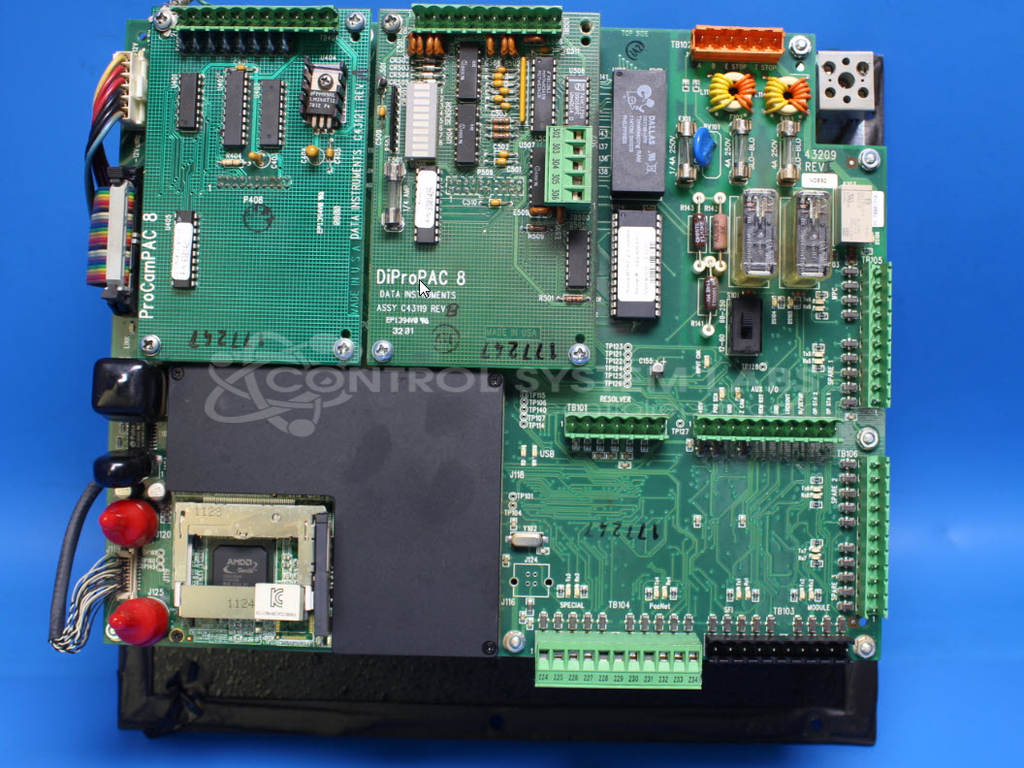
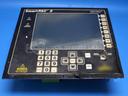
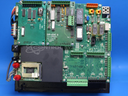
Product Overview: The Smart Pac 2 is a press automation control panel manufactured by Wintriss Controls for industrial stamping and forming operations. It provides centralized control and monitoring of press machines, including die protection, tonnage monitoring, and production counting functions. The unit features an integrated display screen for operator interface and real-time status feedback. It typically connects to sensors and actuators on mechanical and hydraulic presses to automate cycle control, detect faults, and improve safety. The panel includes an internal switching power supply and battery backup to maintain settings during power interruptions.
Category: Operator & Control Panels
Manufacturer: Wintriss Controls
Manufacturer Part Number: X11-15305
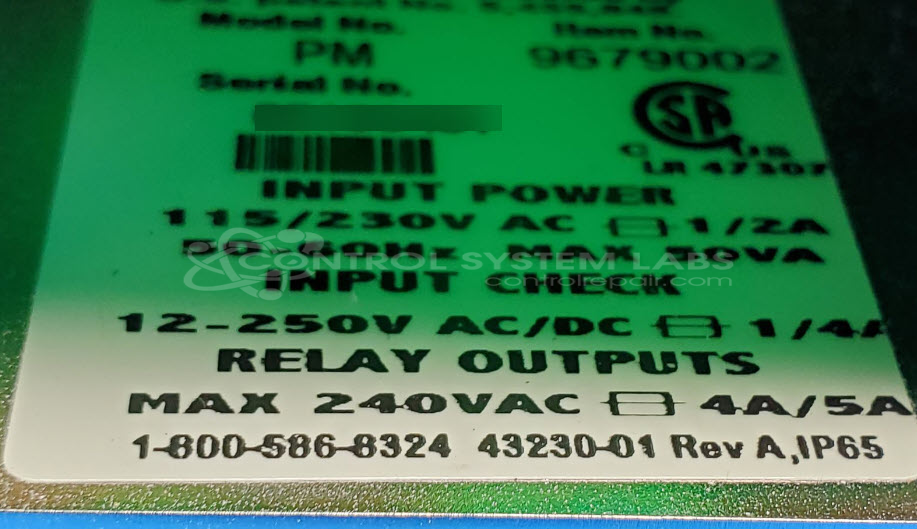
Also Known As(AKA): PM - 96779002
Common Failures
One common issue reported with this product is the screen not working. This symptom has been traced to a problem in the internal switching power supply, resulting in no DC output.
Repair Approach
The repair process typically involves diagnosing the power supply for defects, replacing affected components as needed, and verifying that the screen functionality is restored.
Testing & Quality
After repairs, units are tested to verify that display functionality is restored and that internal components, such as the backup battery and front panel keys, are operating correctly. Testing includes verification of proper operation followed by quality checks before the unit is returned.
Service and repair your broken Wintriss Controls part
We can repair your Wintriss Controls model X11-15305 in our facility. Let our skilled technicians get your Wintriss Controls back in operation quickly.
Step 1 - Click the green 'Repair Now' button above to add the part and then complete the RMA.
Step 2 - The RMA form will be sent to you via email. Print the RMA form and put it in a box with the item(s) for repair.
Step 3 - Ship or mail the box to the address listed on the RMA.
Once the user has seen at least one product this snippet will be visible.