




Repair
Call for price
Purchase
CSL Part Number: 116550
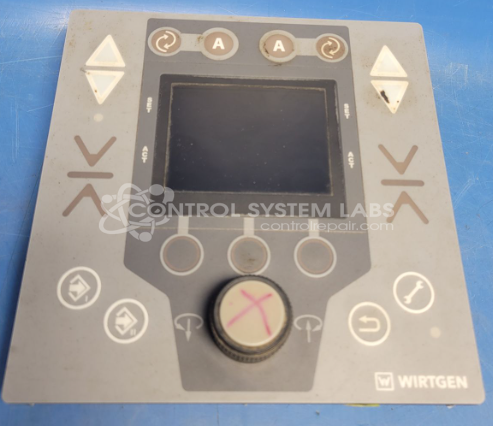
Product Overview: The Front Level Pro Plus with Display Control Panel (MDF01.D0 with MDC01E.D1) is an operator interface for Wirtgen W120CFI asphalt milling machines. Part of the WIDRIVE control system, it manages machine operations including drive, engine, leveling, and milling drum functions. The panel integrates hydraulic and electronic controls, featuring a rotary encoder and pushbutton interface. It operates on 8-32Vdc and communicates via dual CAN bus connections for real-time monitoring and adjustment of milling parameters.
Category: Operator & Control Panels
Manufacturer: Wirtgen
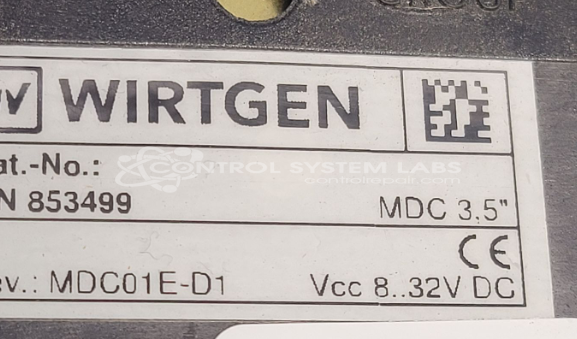
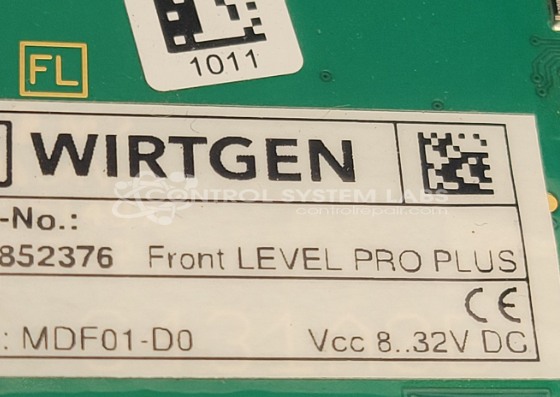
Manufacturer Part Number: MDF01.D0 with MDC01E.D1
Also Known As(AKA): W120CFI Operator Panel
Common Failures
Customers have reported issues with the rotary switch on the leveling control panel of the Wirtgen W120CFI asphalt milling machine. Common indicators include the CAN1 light being on and occasional flickering of the CAN2 light. Some users have also reported the unit entering a "Locked" state shortly after powering on.
Repair Approach
Our evaluation includes testing the rotary encoder's outputs and pushbutton functionality. If the encoder requires replacement, we work to source a suitable component. Disassembly and connector pinout determination may be required during the repair process.
Testing & Quality
Our standard procedure includes verification of encoder functions. Testing may be limited by system lockouts built into the equipment design. Repaired units are covered by CSL's standard one-year warranty on parts and labor performed.
Service and repair your broken Wirtgen part
We can repair your Wirtgen model MDF01.D0 with MDC01E.D1 in our facility. Let our skilled technicians get your Wirtgen back in operation quickly.
Step 1 - Click the green 'Repair Now' button above to add the part and then complete the RMA.
Step 2 - The RMA form will be sent to you via email. Print the RMA form and put it in a box with the item(s) for repair.
Step 3 - Ship or mail the box to the address listed on the RMA.
Once the user has seen at least one product this snippet will be visible.