



Repair
Repair Price: $ 690.00
Purchase
CSL Part Number: 83643
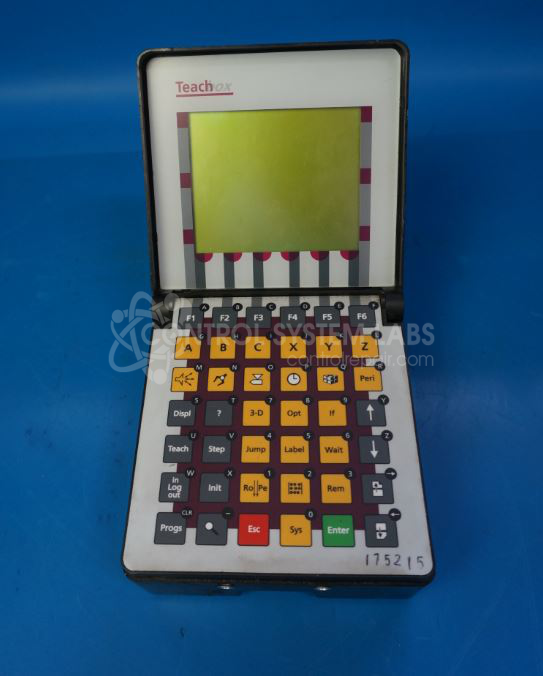
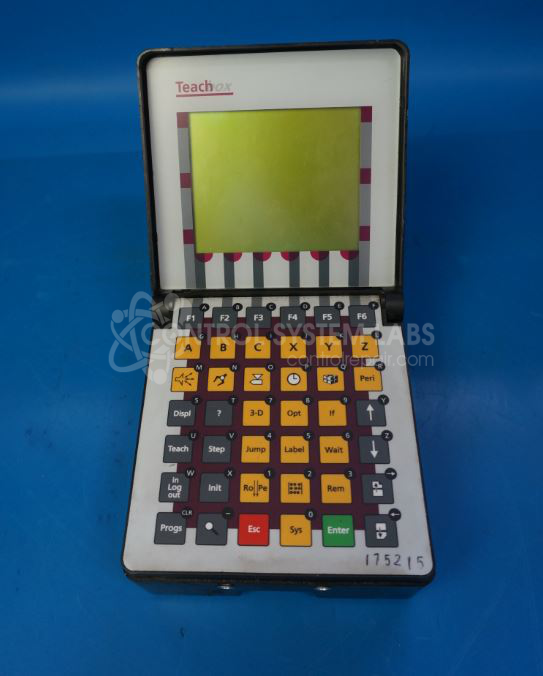
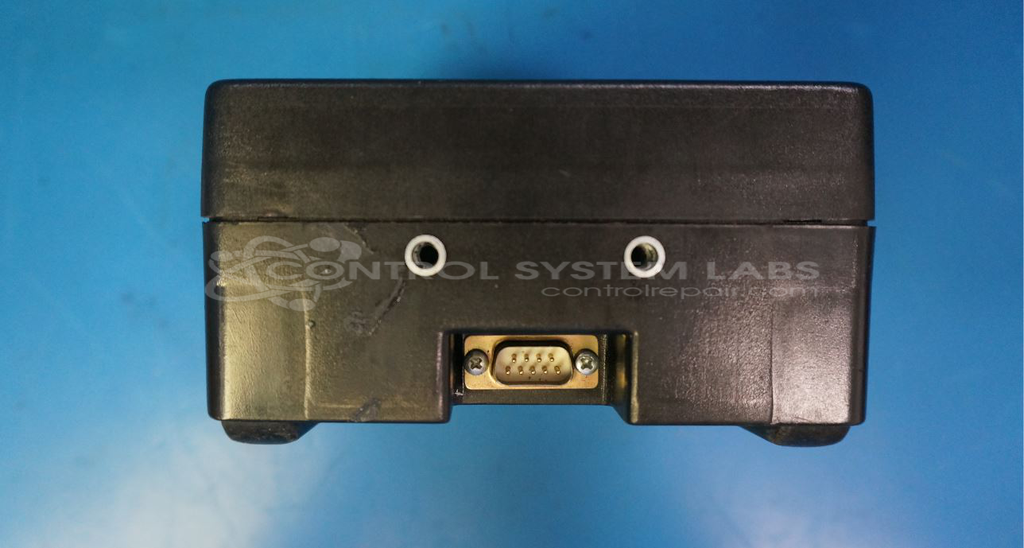
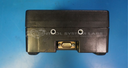
Product Overview: The Wittmann E5000007137 is a teach pendant used to program and control Wittmann robotic systems in plastics injection molding and automation applications. It features an LCD touchscreen interface with membrane keypad buttons for manual robot operation, program editing, and system configuration. The unit communicates with the robot controller via RS-422/RS-485 serial interface and includes an internal 3.6V NiMH backup battery to preserve settings. This pendant is commonly found in manufacturing environments using Wittmann robots for material handling, part removal, and assembly tasks.
Category: Pendant
Manufacturer: Wittmann
Manufacturer Part Number: E5000007137
Common Failures
Users have reported that the screen may become unresponsive or remain stuck on the LCD terminal display. In some cases, units have been received that were designated for parts recovery.
Repair Approach
Repairs have included motherboard replacement to address communication or display issues. In some cases, the root cause could not be determined during evaluation, and repair was not possible.
Testing & Quality
Post-repair testing includes thorough inspection. Communication functionality testing may be limited depending on available equipment. Units are tested using available diagnostic tools to support quality and reliability.
Service and repair your broken Wittmann part
We can repair your Wittmann model E5000007137 in our facility. Let our skilled technicians get your Wittmann back in operation quickly.
Step 1 - Click the green 'Repair Now' button above to add the part and then complete the RMA.
Step 2 - The RMA form will be sent to you via email. Print the RMA form and put it in a box with the item(s) for repair.
Step 3 - Ship or mail the box to the address listed on the RMA.
Once the user has seen at least one product this snippet will be visible.