



Repair
Call for price
Purchase
CSL Part Number: 53390
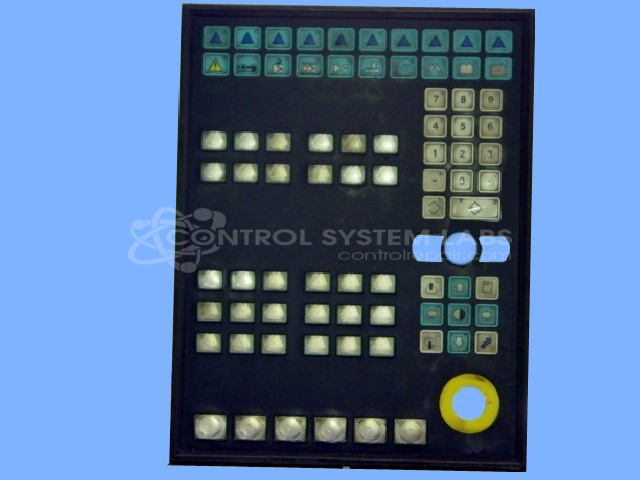
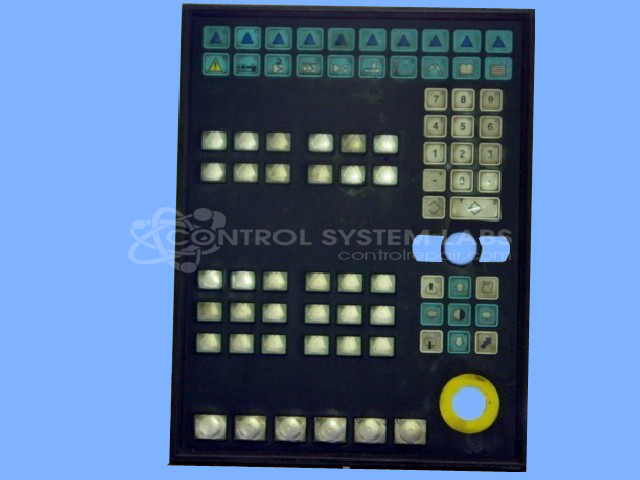
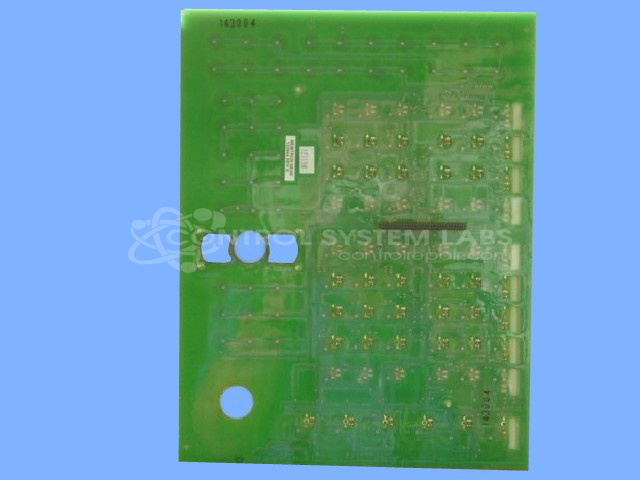
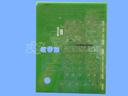
Product Overview: The Xycom 9960 HMI Keypad Panel is an industrial human-machine interface combining an integrated membrane keypad with a display and onboard computing capability. It runs DOS-based or Windows 3.x applications stored on an internal IDE flash module and uses specialized peripheral chips including an Intel 80C321 processor and PSD311 expansion device to map keypad inputs. This unit is commonly found in older industrial control systems requiring operator input and monitoring. Configuration is highly dependent on customer programming stored in BIOS and the flash storage module, making repairs complex and often requiring original system files.
Category: Membrane Keypad
Manufacturer: Xycom
Manufacturer Part Number: 122644 REV E
Send in your configuration files.
Common Failures
The most frequently reported issues include non-functional push buttons, flickering LEDs on key instrumentation, and keypad buttons that do not respond. Additionally, some keys fail to interact correctly with the system.
Repair Approach
Our team performs thorough diagnostic checks to identify the root cause. In some instances, replacing the power supply has resolved button functionality issues. Cases involving complex faults may require additional evaluation or alternative repair options. Re-assembly and comprehensive trace mapping are performed to identify connection issues.
Testing & Quality
Extensive testing includes running the system with diagnostic utilities to verify key functionality and performing burn-in tests to ensure stability. Units are reviewed by multiple technicians to ensure quality standards are met.
Limited Repair
The Xycom part number is only available as a limited repair at our facility. Repairs to this item may be limited due to several reasons:
- Availability of parts
- Less than 100% test ability due to required support equipment
To have us attempt a repair on your Xycom part follow these steps:
Step 1 -
Click the Repair Now button above to add the part and complete the RMA form.
Step 2 -
Print the RMA form that is sent to your email, and put it in the box with the parts for repair.
Step 3 -
Mail the box to the address on the RMA.
After we receive your item, we will perform an inspection and an authorization to repair will be sent for your approval. Work will begin after your authorization is received.
Once the user has seen at least one product this snippet will be visible.