



Repair
Call for price
Purchase
CSL Part Number: 87219
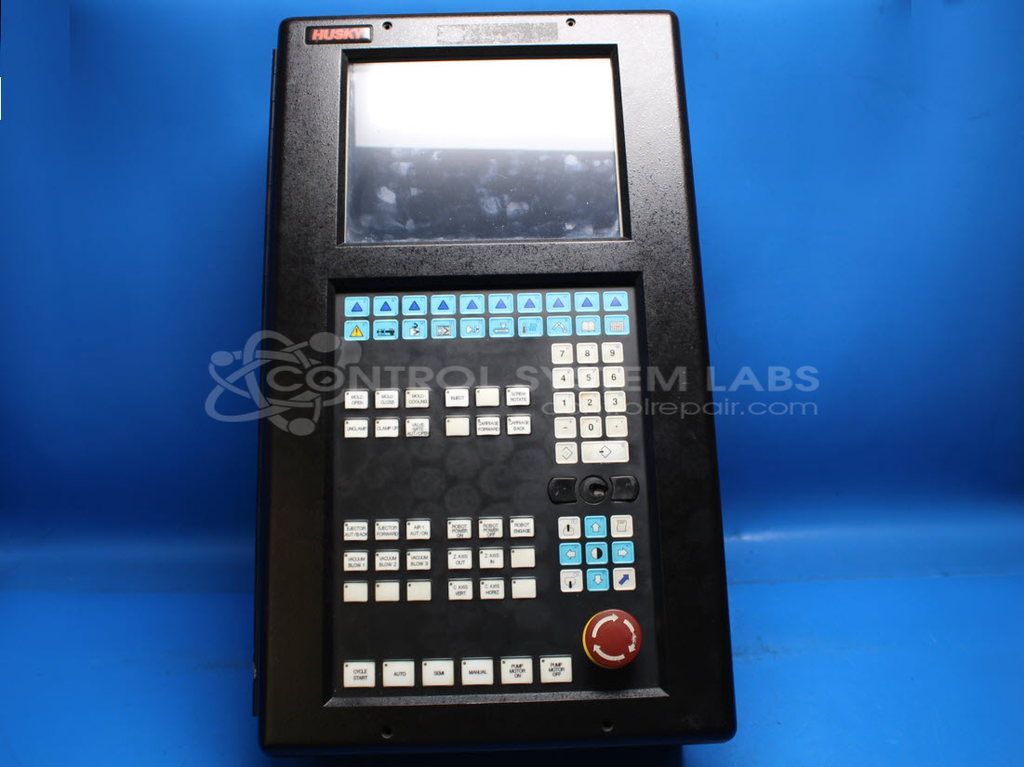
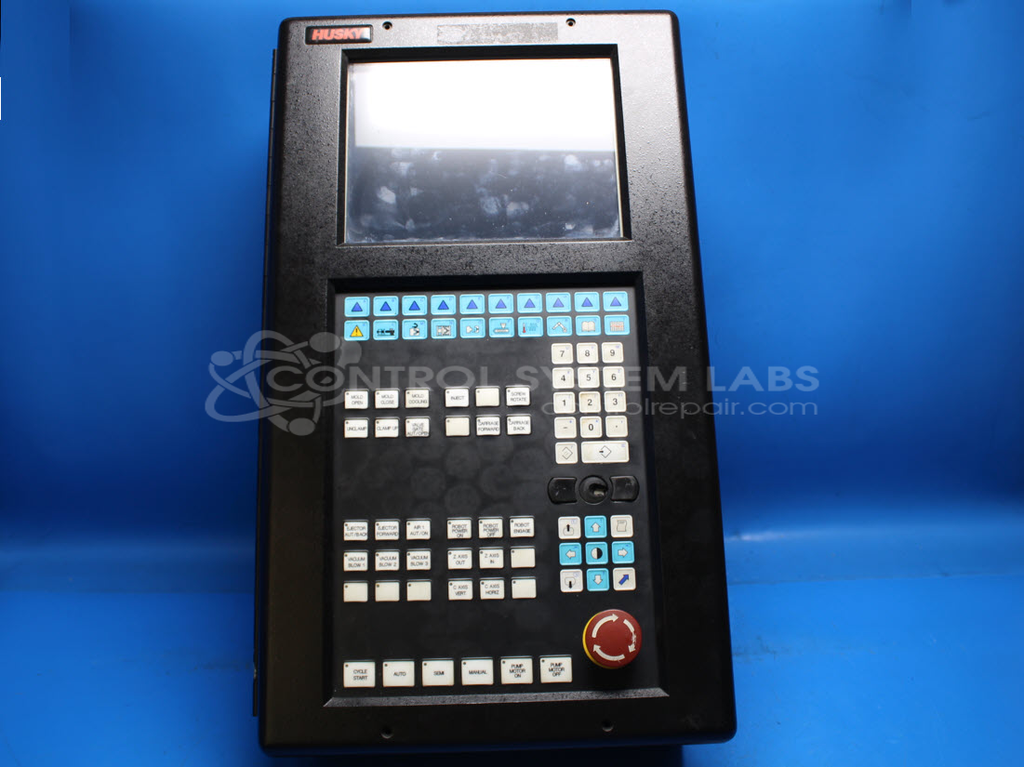
Product Overview: The Xycom 9960 Operator Work Station is an industrial HMI (human-machine interface) panel featuring a 10.4-inch color CSTN LCD touchscreen with 640x480 resolution and CCFL backlight. It integrates a keypad, operator interface controls, onboard processing with Acer Labs chipset, floppy disk controller, Ethernet capability, and multi-voltage switching power supply. Commonly used in paper manufacturing and other process industries for machine control and monitoring, it relies on DOS-based operating systems stored on compact flash or floppy media. The unit is highly configuration-dependent with numerous custom software and hardware variations.
Category: Operator Interface
Manufacturer: Xycom
Manufacturer Part Number: 9960
Send in your configuration files.
Common Failures
Common issues identified during evaluation have included battery-related failures affecting system setup, inoperative display boards, contrast and display module concerns, external monitor interface problems, and motherboard conditions sometimes associated with power supply voltage irregularities.
Repair Approach
Repairs have typically involved component-level replacement of items such as LCD displays, RTCC components, power supply elements, and batteries as needed. In some cases, operating system restoration has been performed using available media and internal storage resources.
Testing & Quality
Repaired units are subject to functional testing, which may include diagnostic routines, extended operation cycles, and hardware verification procedures. Testing is performed to evaluate functionality and help identify any remaining concerns prior to return.
Limited Repair
The Xycom part number is only available as a limited repair at our facility. Repairs to this item may be limited due to several reasons:
- Availability of parts
- Less than 100% test ability due to required support equipment
To have us attempt a repair on your Xycom part follow these steps:
Step 1 -
Click the Repair Now button above to add the part and complete the RMA form.
Step 2 -
Print the RMA form that is sent to your email, and put it in the box with the parts for repair.
Step 3 -
Mail the box to the address on the RMA.
After we receive your item, we will perform an inspection and an authorization to repair will be sent for your approval. Work will begin after your authorization is received.
Once the user has seen at least one product this snippet will be visible.