



Repair
Repair Price: $ 588.00
Purchase
CSL Part Number: 59885
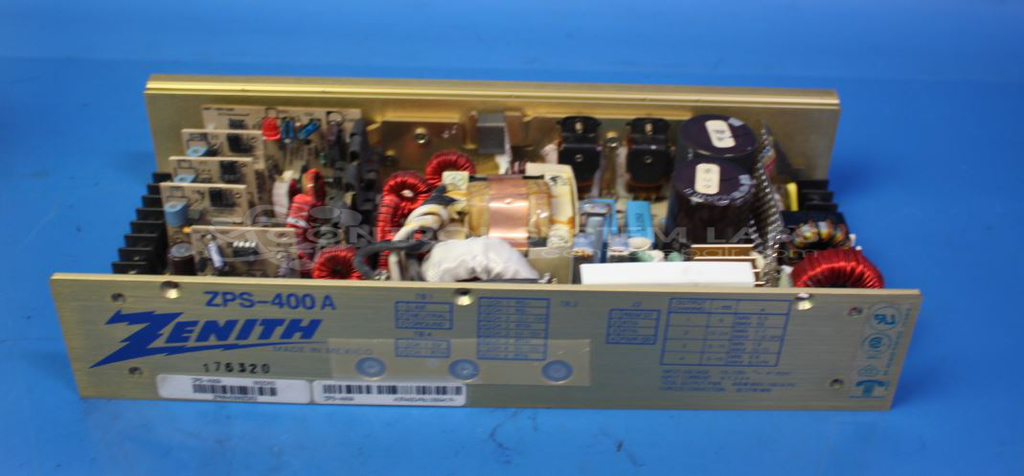
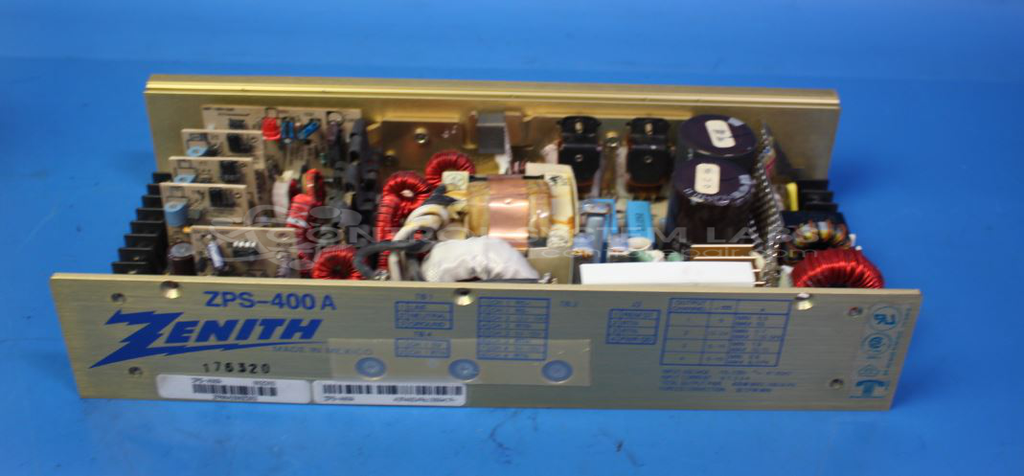
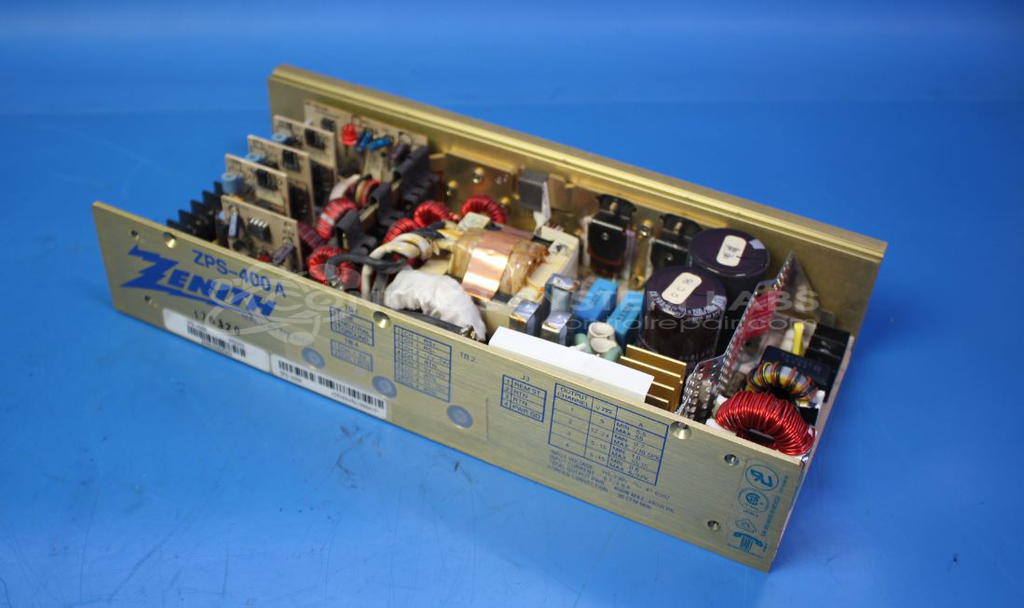
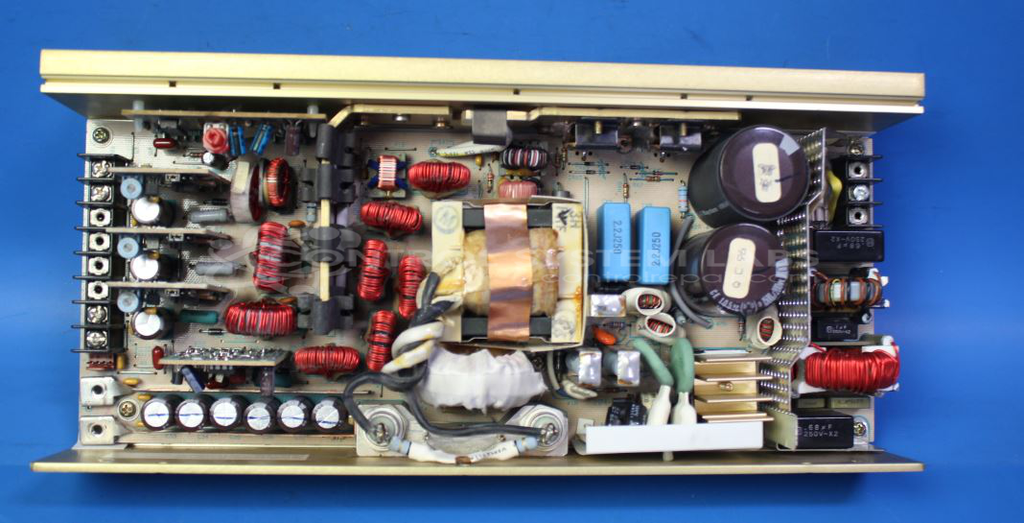
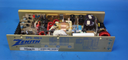
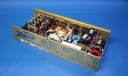
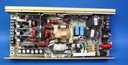
Product Overview: The Zenith ZPS-400A (also marketed as Condor) is a 400-watt quad-output DC power supply featuring four independently regulated channels. It delivers multiple DC voltages including +5V and adjustable +12-24V outputs, using magnetic amplifier (Mag Amp) daughter boards for output regulation. Commonly used in industrial control systems and paper processing equipment, it provides reliable multi-voltage power for electronic instrumentation and control panels. Proper grounding and load connection are critical for stable regulation across all four output channels.
Category: Power Supply
Manufacturer: Zenith
Alternate Manufacturer Names: CONDOR
Manufacturer Part Number: ZPS-400A
Other Synonyms: CONDOR
Power supplies are tested with a minimum 4-hour burn-in, under load.
Common Failures
This unit may experience power regulation issues, often related to the #2 power supply output. In some cases, issues with the +5 volt ground buss connection can affect voltage regulation. The #3 and #4 output channels are typically unaffected.
Repair Approach
Our repair process addresses power regulation issues by evaluating and replacing affected components on the output channels as needed. We verify that buss bar connections, including the +5 volt ground buss, are properly secured to help maintain stable voltage regulation.
Testing & Quality
Following repairs, we perform diagnostic testing and conduct burn-in testing under load conditions to verify performance and reliability of the power supply system.
Service and repair your broken Zenith part
We can repair your Zenith model ZPS-400A in our facility. Let our skilled technicians get your Zenith back in operation quickly.
Step 1 - Click the green 'Repair Now' button above to add the part and then complete the RMA.
Step 2 - The RMA form will be sent to you via email. Print the RMA form and put it in a box with the item(s) for repair.
Step 3 - Ship or mail the box to the address listed on the RMA.
Once the user has seen at least one product this snippet will be visible.