



Repair
Call for price
Purchase
CSL Part Number: 86442
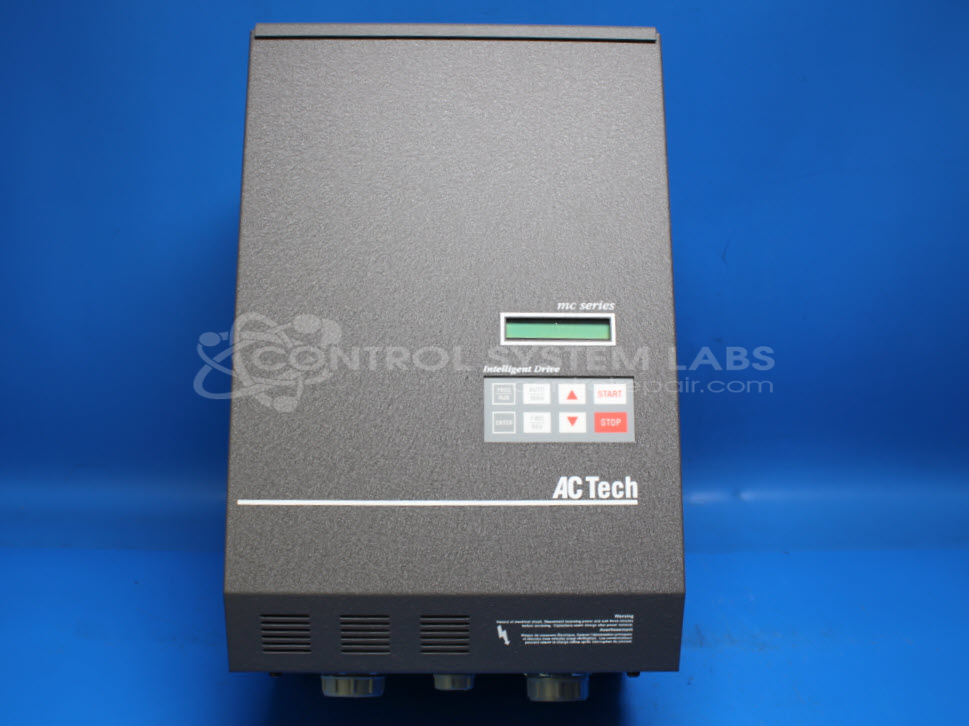
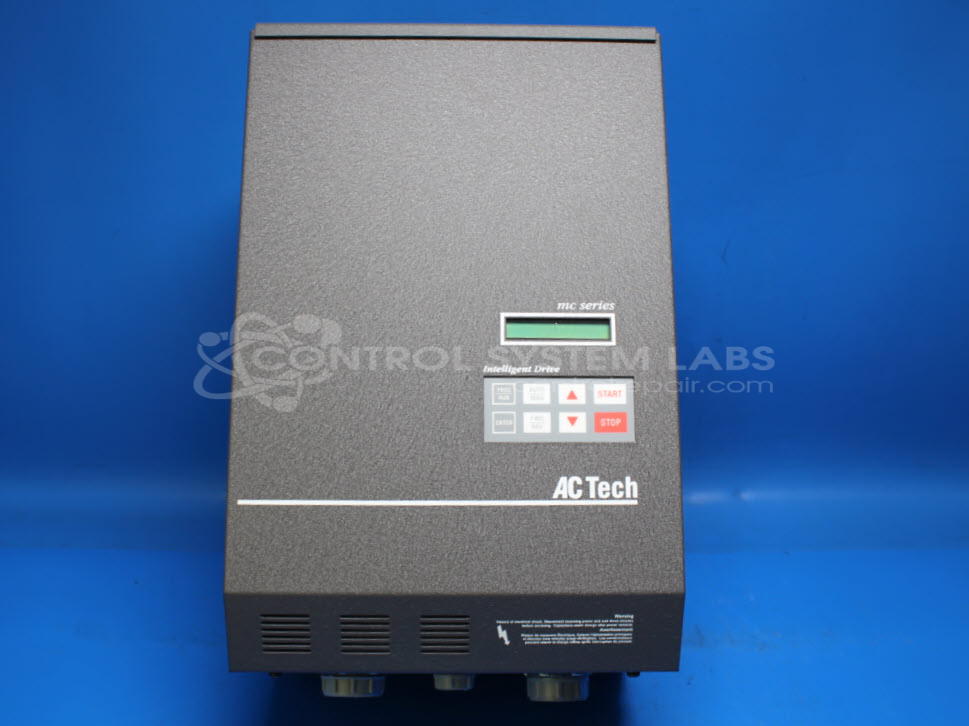
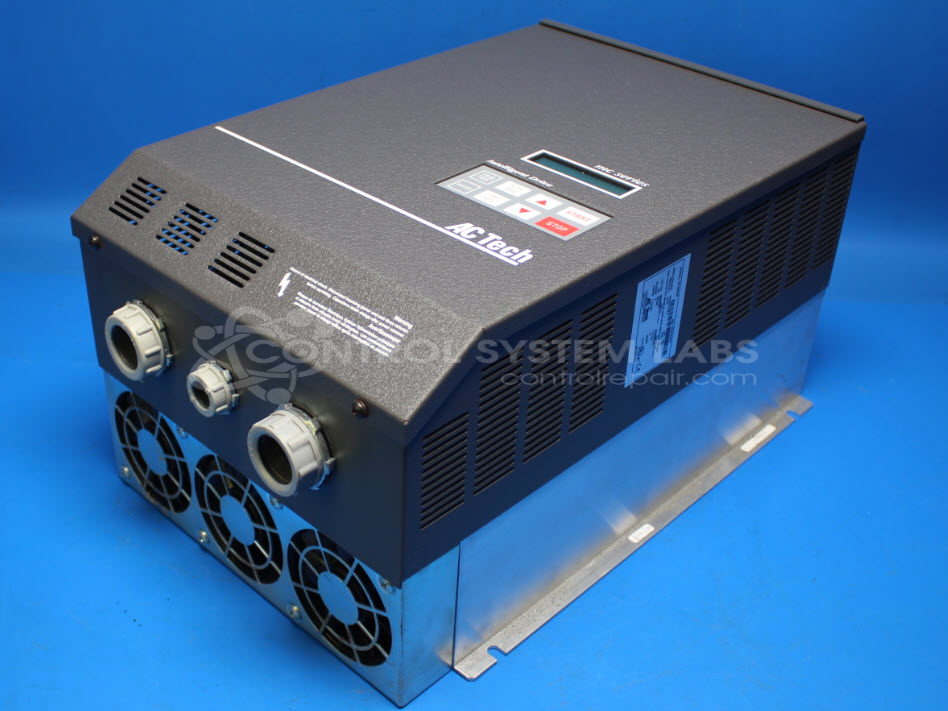
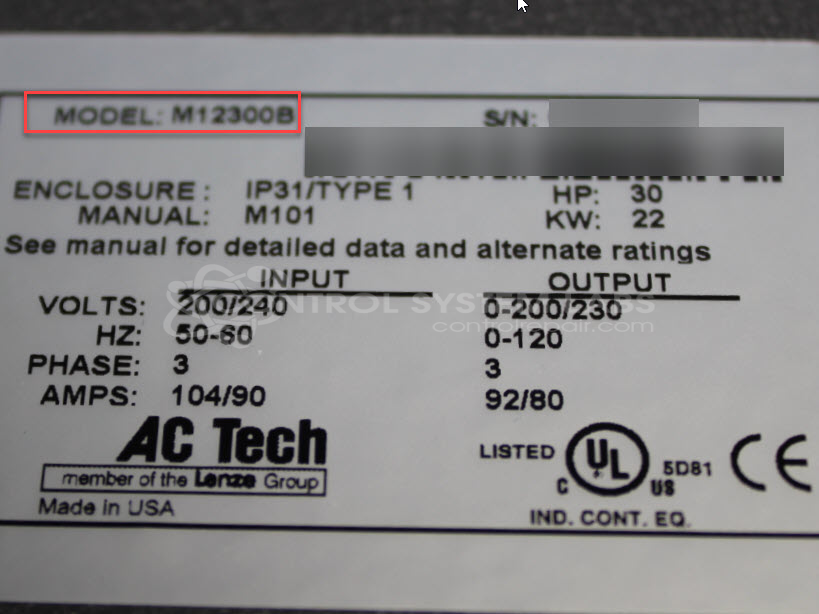
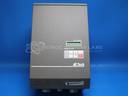
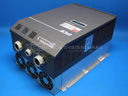
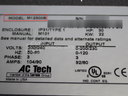
Product Overview: The AC Technology M12300B is a 30HP AC variable frequency drive from the MC1000 Series, designed to control three-phase motors operating at 230VAC. It regulates motor speed and torque by adjusting output frequency and voltage, commonly used in pumps, fans, conveyors, and general industrial machinery. The drive accepts analog speed reference signals (0-10V) and features a digital keypad for programming and monitoring.
Category: AC Motor Controls
Manufacturer: AC Technology
Manufacturer Synonyms: AC Tech Lenze ACTech
Manufacturer Part Number: M12300B
Series: MC1000 Series AC Drive
Common Failures
Common reported issues with the AC Tech Model 1230 include units that stop running without displaying faults, units that ignore the reference input signal, high voltage faults, and weak outputs.
Repair Approach
During evaluation, we have observed issues such as excessive grease affecting fan operation and low-voltage supply performance, as well as defective components including current sensors and IGBT modules. Typical repair procedures may include cleaning, preventive replacement of capacitors and fans, and replacement of defective keypads, current transducers, and IGBT modules as needed.
Testing & Quality
Units are subjected to diagnostic testing and cleaning. Repairs are verified through burn-in testing with motors to confirm functionality. Final testing is conducted using customer configurations where possible. Repaired units are subject to quality inspection before return.
Service and repair your broken AC Technology part
We can repair your AC Technology model M12300B in our facility. Let our skilled technicians get your AC Technology back in operation quickly.
Step 1 - Click the green 'Repair Now' button above to add the part and then complete the RMA.
Step 2 - The RMA form will be sent to you via email. Print the RMA form and put it in a box with the item(s) for repair.
Step 3 - Ship or mail the box to the address listed on the RMA.
Once the user has seen at least one product this snippet will be visible.